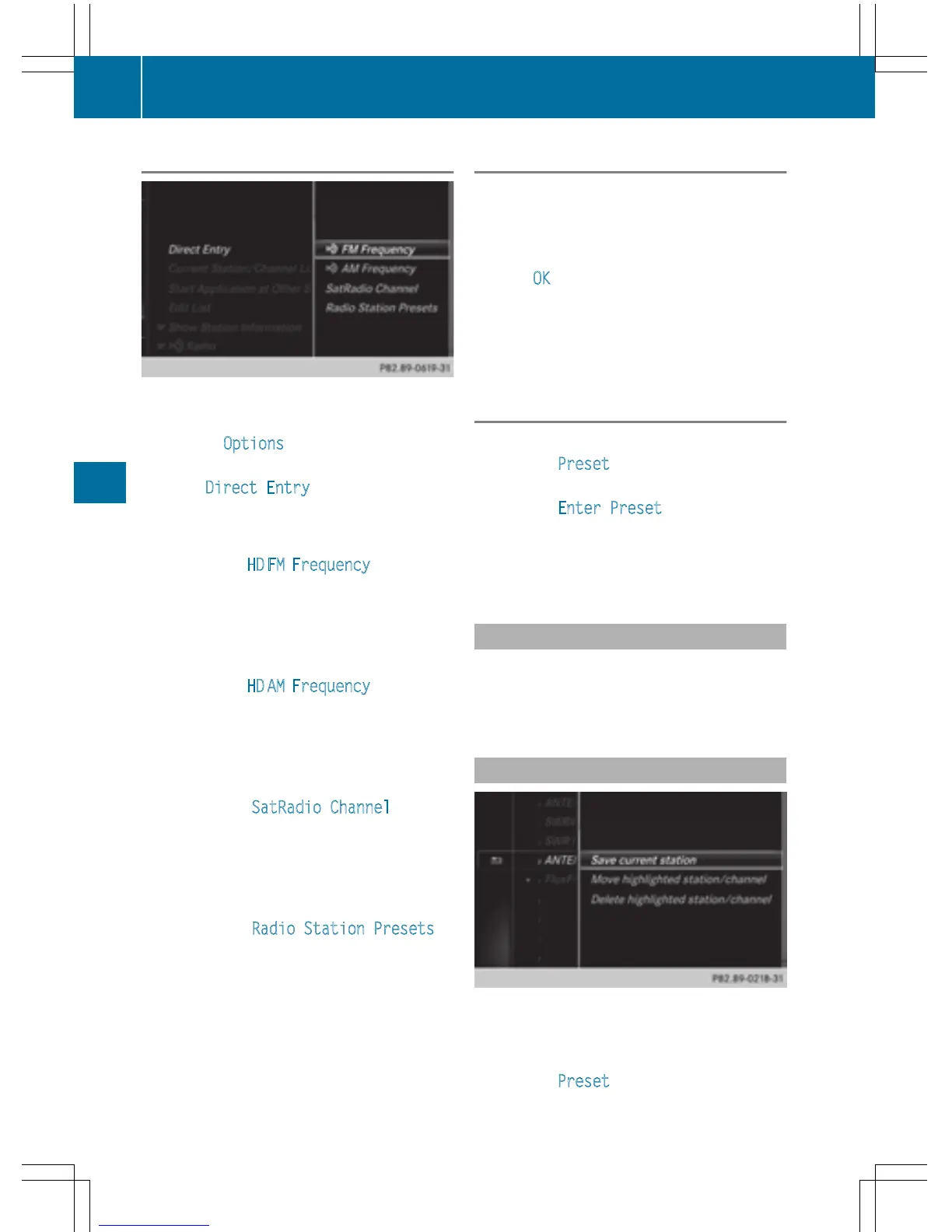
Using direct entry
X
In radio mode: slide 6 the controller.
The radio menu bar appears.
X
To select Options: turn and press the con-
troller.
X
Select Direct Entry.
An additional menu appears.
HD FM radio mode:
X
To select the HD FM Frequency option: turn
and press the controller.
X
Enter the frequency of the desired station
in the entry field.
HD MW radio mode:
X
To select the HD AM Frequency option: turn
and press the controller.
X
Enter the frequency of the desired station
in the entry field.
Satellite radio mode:
X
To select the SatRadio Channel option:
turn and press the controller.
X
Enter the frequency of the desired station
in the entry field.
Station presets:
X
To select the Radio Station Presets
option: turn and press the controller.
X
Enter the station preset of the desired sta-
tion.
Using the search function
X
In radio mode: slide 6 the controller.
The radio menu bar appears.
X
Select è and enter the first letters of the
required station using the controller.
X
Press OK to confirm.
COMAND displays a list of available sta-
tions.
X
To select stations from the list: turn the
controller and press to confirm.
Using the preset position
X
In radio mode: slide 6 the controller.
X
To select Preset: turn and press the con-
troller.
X
To select Enter Preset: turn and press
the controller.
X
Enter the station preset of the desired sta-
tion.
Station list
X
In radio mode, press the controller.
The station list appears with the stations
currently available.
Saving/deleting a station
Storing current stations
X
In radio mode: slide 6 the controller.
The radio menu bar appears.
X
To select Preset: turn and press the con-
troller.
168
Station
Radio



 To Next Page