X
To select a POI category or Other : turn and
press the controller.
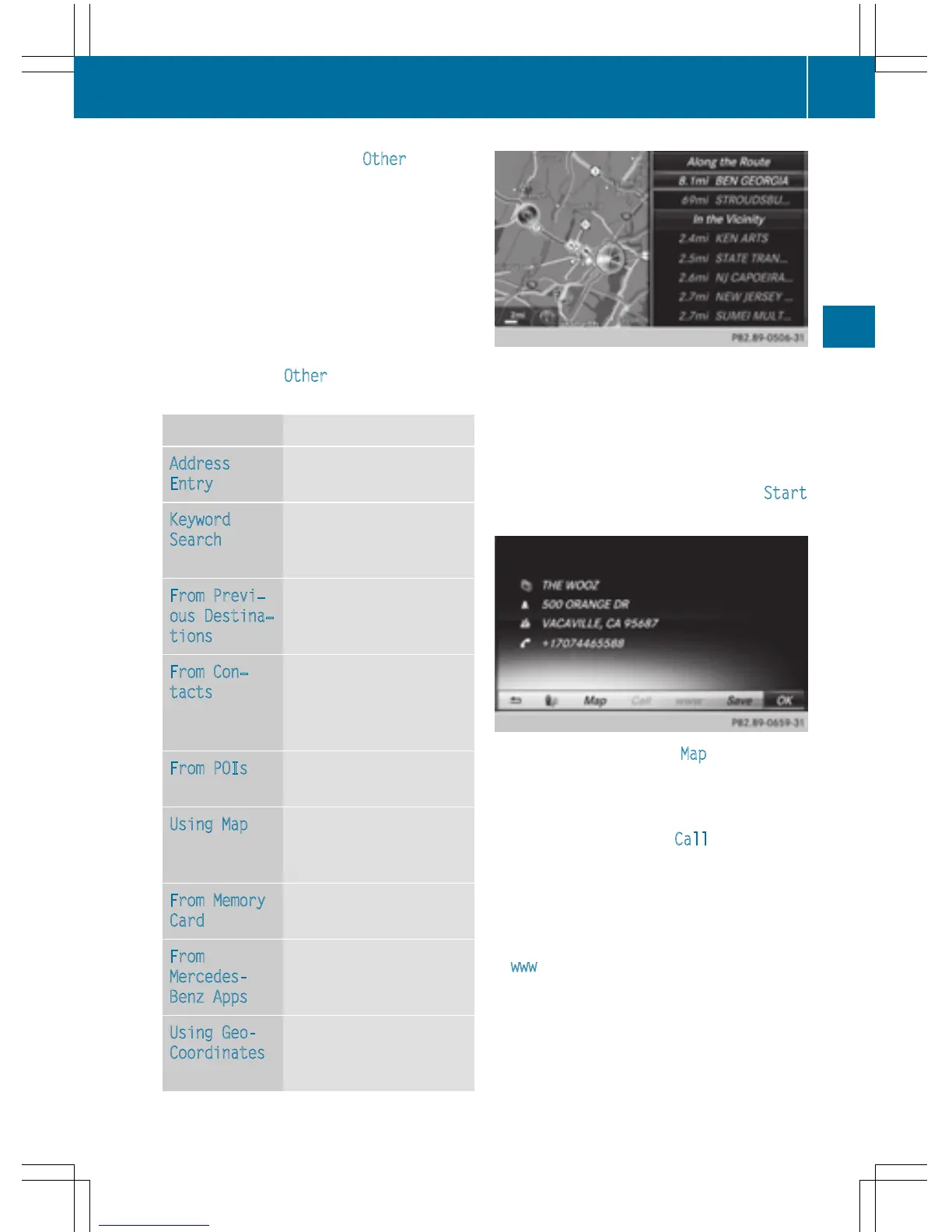
After selecting one of the eight POI cate-
gories, available POIs are displayed:
R
along the route
R
in the vicinity
COMAND first searches for destinations on
the route. The search for destinations is
then initiated in the area around the current
vehicle position.
X
After selecting Other, select one of the
destination entry options.
Selection Step
Address
Entry
X
Enter a destination by
address (
Y page 67).
Keyword
Search
X
Select a destination by
means of a keyword
search (
Y page 70).
From Previ‐
ous Destina‐
tions
X
Select a destination
from the list of last des-
tinations (
Y page 72).
From Con‐
tacts
X
Select a contact from
the address book as
the destination
(
Y page 72).
From POIs
X
Select a point of inter-
est (
Y page 72).
Using Map
X
Enter a destination
using the map
(
Y page 75).
From Memory
Card
X
Select a personal POI
(
Y page 82).
From
Mercedes-
Benz Apps
X
Enter a destination
from Mercedes-Benz
Apps (
Y page 79).
Using Geo-
Coordinates
X
Enter a destination
using the geo-coordi-
nates (
Y page 79).
X
To select a POI: turn the controller and
press to confirm.
After selecting a POI or entering a destina-
tion, the address of the intermediate des-
tination is displayed.
After entering a destination using the map,
the address entry menu is displayed. Start
is highlighted.
X
To call up a map: select Map by turning and
pressing the controller.
You can move the map and select the des-
tination.
X
To make a call: select Call.
If the intermediate destination has a tele-
phone number and a mobile phone is con-
nected to COMAND (
Y page 112), the call
is connected.
X
To load data from the Internet: select
www
.
If an Internet address is available, data is
loaded from the Internet.
Destination entry
77
Navigation
Z



 To Next Page