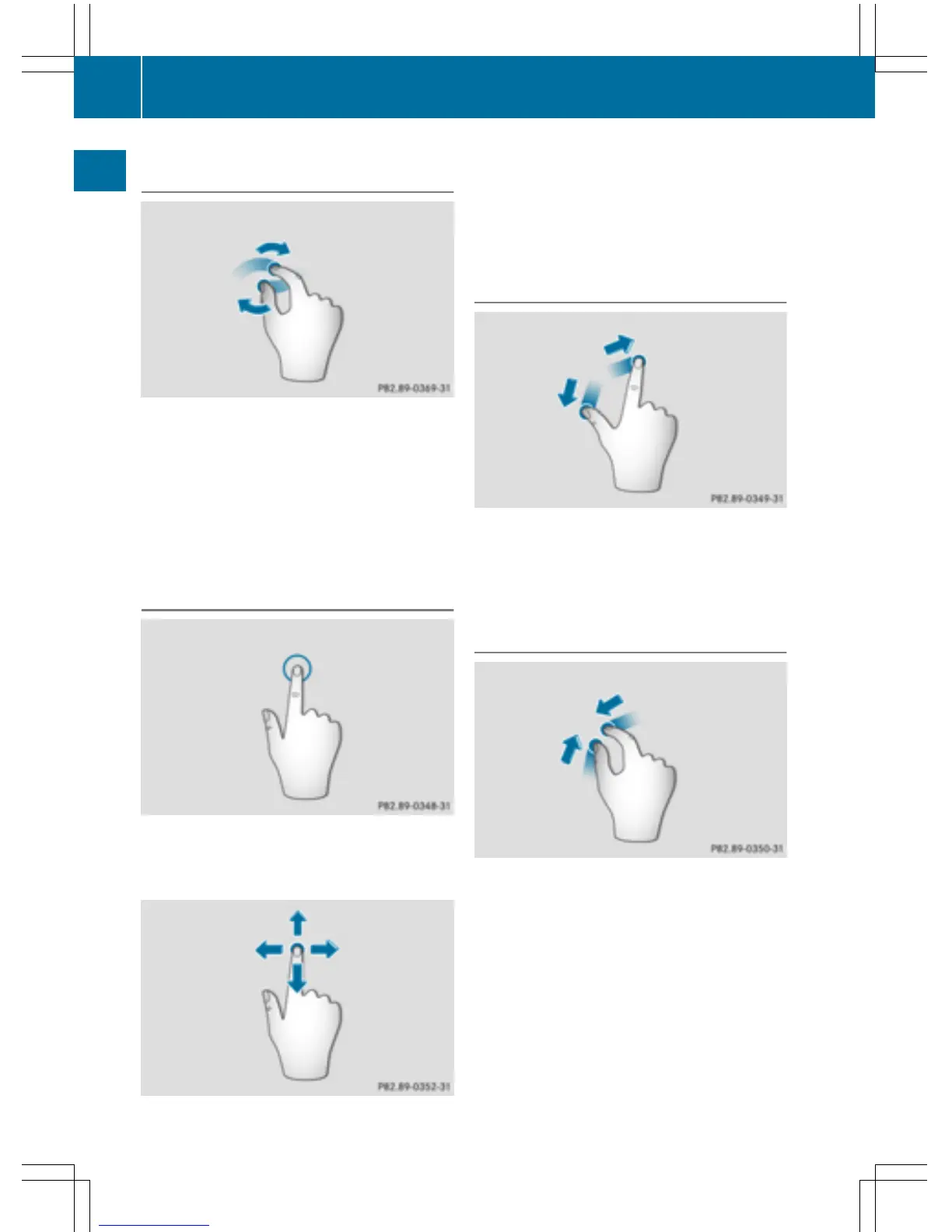
Operating the control for vehicle and
sound settings
X
Touch the touch-sensitive surface with two
fingers, spaced slightly apart.
X
Turn both fingers clockwise.
The control setting is increased.
or
X
Turn both fingers counter-clockwise.
The control setting is decreased.
Moving the map
X
Use one finger to press the touch-sensitive
surface until you reach the pressure point.
The crosshair is shown.
X
Touch the touch-sensitive surface again
with one finger.
X
Swipe your finger in any direction.
The map is moved is the direction of move-
ment.
Zooming in on the map
X
Touch the touch-sensitive surface with two
fingers, spaced slightly apart.
X
Glide your fingers away from each other.
The map scale is magnified.
Zooming out of the map
X
Touch the touch-sensitive surface with two
fingers, spaced far apart.
X
Glide your fingers towards each other.
The map scale is reduced.
26
Touchpad
Overview and operation



 To Next Page