Possible lane ;: you will only be able to com-
plete the next change of direction in this lane.
Recommended lane =: in this lane you will
be able to complete the next change of direc-
tion and the one after that.
COMAND shows the lane recommendations
for the next two changes of direction. Lane
recommendations are also shown in the mul-
tifunction display of the instrument cluster
(see the vehicle Operator's Manual).
Approaching new lanes
:
Approaching new lane
During the change of direction, new lanes
may be added. These will be shown in the dis-
play of lane recommendations with a lower
boundary line.
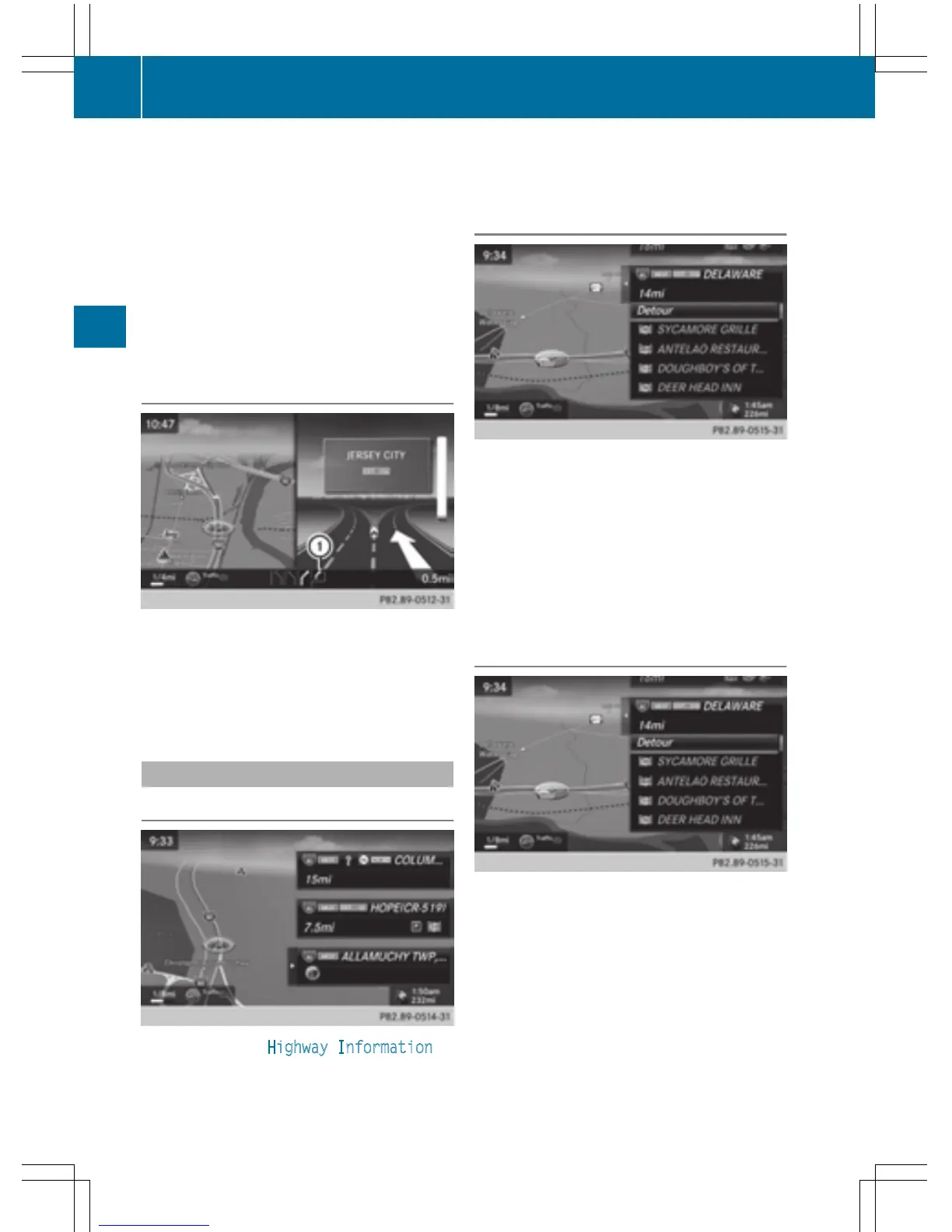
Highway information
Display mode
Requirement: the Highway Information
map content must be enabled (Y page 98).
While driving on the highway, gas stations,
rest stops, rest areas and highway exits are
displayed along with their immediate distan-
ces from the current vehicle position.
Calling up the selection mode
X
When highway information is displayed,
slide 9 the controller.
The marker is on the highway information.
The associated position is highlighted on
the map.
X
To select the desired rest stop/freeway
exit: turn and press the controller.
The available POIs are displayed.
Starting route guidance to a POI
X
To select a POI: turn the controller and
press to confirm.
The POI details are displayed.
You can perform the following functions:
R
store in the address book (Y page 94)
R
view on the map (Y page 99)
R
call if a phone is connected and a phone
number is available (
Y page 118).
R
select for route guidance and a route to it
calculated (
Y page 69).
86
Route guidance
Navigation



 To Next Page