© Microhard Systems Inc. 95
4.0 WebUI Configuration
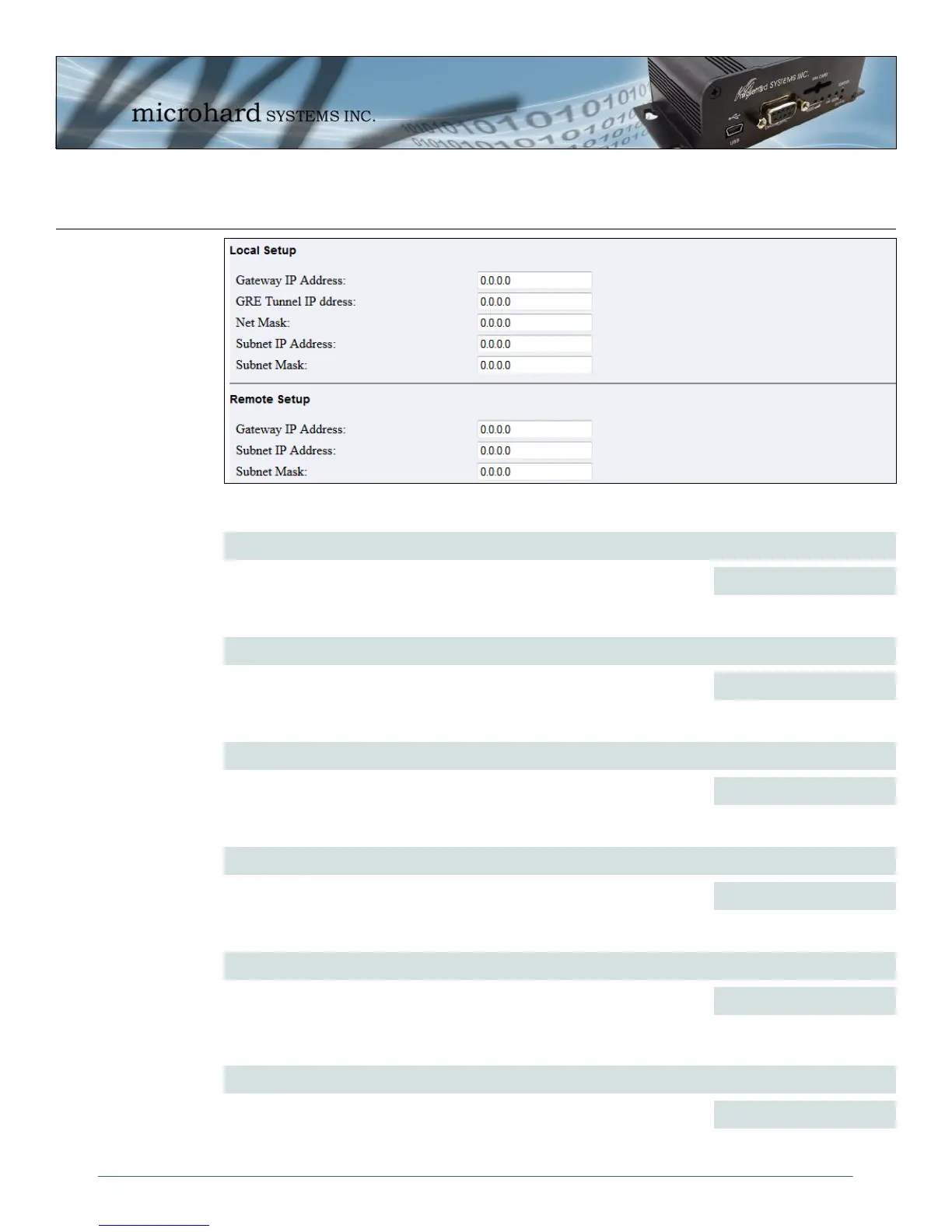
Image 4-56: GRE > Local / Remote Setup
Local Setup > Gateway IP Address
Enter the current WAN IP address of the IPn3G.
Values (IP Address)
0.0.0.0
Local Setup > GRE Tunnel IP Address
This is the IP Address of the local GRE Tunnel, this must be in the same
subnet as the remote GRE tunnel. This is not the local subnet.
Values (IP Address)
0.0.0.0
Local Setup > Net Mask
Set the subnet mask of the Local GRE Tunnel IP Address.
Values (IP Address)
0.0.0.0
Local Setup > Subnet IP Address
Enter the IP Address of the local subnet. Each end of the GRE tunnel must
be on different subnets.
Values (IP Address)
0.0.0.0
Local Setup > Subnet Mask
Enter the Subnet Mask of the local subnet.
Values (IP Address)
0.0.0.0
Remote Setup > Gateway IP Address
Enter the WAN IP address of the remote router. This is the address to
which the tunnel will be created between.
Values (IP Address)
0.0.0.0



 To Next Page