36 Handling of Consumables
_______________________________________________________________________________________________
_______________________________________________________________________________________________
MICROPLEX Operator’s Manual LOGIJET T4 /T6 /RFID Edition 1.3
10. Check that the ribbon has no folds and is running straight.
If necessary, tauten the ribbon by turning the rewind shaft.
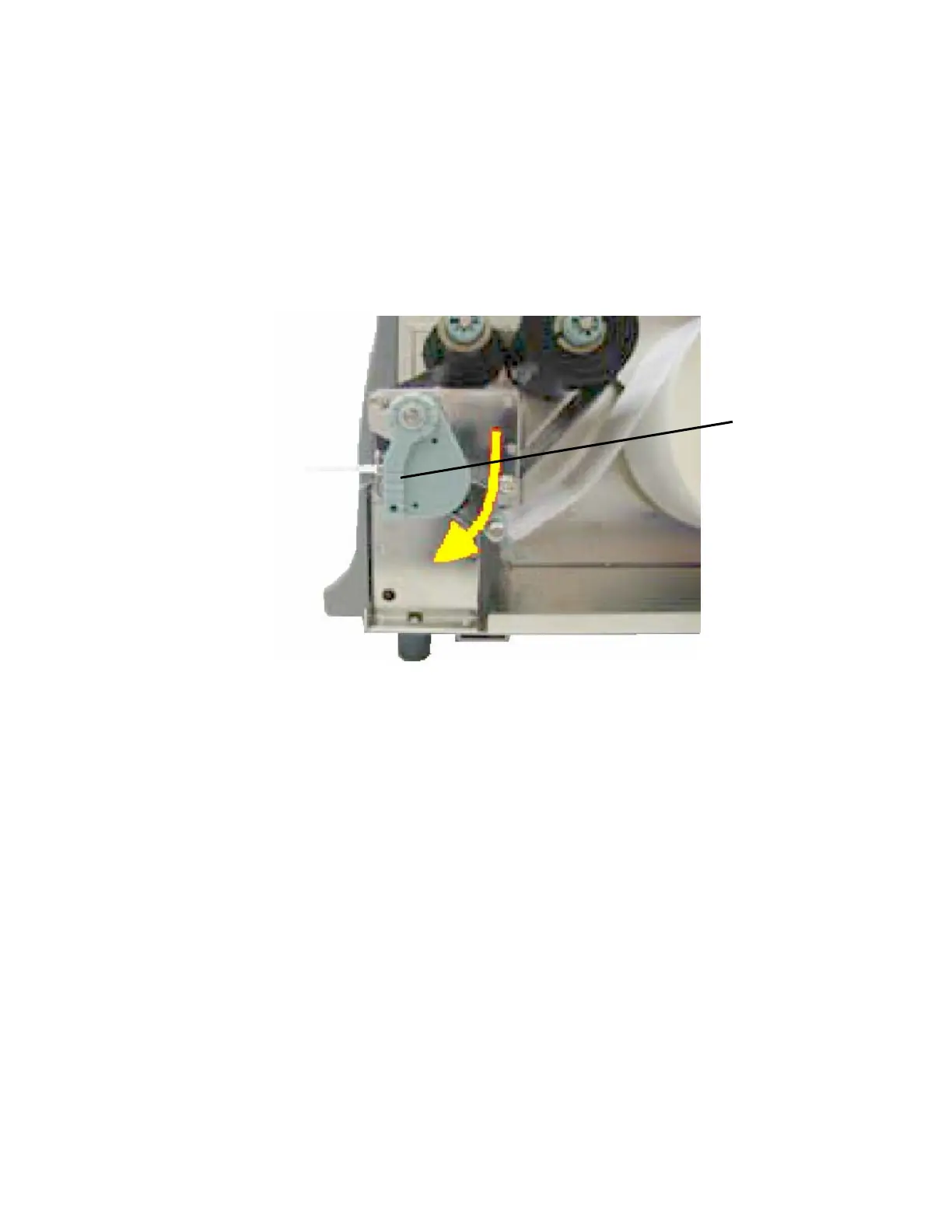
11. Swivel the printhead pressure lever clockwise back to its
original position making sure it clicks into place.
Fig. 5.3.1.f Locking the pressure lever
Printhead
pressure lever



 To Next Page