Handling of Consumables 45
_______________________________________________________________________________________________
_______________________________________________________________________________________________
MICROPLEX Operator’s Manual LOGIJET T4 /T6 /RFID Edition 1.3
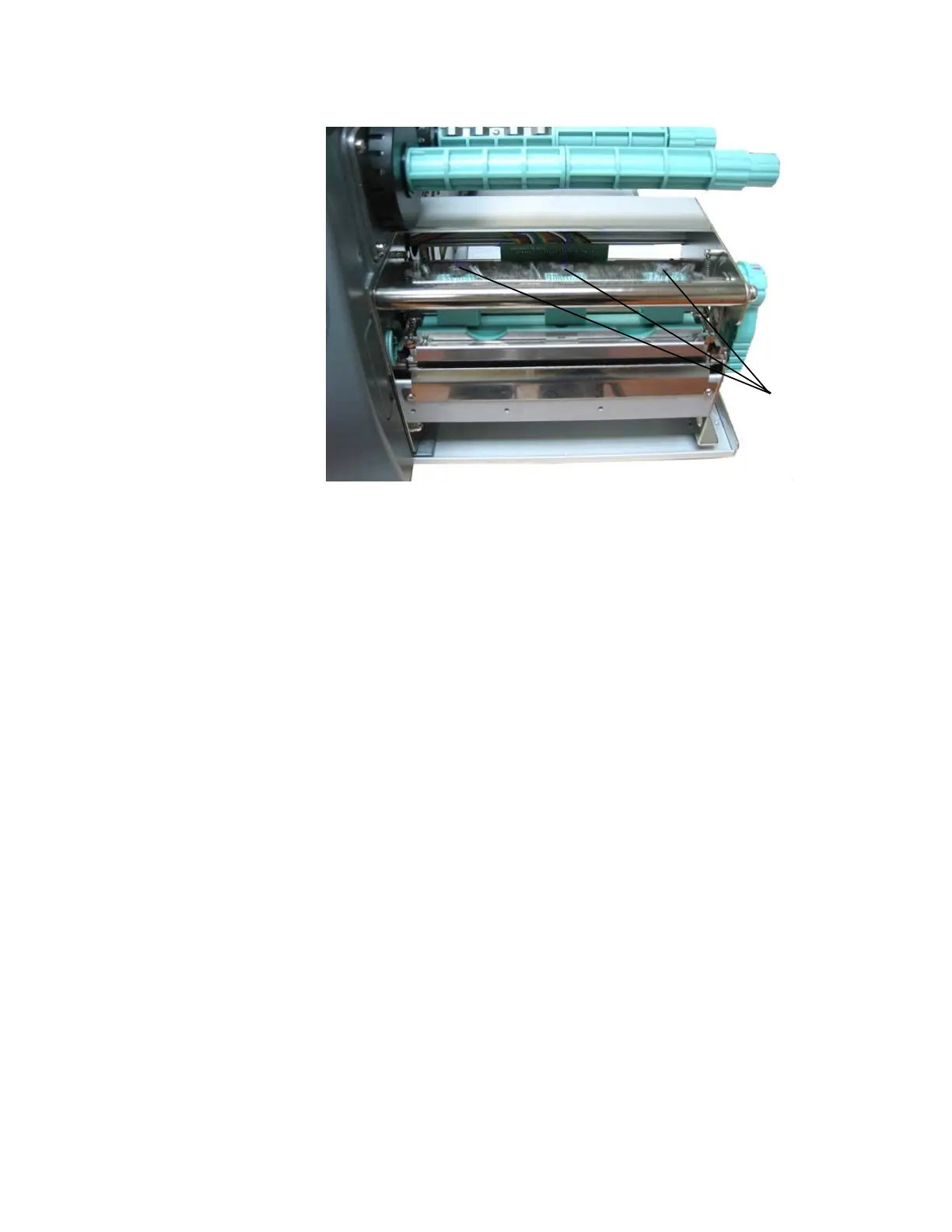
Setting screws
for the
printhead
pressure
Fig. 5.4.f Adjusting the printhead's contact pressure
5. Every spring box is provided with a setting screw to enable
printhead pressure adjustment.
!
Be careful when using a flat blade screwdriver to avoid
damaging the printer!
Turning the screw clockwise increases the printhead’s contact
pressure.
6. Carry out a test print.
Note: If one side of the printed material is not being printed
clearly, or if ribbon wrinkles occur, then adjust the
thermal printhead spring box position or pressure
appropriately to cure the problem.



 To Next Page