Control Panel 49
________________________________________________________________________________________________
_______________________________________________________________________________________________
MICROPLEX Operator’s Manual LOGIJET T4 /T6 /RFID Edition 1.3
OFFL.
MENU
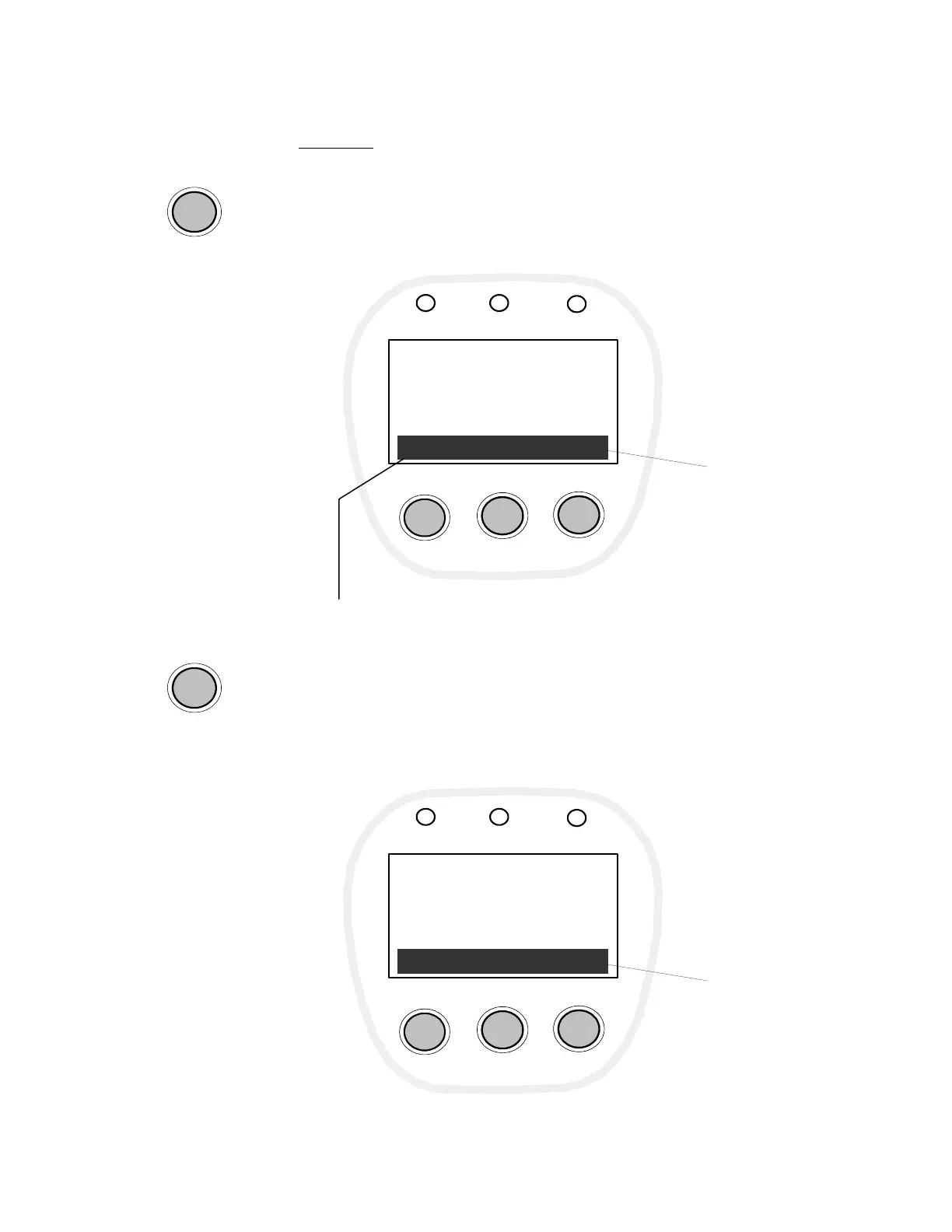
Example:
Is the printer turned OFF LINE with this key (OFFL., panel key in the
middle; compare section 6.3 Control Panel View), the key
designations change as follows:
OFFLINE
LOGIJET T6 RFID
FEED
PAUSE
CANCEL
Power
Ready
Error
FEED ONL. MENU
Current
meaning of the
function keys
The MENU key (panel key on the right) is used to enter menu level 1.
Now the following key designations are available:
OFFLINE
Menu Level 1
FEED
PAUSE
CANCEL
Power
Ready
Error
NEXT ENTER ESC
Current
meaning of the
function keys
If a cutter (option) is installed, the key designation CUT appears (default).
Use the key combinations MENU + CUT or MENU + FEED to change the key designation (toggle).



 To Next Page