114 Operator Maintenance
_______________________________________________________________________________________________
_______________________________________________________________________________________________
MICROPLEX Operator’s Manual SOLID 50 A3 - 3 Edition 2.1
6.2. Replacing the Transfer Roller and Fuser
After 300,000 letter-size pages have printed, it is time to replace the
items in the maintenance kit. The transfer roller and the fuser are parts
of the maintenance kit.
Check the tag at the rear of the printer to determine the voltage of your
printer.
If 120 V is on the tag, order a low-voltage maintenance kit.
For 220 V, order a high-voltage maintenance kit.
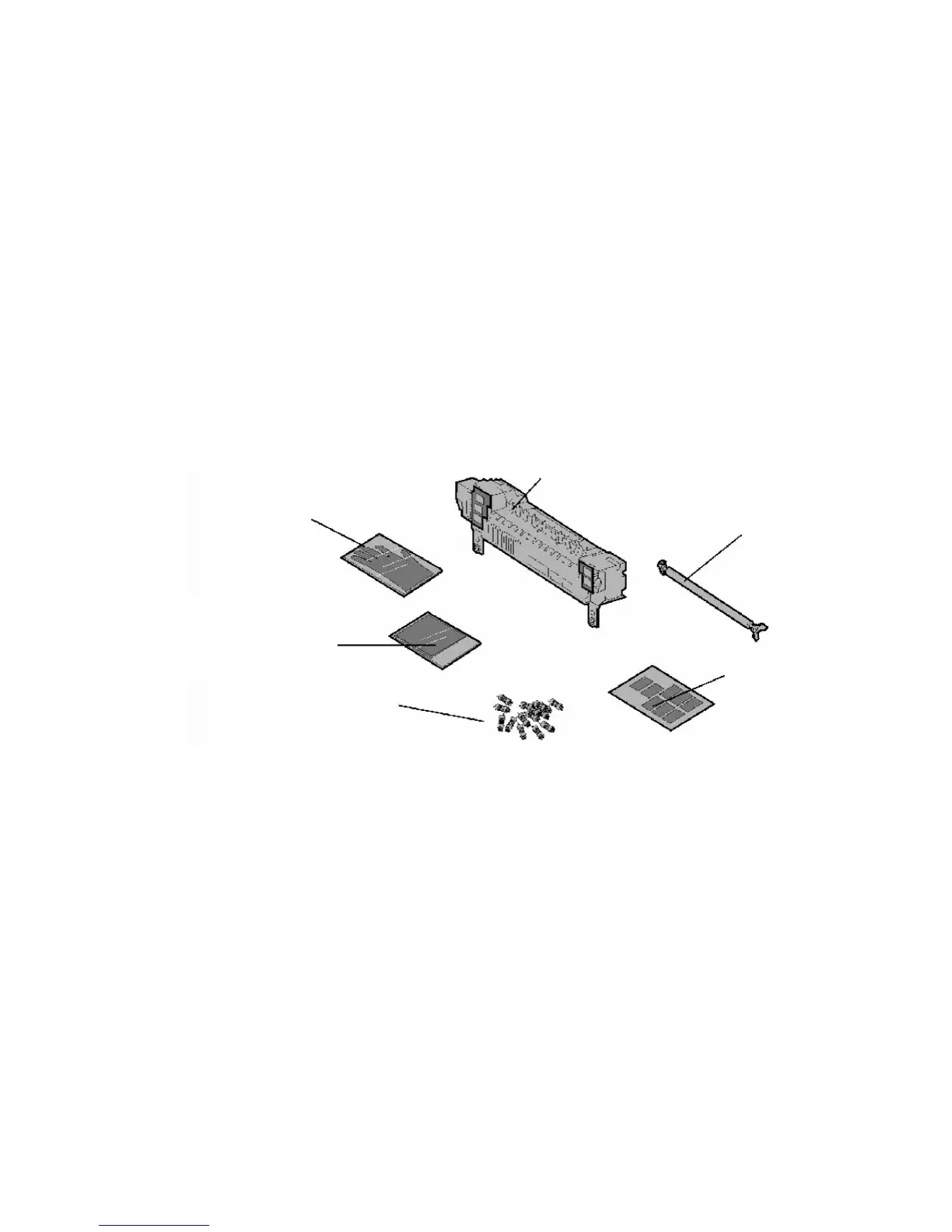
The maintenance kit contains the items in the following illustration.
Fig. 6.2.a Maintenance kit
Unpack each box and remove any packaging. Wear the gloves as
you replace the fuser to keep your hands clean.



 To Next Page