142 Troubleshooting
_______________________________________________________________________________________________
_______________________________________________________________________________________________
MICROPLEX Operator’s Manual SOLID 50 A3 - 3 Edition 2.1
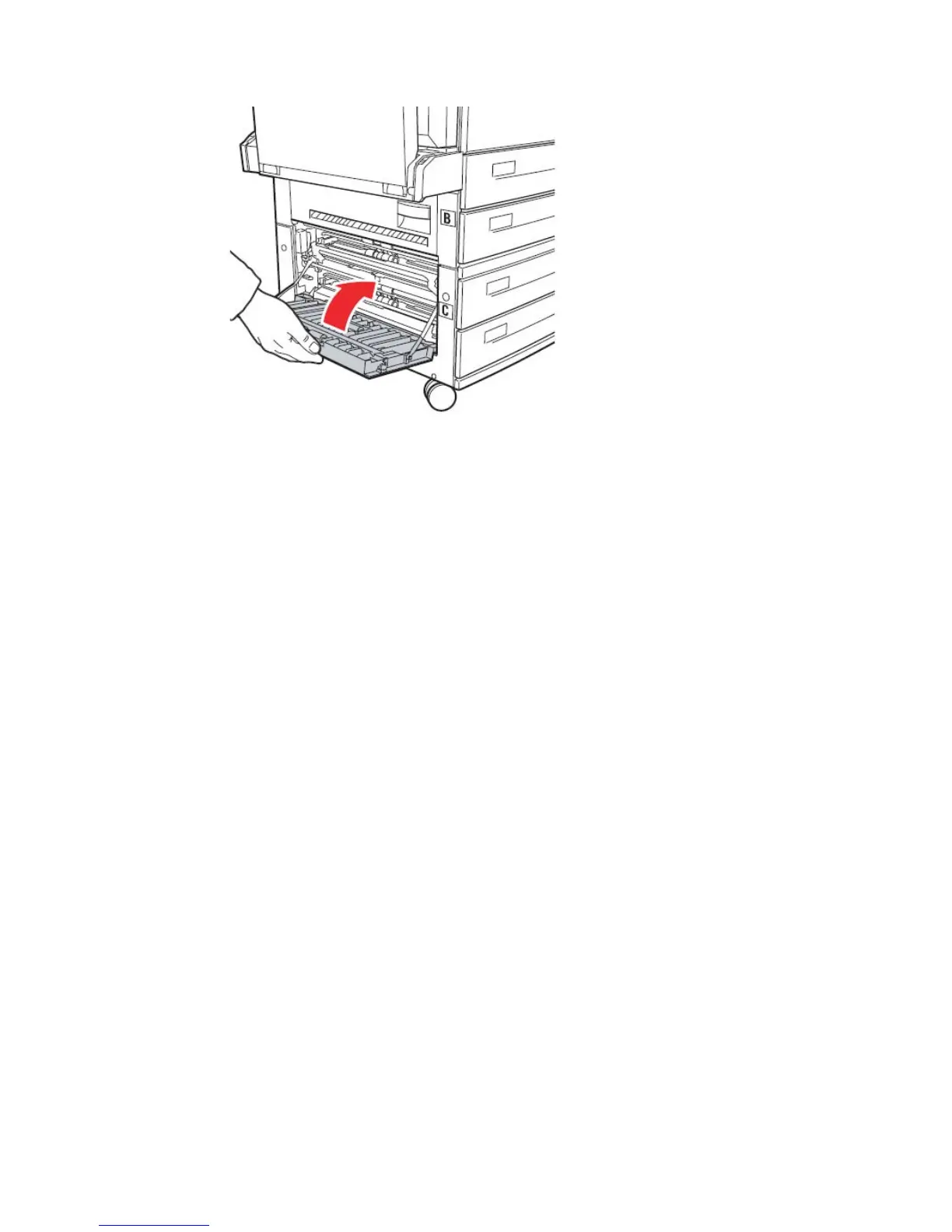
Fig. 7.4.5.c Closing door C
7.4.6. Clearing Jam inside the Multipurpose feeder
Print media may jam in one of three locations in the multipurpose feeder.
Remove the jam based on the print media location:
If print media jams as it begins to move from multipurpose feeder into the
printer, pull the sheet straight out.
If print media jams after it enters the printer from the multipurpose feeder:
1. Push up on the latch to release the printer side door (Door A;
compare figure 7.4.3.b).
2. Gently lower the door to the open position.
3. Pull the sheet straight out.
If the sheet is too short to grasp:
Close the printer side door (Door A).
The printer automatically cycles, forcing the sheet to move
forward.
Open the printer side door (Door A).
Pull the sheet straight out.
4. Close the printer side door (Door A).



 To Next Page