Panel Functions 105
_______________________________________________________________________________________________
_______________________________________________________________________________________________
MICROPLEX Operator’s Manual SOLID 50 A3 - 3 Edition 2.1
5.26. Image Shifting to the Y-Direction
Notes
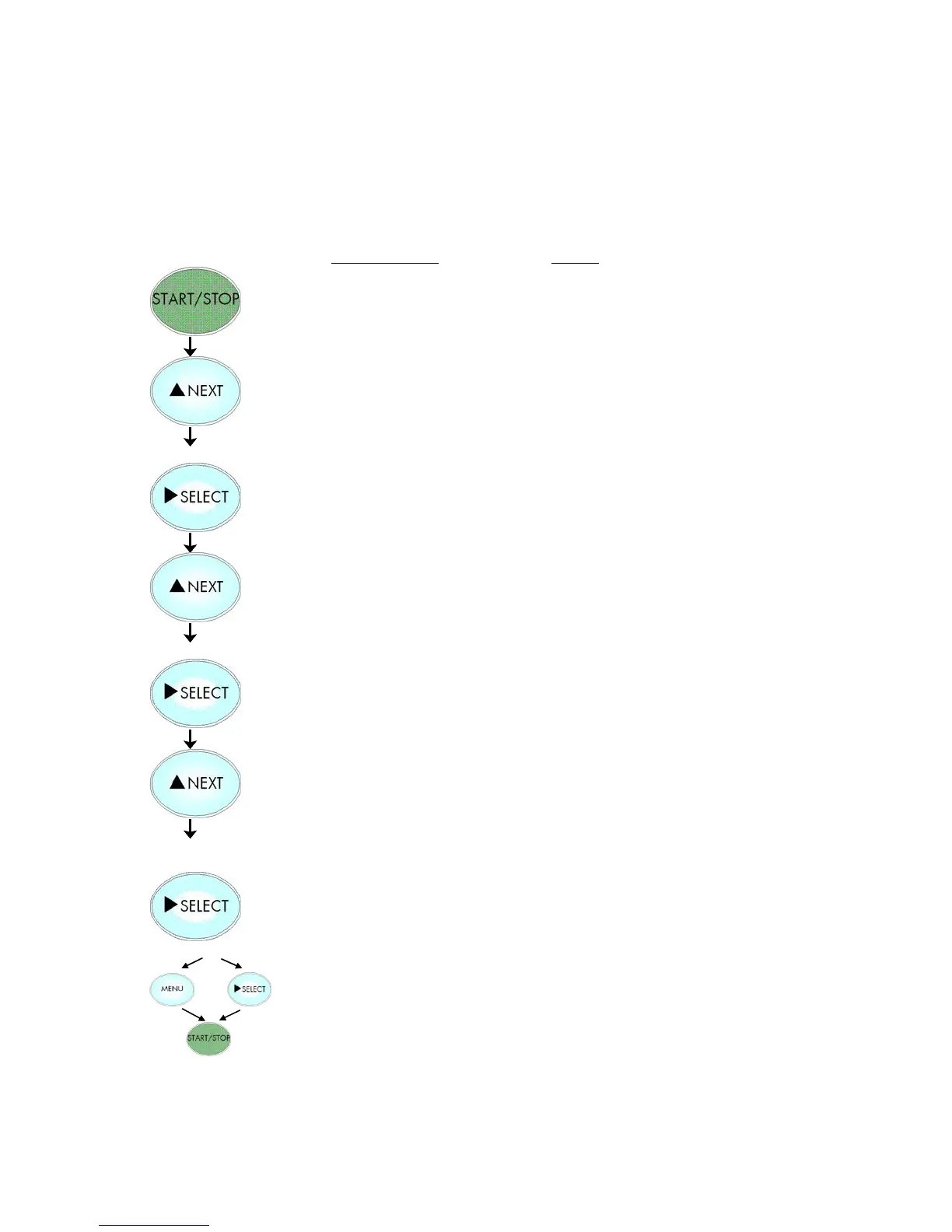
Turn the printer OFF LINE with this key.
Press the NEXT or PREVIOUS key until
[Engine ] is displayed.
Press the NEXT or PREVIOUS key until
[Image Y-Pos.] is displayed.
Approx. 1/3 Inch = currently set value.
Operating the NEXT or PREVIOUS key
the image can be shifted relative to the
paper. Settable are pos. and neg.
values up to about 2 inch (=50.8 mm).
Now the image has been shifted for
296/300 inch (approx. 1 Inch)
against the print direction.
In addition this new value can be
saved as setup value (using the SELECT
key), before the printer is turned ON
LINE again.



 To Next Page