Operator Maintenance 115
_______________________________________________________________________________________________
_______________________________________________________________________________________________
MICROPLEX Operator’s Manual SOLID 50 A3 - 3 Edition 2.1
Removing the old transfer roller
1. Turn the printer off.
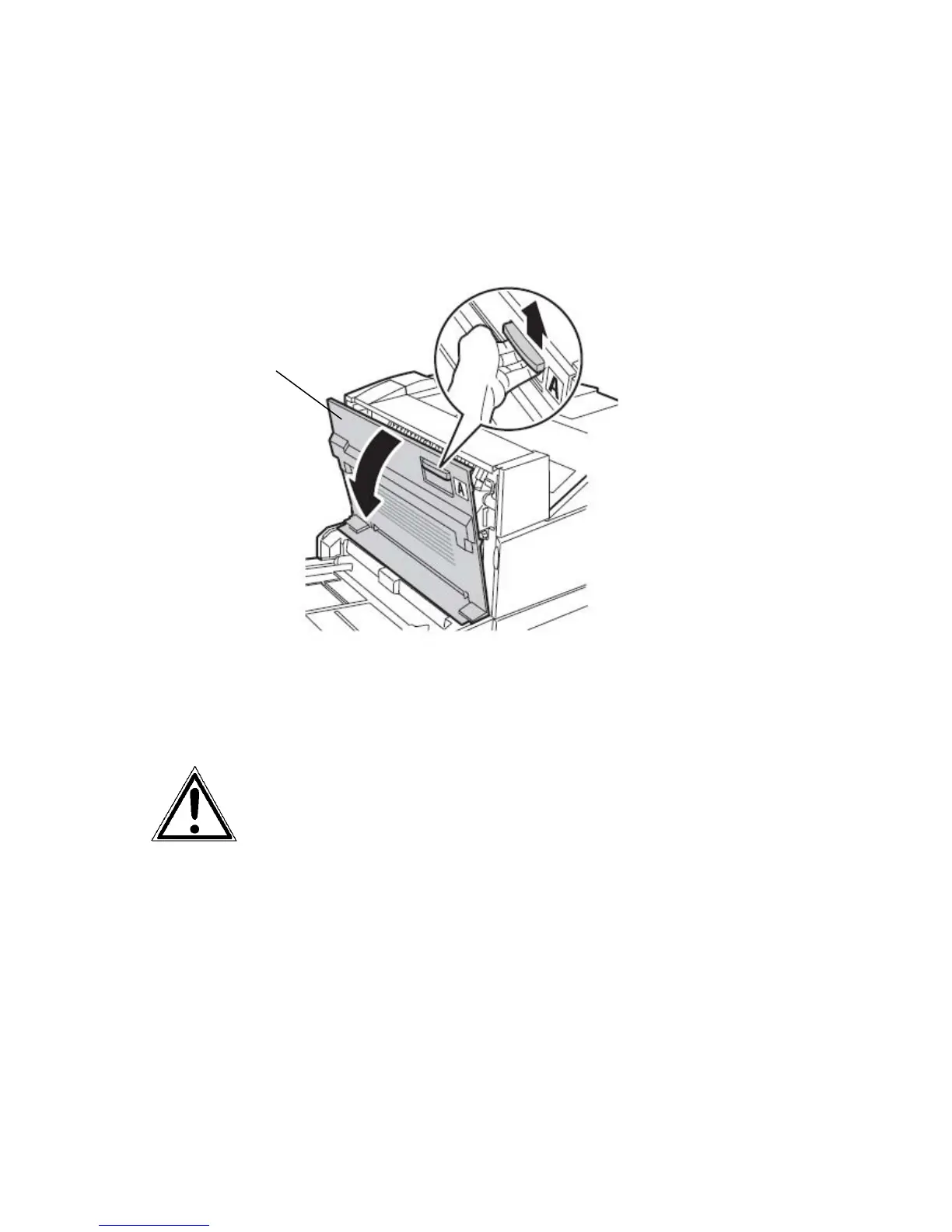
2. Pull up on the handle to open the printer side door (Door A).
Fig. 6.2.b Releasing the side door (Door A)
3. Gently lower the door to the open position.



 To Next Page