Introduction 9
_______________________________________________________________________________________________
_______________________________________________________________________________________________
MICROPLEX Operator’s Manual SOLID 50 A3 - 3 Edition 2.1
1.2. Conventions
To find the requested information more quickly and to
understand instructions more easily, the following symbols are
used:
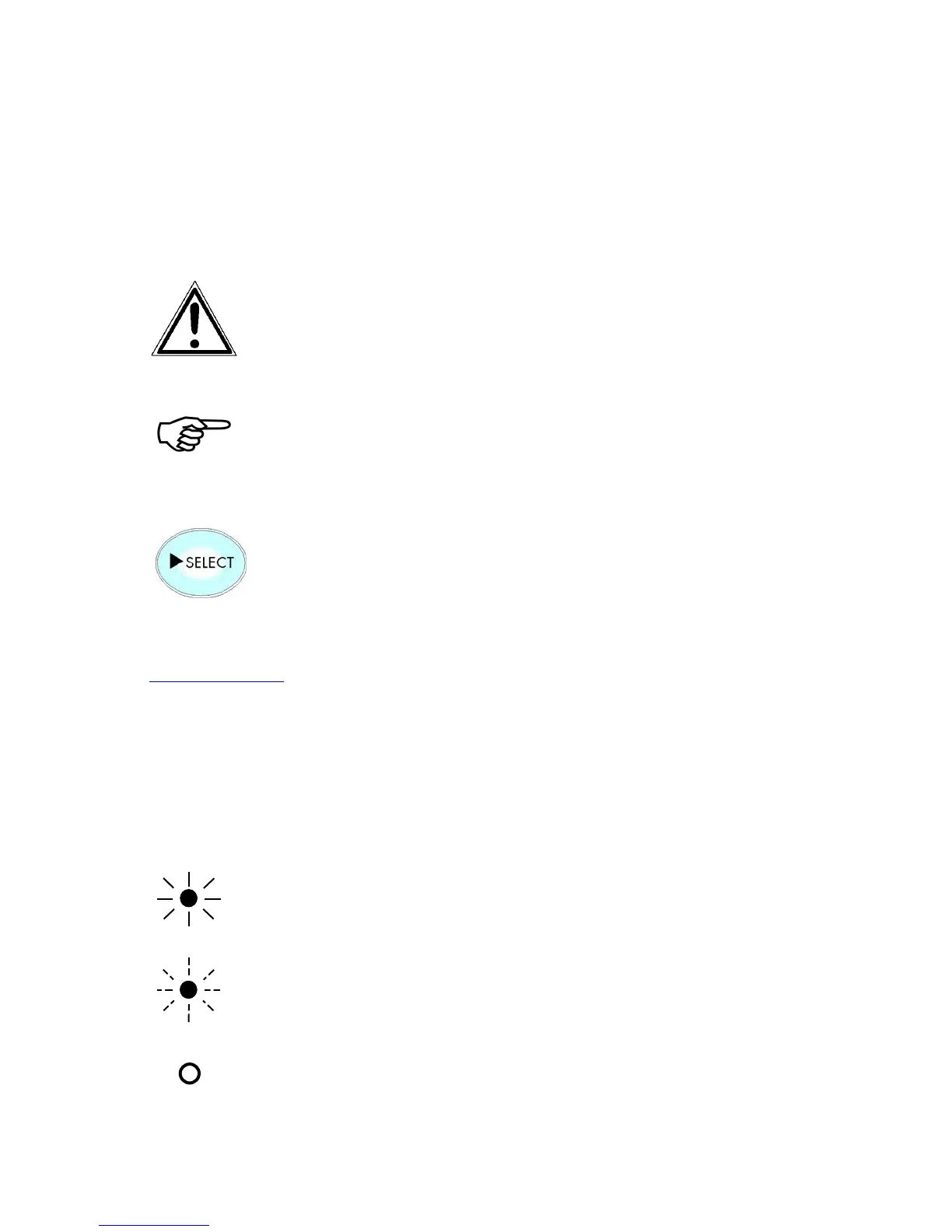
This symbol refers to a possible source of danger. If you do not
pay attention to this information, injuries may result, the
functioning of the printer could be reduced, or the device could
be damaged.
This symbol refers to important hints and suggestions on using
the printer. Disregarding these hints might cause problems with
the printer or within the environments.
This symbol represents a key of the control panel. Such symbols
will be used in this manual whenever control panel buttons must
be pushed in order to activate certain functions.
Link to another chapter or a different document. By clicking the
blue colored text you'll enter the concerning chapter or
document.
This symbol represents messages shown in the display.
This symbol shows a shining LED (light emitting diode). The
SOLID printer panel is provided with one LED.
This symbol shows a flashing LED.
This symbol will be used in this manual to show an LED that is
not shining.



 To Next Page