Installation 17
_______________________________________________________________________________________________
_______________________________________________________________________________________________
MICROPLEX Operator’s Manual SOLID 50 A3 - 3 Edition 2.1
2.3. Preparing the Printer
You have unpacked your printer and chosen a location for it.
Now you are ready to set up printer supplies.
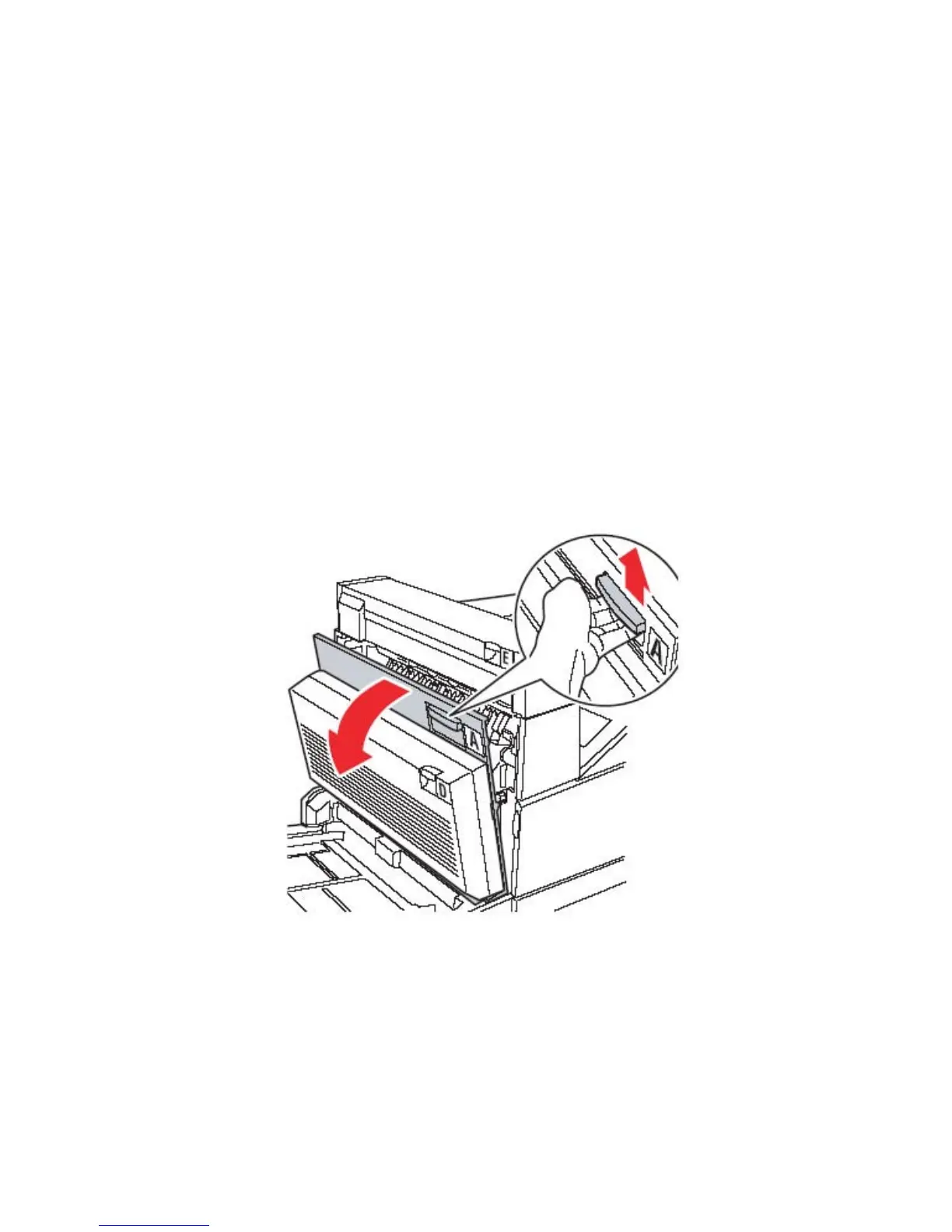
Installing the Drum Cartridge
1. Pull up on the handle to open the printer side door (Door A).
2. Gently lower the door to the open position.



 To Next Page