18 Installation
_______________________________________________________________________________________________
_______________________________________________________________________________________________
MICROPLEX Operator’s Manual SOLID 50 A3 - 3 Edition 2.1
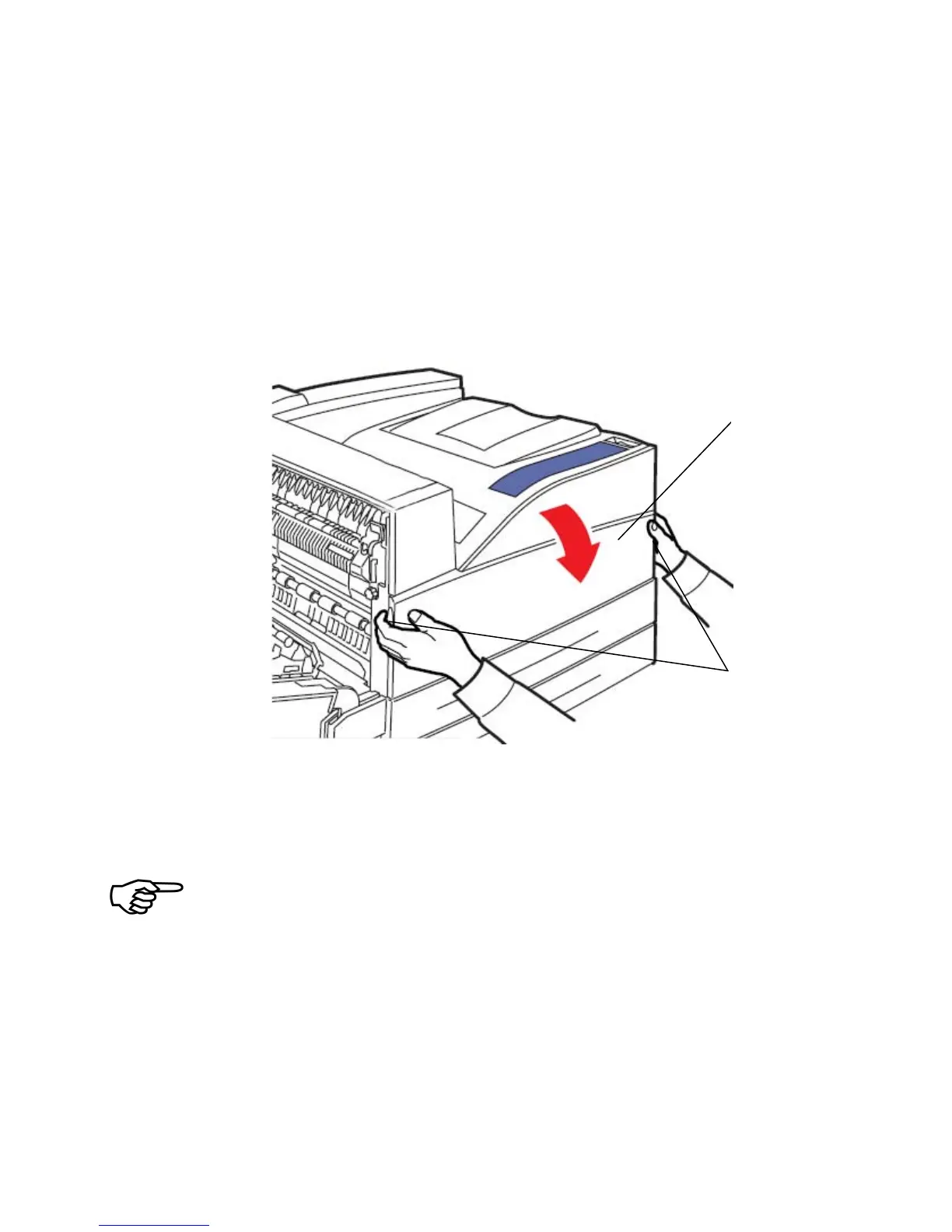
3. Using the handholds located on each side, pull open the
printer front door (Door F).
Note: You must open the printer side door since some of the
following working steps cannot be performed with just the
printer front door opened.
Fig. 2.3.b Opening the printer’s front door (door F)
Please store the drum cartridge in its original packing until it is
installed.
Extreme fluctuations of atmospheric humidity and/or temperature
are not allowed.
The values listed in section 2.4 need to be met.



 To Next Page