Operation and Menu Structure 59
_______________________________________________________________________________________________
_______________________________________________________________________________________________
MICROPLEX Operator’s Manual SOLID 50 A3 - 3 Edition 2.1
4. Operation and Menu Structure
4.1. Attaching the Printer to a Computer
1. Make sure the printer, computer, and any other attached devices
are turned off and unplugged.
2. Use a proper interface line to connect the printer to the computer or to
attach the printer to the network.
The printer SOLID 50 A3 - 3 is provided with several interfaces;
see figure 2.5.b and chapter 9 Specifications for more information.
4.2. Turning on the Printer
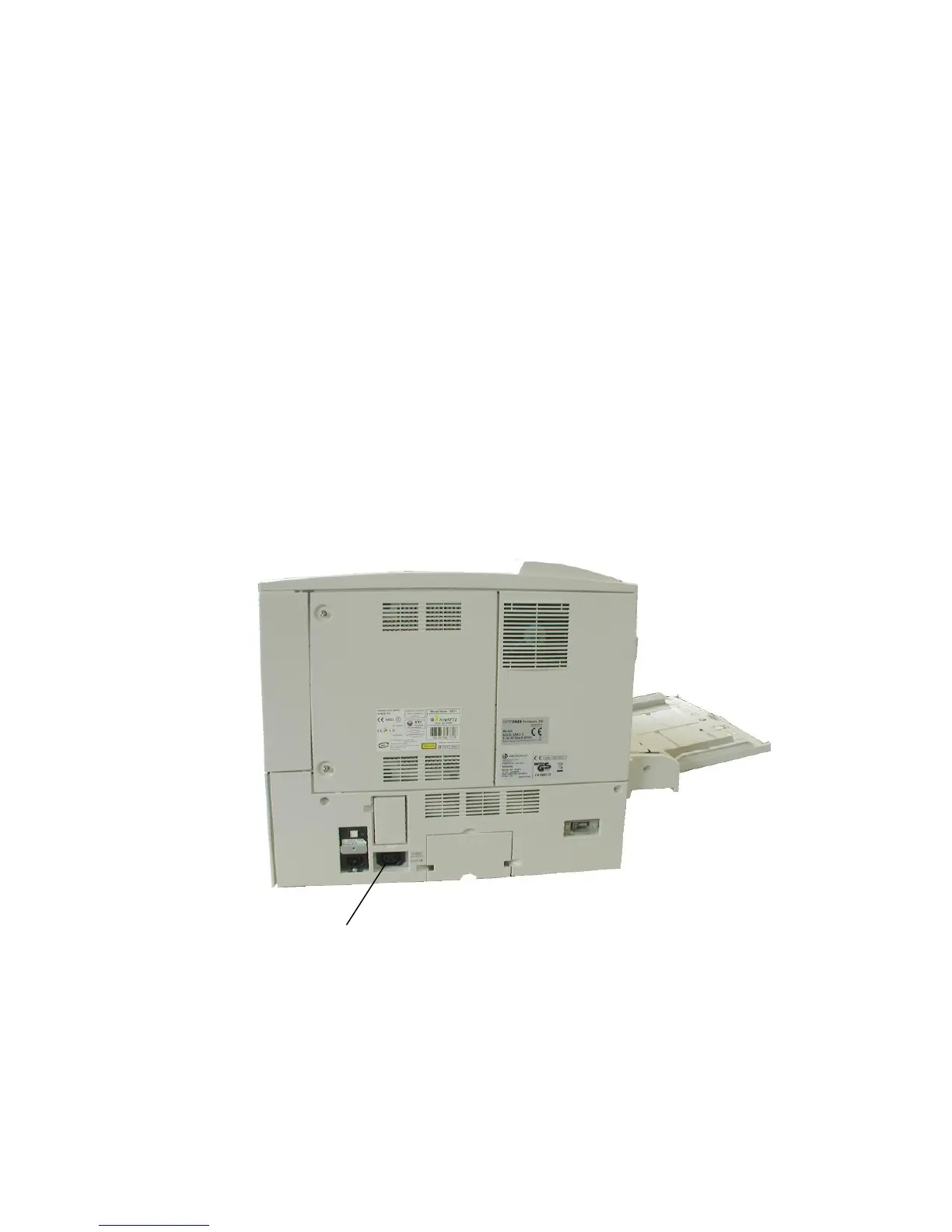
1. Plug one end of the printer power cord into the socket at the back of the
printer and the other end into a properly grounded outlet.
Fig. 4.2.a Connect Power



 To Next Page