60 Operation and Menu Structure
_______________________________________________________________________________________________
_______________________________________________________________________________________________
MICROPLEX Operator’s Manual SOLID 50 A3 - 3 Edition 2.1
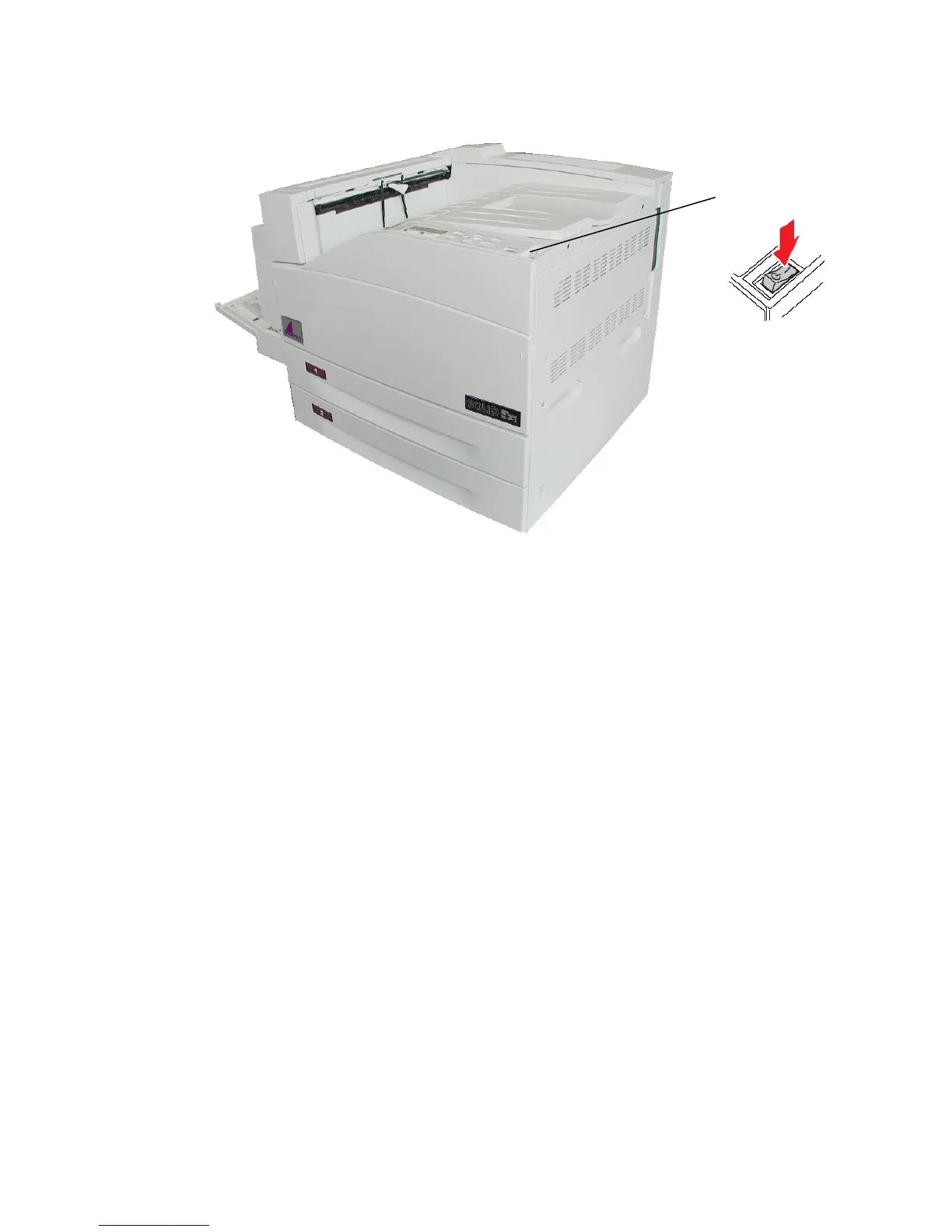
Fig. 4.2.b Turning on the printer
2. Turn on the printer.
The printer requires time to warm up after you turn it on. During this period,
the message [Please Wait ] appears on the control panel display.
After the printer completes its internal tests, the [SOLID 50 A3 - 3 ]
message indicates the printer is ready to receive jobs.
If you see other messages on the display, refer to chapter Troubleshooting
for instructions on clearing the message.
Note: You can change the language that appears on the control panel
display. Use the Display Language Selection panel function
(see section 5.17).



 To Next Page