Panel Functions 95
_______________________________________________________________________________________________
_______________________________________________________________________________________________
MICROPLEX Operator’s Manual SOLID 50 A3 - 3 Edition 2.1
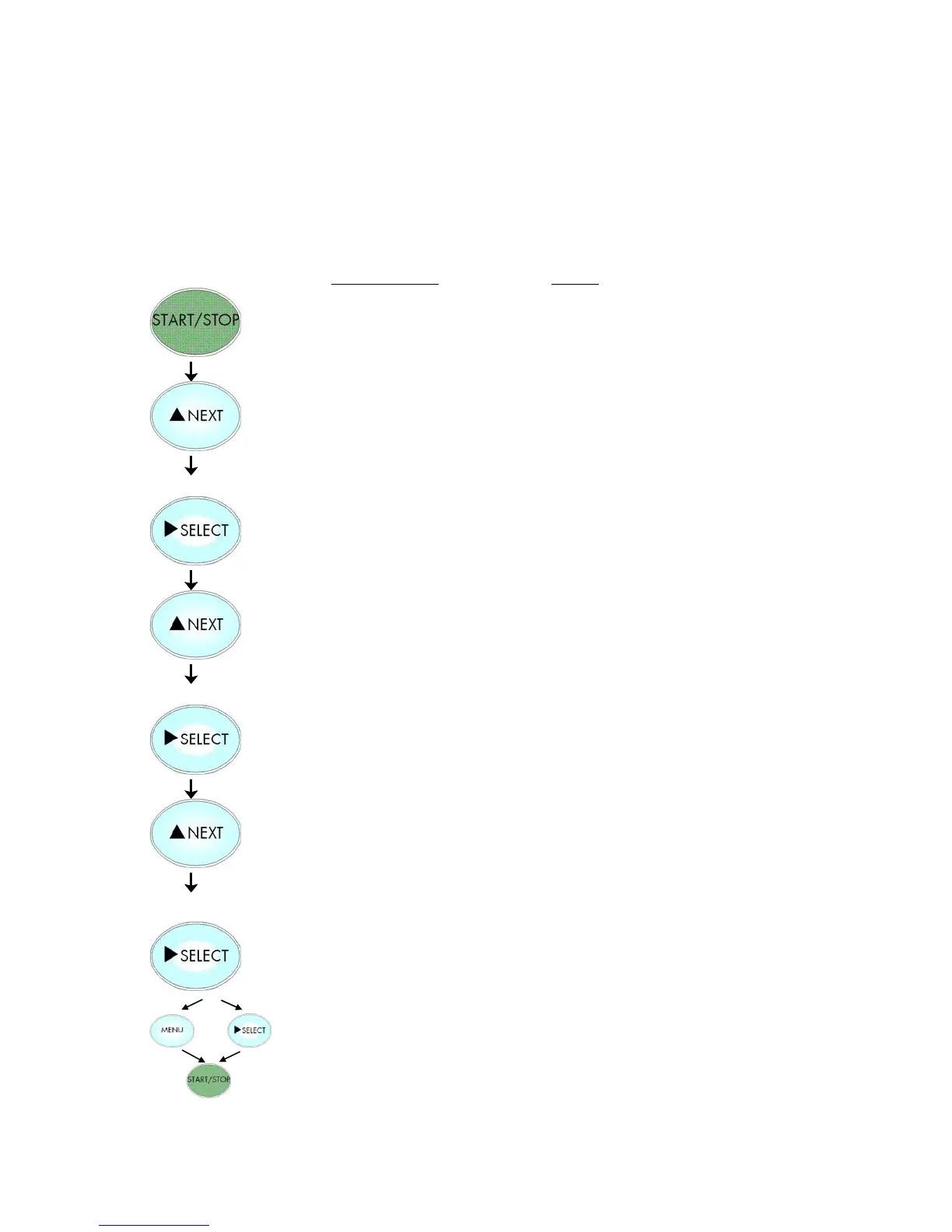
5.19. Selection of Memory Distribution (Input Buffer)
This function enables the user to choose the distribution of the
available RAM memory between input buffer and macro/download
memory.
Notes
Turn the printer OFF LINE with this
key.
Press the NEXT or PREVIOUS key until
[Configuration ] is displayed.
Press the NEXT or PREVIOUS key until
[Input Buffer ] is displayed.
Press the NEXT or PREVIOUS key until
the desired memory distribution is
displayed. The input buffer size is
specified in kilobyte (kB) or in percent
of the installed memory.
100 kB is selected as input buffer.
In addition this new value can be
saved as setup value (using the
SELECT key), before the printer is
turned ON LINE again.



 To Next Page