90 Panel Functions
_______________________________________________________________________________________________
_______________________________________________________________________________________________
MICROPLEX Operator’s Manual SOLID 50 A3 - 3 Edition 2.1
5.15. Data - Interface Configuration
Notes
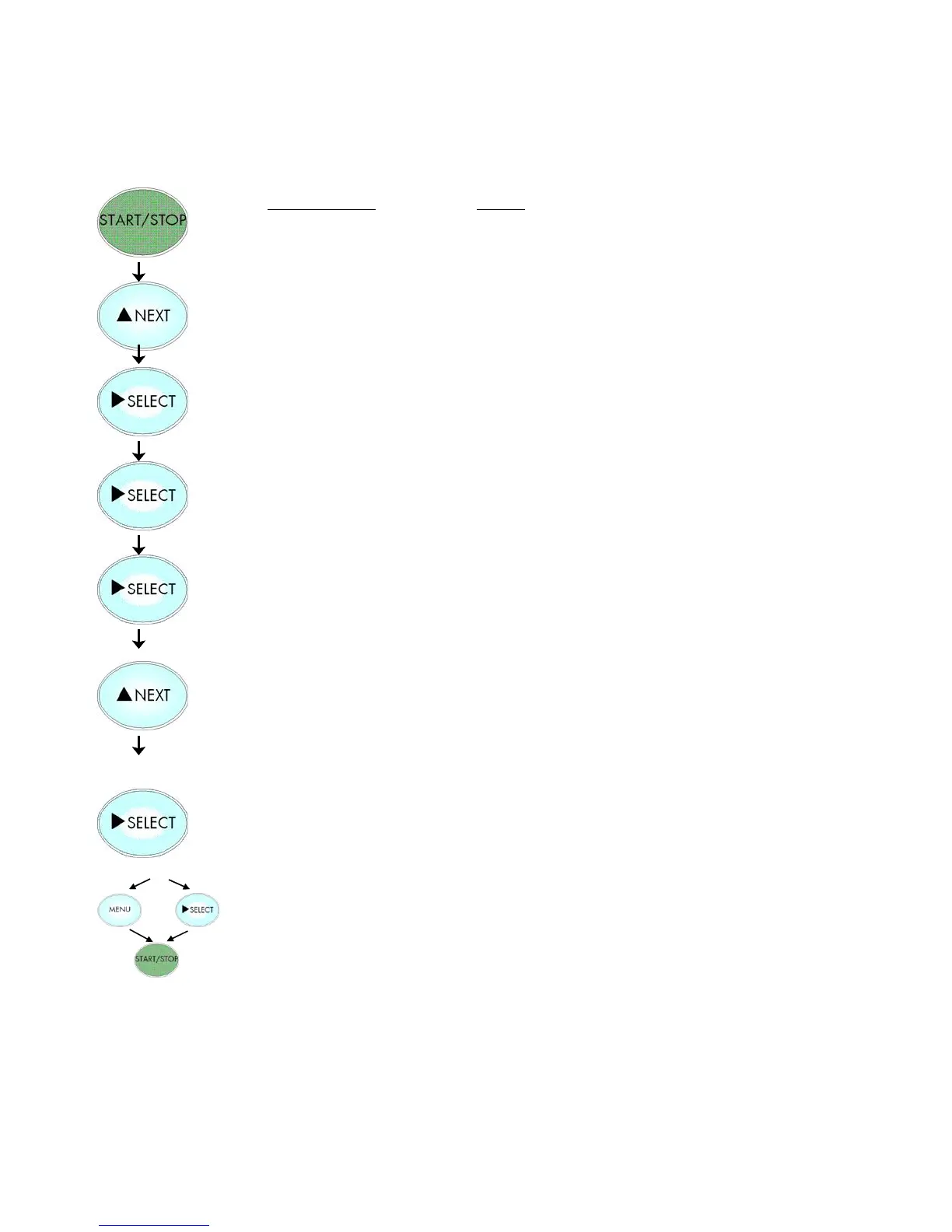
Turn the printer OFF LINE with this
key.
Press the NEXT or PREVIOUS key until
[Configuration ] is displayed.
Press the SELECT key to change the timeout.
The currently set value for he timeout is
displayed (here: 30 seconds).
Pressing the NEXT or PREVIOUS key changes
the timeout
The timeout (the waiting period for SIA to
switch to the next interface) is increased to 40
seconds.
In addition this new value can be saved as
setup value (using the SELECT key), before the
printer is turned ON LINE again.
The printer uses SIA (Simultaneous Interface Administration) to check,
which interface is currently used for the transfer of print data.



 To Next Page