96 Panel Functions
_______________________________________________________________________________________________
_______________________________________________________________________________________________
MICROPLEX Operator’s Manual SOLID 50 A3 - 3 Edition 2.1
5.20. Setting to Factory Default
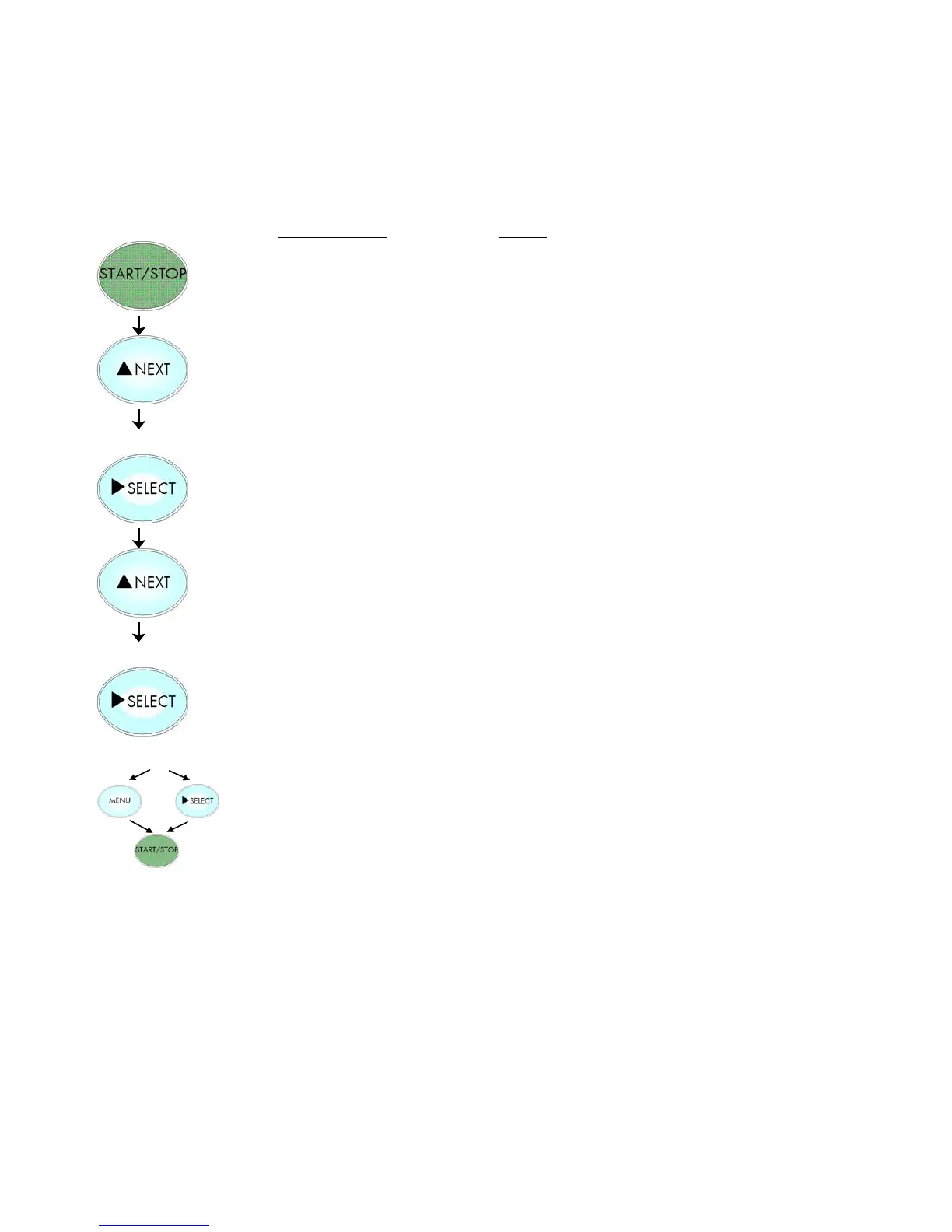
Notes
Turn the printer OFF LINE with this
key.
Press the NEXT or PREVIOUS key
until [Configuration ] is displayed.
Press the NEXT or PREVIOUS key
until [Factory Default ] is displayed.
Only if you press the SELECT key a
second time the configuration will be
back-outed to factory defaults.
The printer is turned ON LINE
again.



 To Next Page