Panel Functions 79
_______________________________________________________________________________________________
_______________________________________________________________________________________________
MICROPLEX Operator’s Manual SOLID 50 A3 - 3 Edition 2.1
5.7. Printing the Menu Page
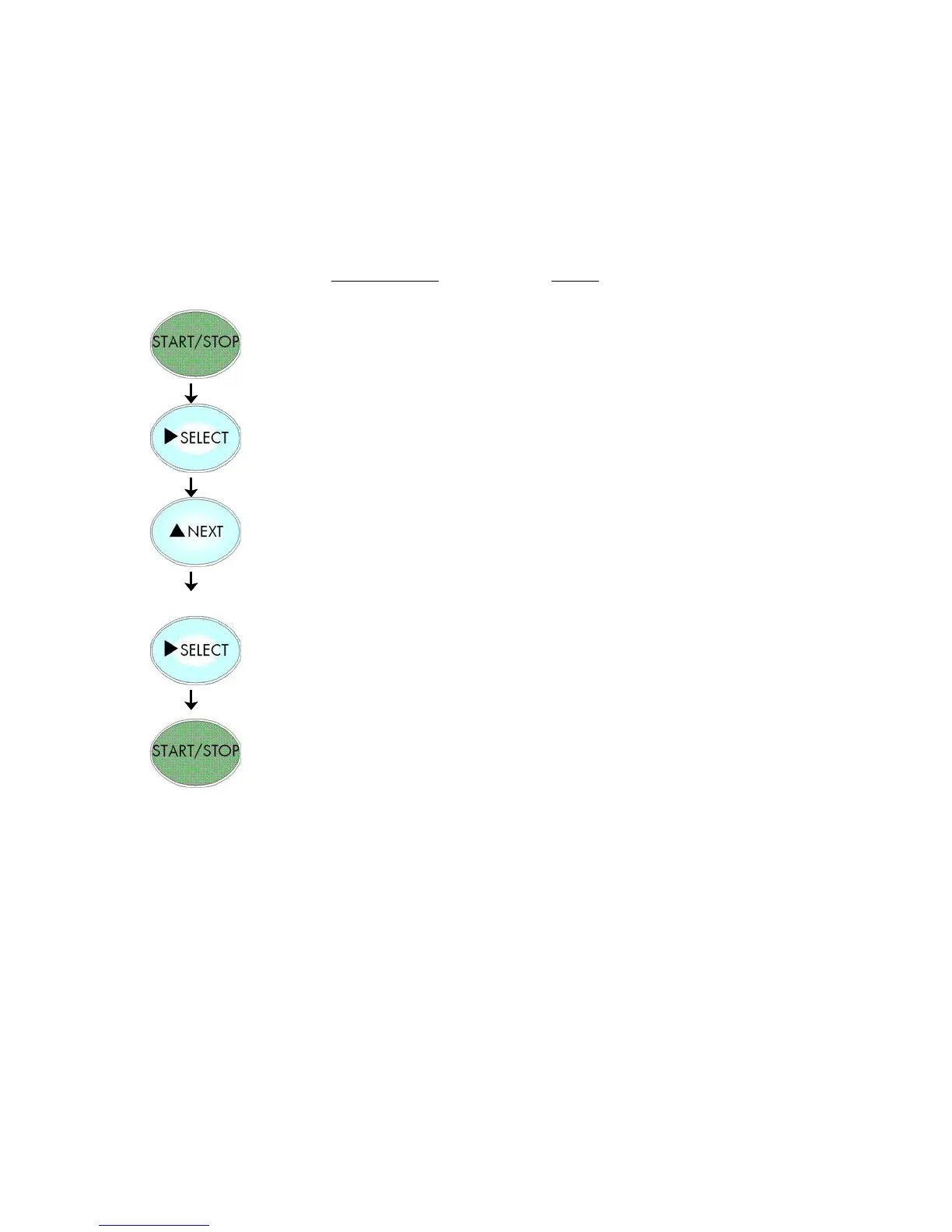
This function prints a survey of the available panel functions.
Note: When printing the menu page please use a large paper.
Notes
Turn the printer OFF LINE with this
key.
Menu Level 1 is selected.
Press the NEXT or PREVIOUS key until
[Menu Page] is displayed.
A menu structure presentation of the
SOLID 50 A3 - 3 (see section 4.6) is
printed.
The printer is turned ON LINE again.



 To Next Page