EasyManua.ls Logo

Microplex SOLID 50 A3 - 3 - Page 19

Microplex SOLID 50 A3 - 3
157 pages
Print Icon
To Next Page IconTo Next Page
To Previous Page IconTo Previous Page
Loading...
Installation 19
_______________________________________________________________________________________________
_______________________________________________________________________________________________
MICROPLEX Operator’s Manual SOLID 50 A3 - 3 Edition 2.1
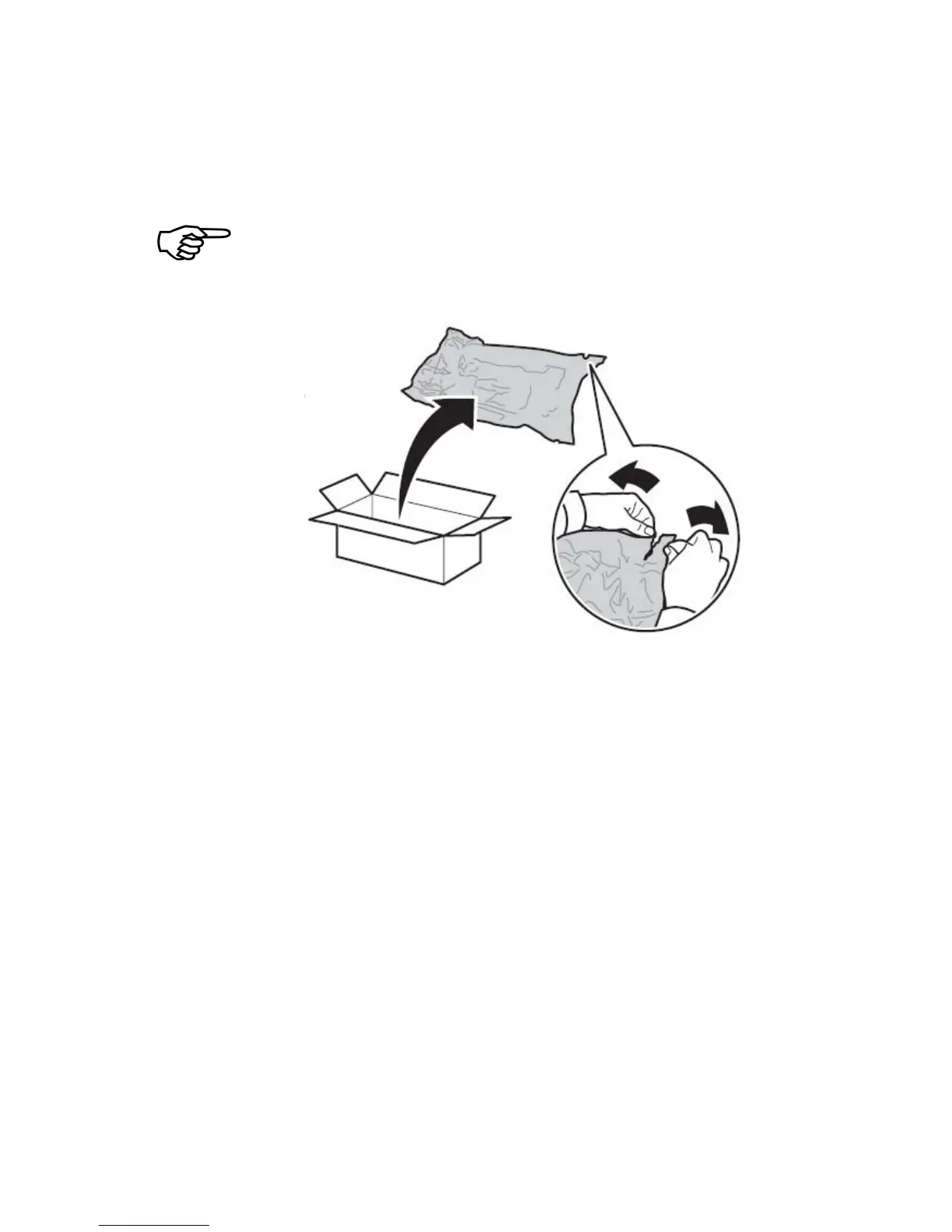
4. Take the new drum cartridge out of its packing.
Save the plastic bag.
Do not remove the yellow tape from the drum cartridge at this
point. This has to be done in step 10.
Fig. 2.3.c Unpacking the new drum cartridge
5. Turn the drum cartridge so that the handle is on top.
6. Remove the tape (on the top of the cartridge; see figure 2.3.d)
and then gently pull the protective paper straight up and out
of the cartridge.

Table of Contents

Related product manuals