Troubleshooting 141
_______________________________________________________________________________________________
_______________________________________________________________________________________________
MICROPLEX Operator’s Manual SOLID 50 A3 - 3 Edition 2.1
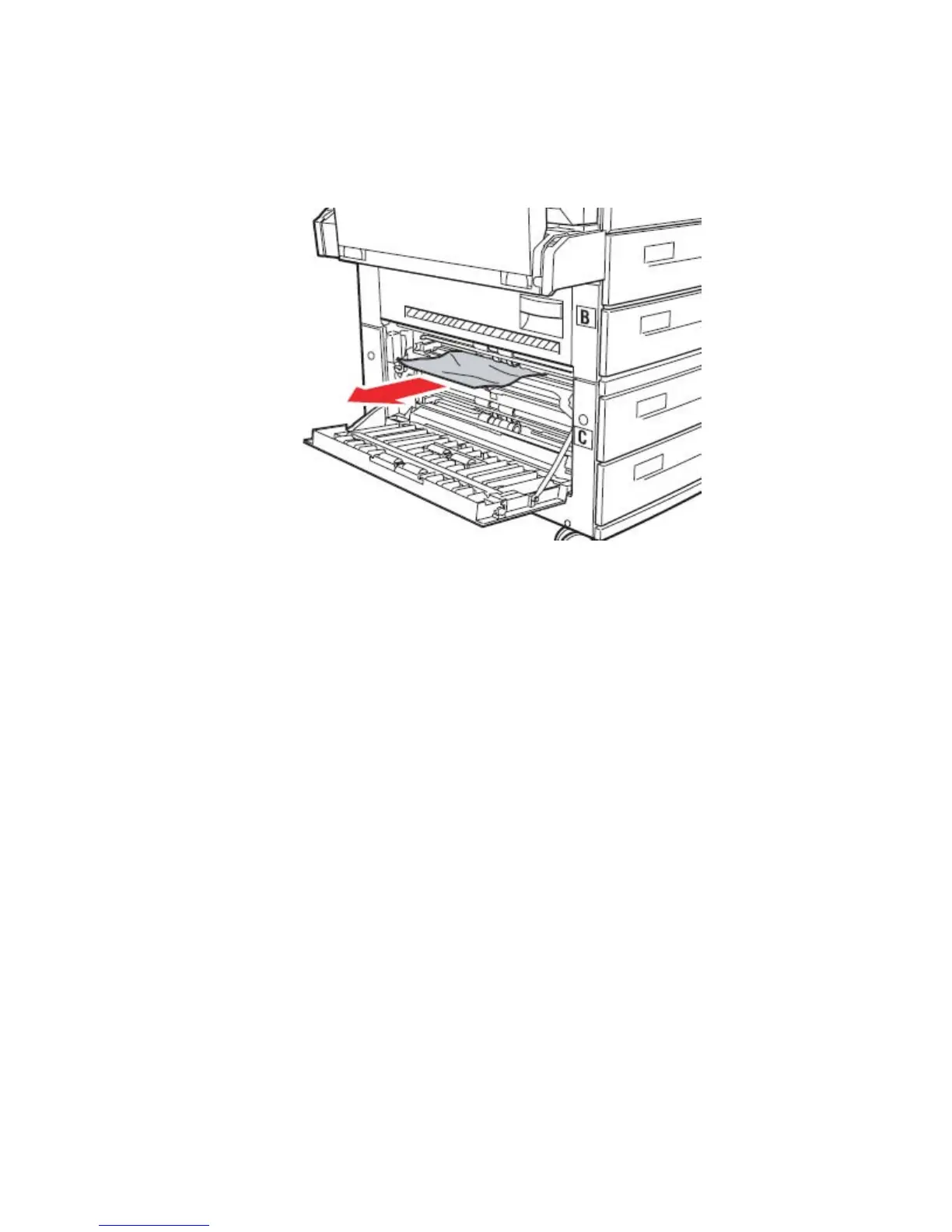
2. Remove the paper as follows:
If the paper is visible, pull it straight out and continue with step 6.
Fig. 7.4.5.b Removing the paper
If the paper is not visible or there is not enough showing to grasp
easily, it is still in the cassette. Complete step 3 through step 6.
If the paper is not visible in the cassette, the paper is lodged
behind the cassette and requires that you remove the cassette.
Pull the cassette completely out. Push down the tab on the left side
of the cassette, pull the cassette straight up, and then out toward
you. Set the cassette aside and pull the jammed paper straight out
of the printer. Reinstall the cassette.
3. Pull cassette 3 (or cassette 4) open.
4. Pull the paper to the right, and then straight out.
5. Close cassette 3 (or cassette 4).
6. Close the side door for cassettes 3 and 4 (Door C).



 To Next Page