Operator Maintenance 117
_______________________________________________________________________________________________
_______________________________________________________________________________________________
MICROPLEX Operator’s Manual SOLID 50 A3 - 3 Edition 2.1
Installing a new transfer roller
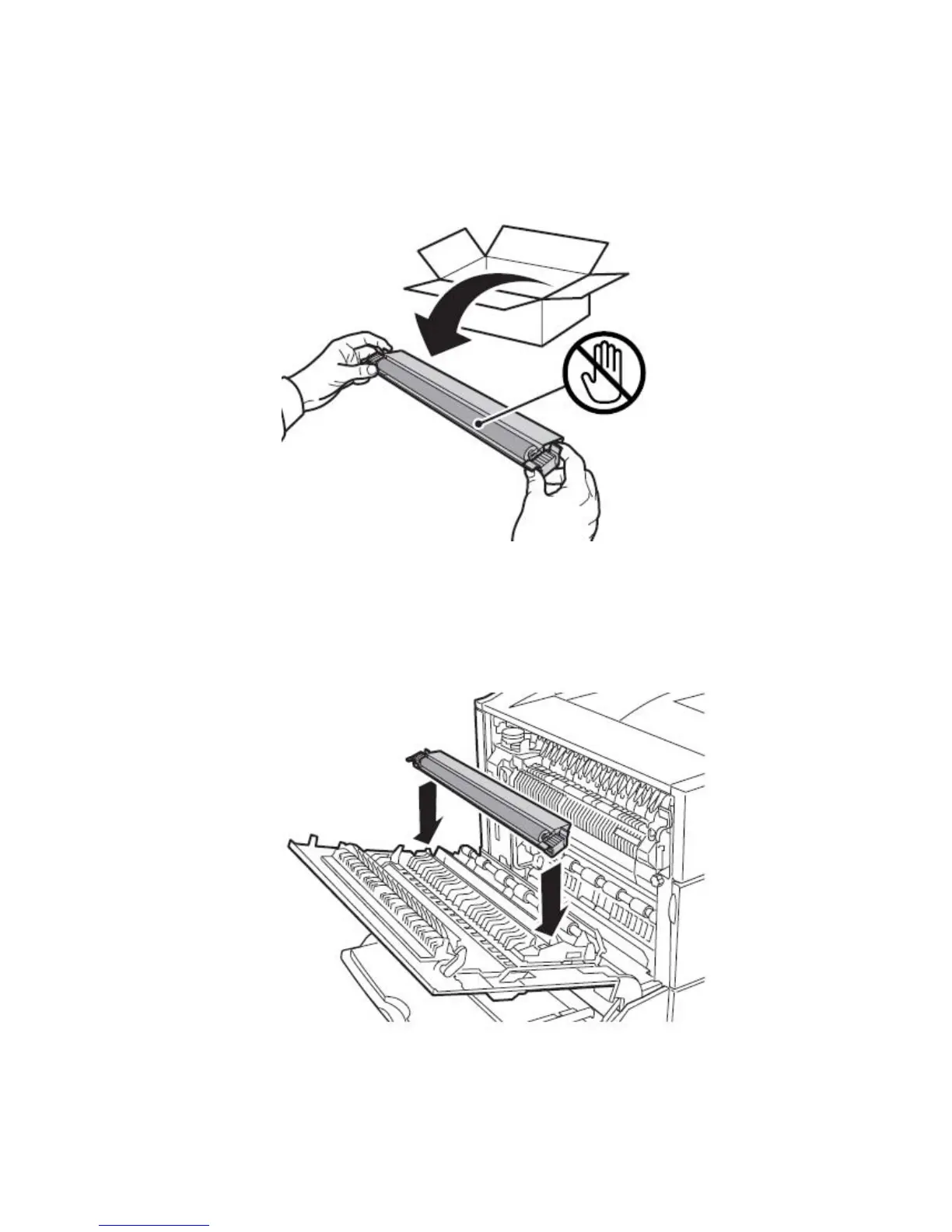
6. Remove the packaging from the new transfer roller.
Fig. 6.2.e Unpacking the new transfer roller
7. Align the transfer roller with the opening in the printer door A, and
then slide it into place.
Fig. 6.2.f Sliding the new transfer roller into place



 To Next Page