EasyManua.ls Logo

Microplex SOLID 50 A3 - 3 - Page 119

Microplex SOLID 50 A3 - 3
157 pages
Print Icon
To Next Page IconTo Next Page
To Previous Page IconTo Previous Page
Loading...
Operator Maintenance 119
_______________________________________________________________________________________________
_______________________________________________________________________________________________
MICROPLEX Operator’s Manual SOLID 50 A3 - 3 Edition 2.1
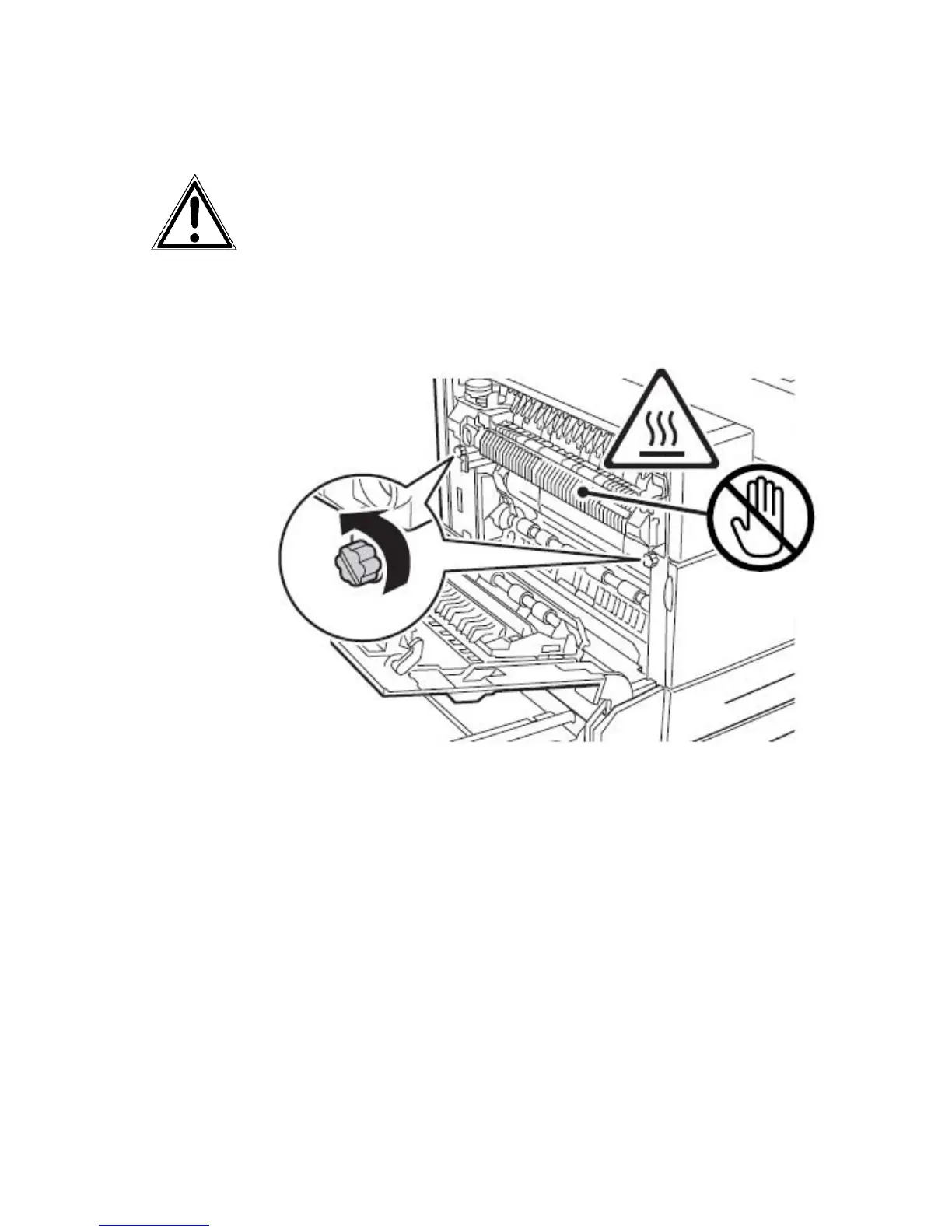
Removing the old fuser
The fuser may be hot. Allow time for it to cool before continuing. Use
the handles on the fuser to remove it.
1. Loosen the two coloured thumbscrews. They do not come completely
out.
Fig. 6.2.h Loosening the two coloured thumbscrews
2. Grasp the coloured handles through its rings and rotate it out toward
you. They do not lock into position.

Table of Contents

Related product manuals