Installation 15
_______________________________________________________________________________________________
_______________________________________________________________________________________________
MICROPLEX Operator’s Manual SOLID 50 A3 - 3 Edition 2.1
3. Place the printer in an acceptable atmosphere (see section 2.4:
Printer Installation).
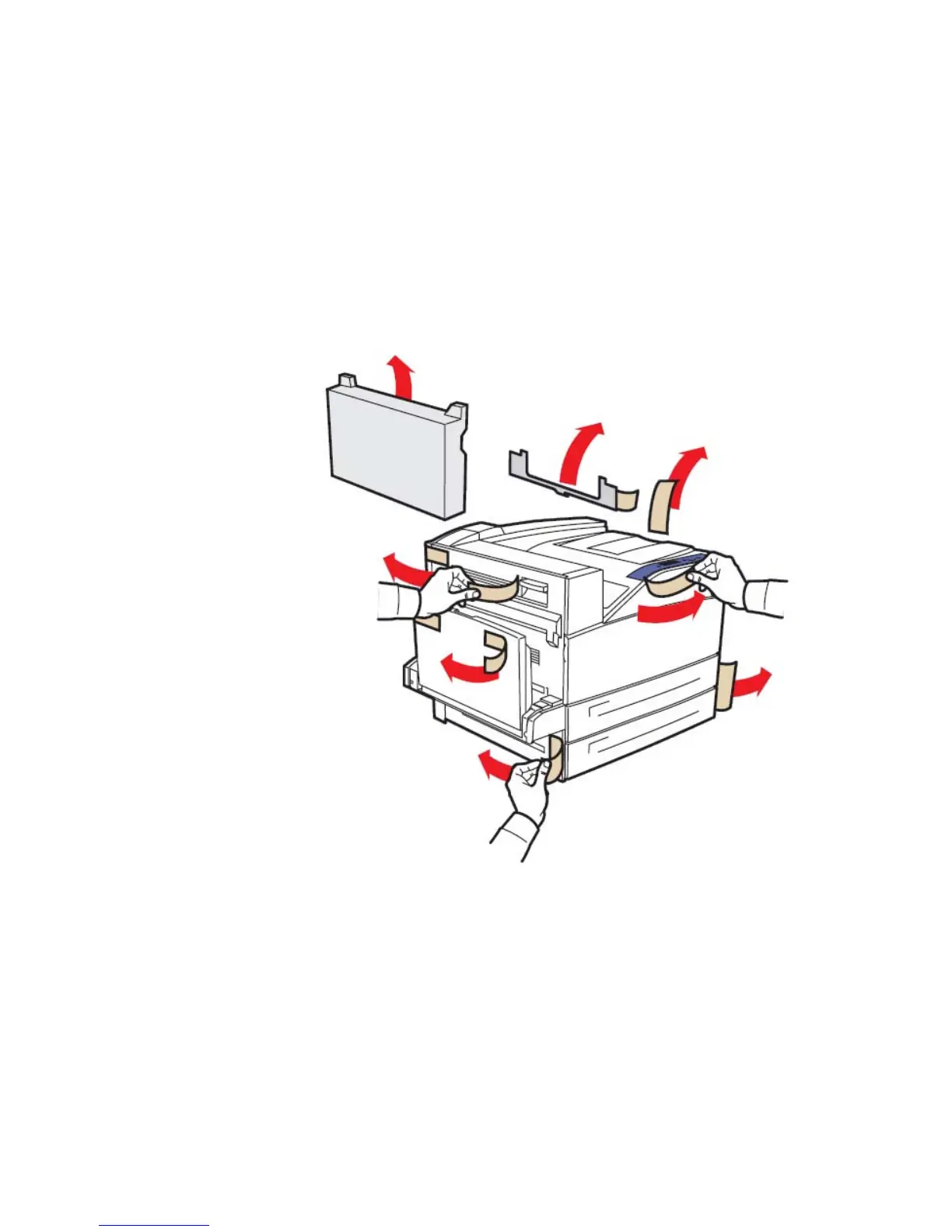
4. Remove all the packing materials and the adhesive fasteners
(compare the following figure).
Fig. 2.2.c Removing the packing materials and adhesive fasteners



 To Next Page