Installation 23
_______________________________________________________________________________________________
_______________________________________________________________________________________________
MICROPLEX Operator’s Manual SOLID 50 A3 - 3 Edition 2.1
Installing the Toner Cartridge
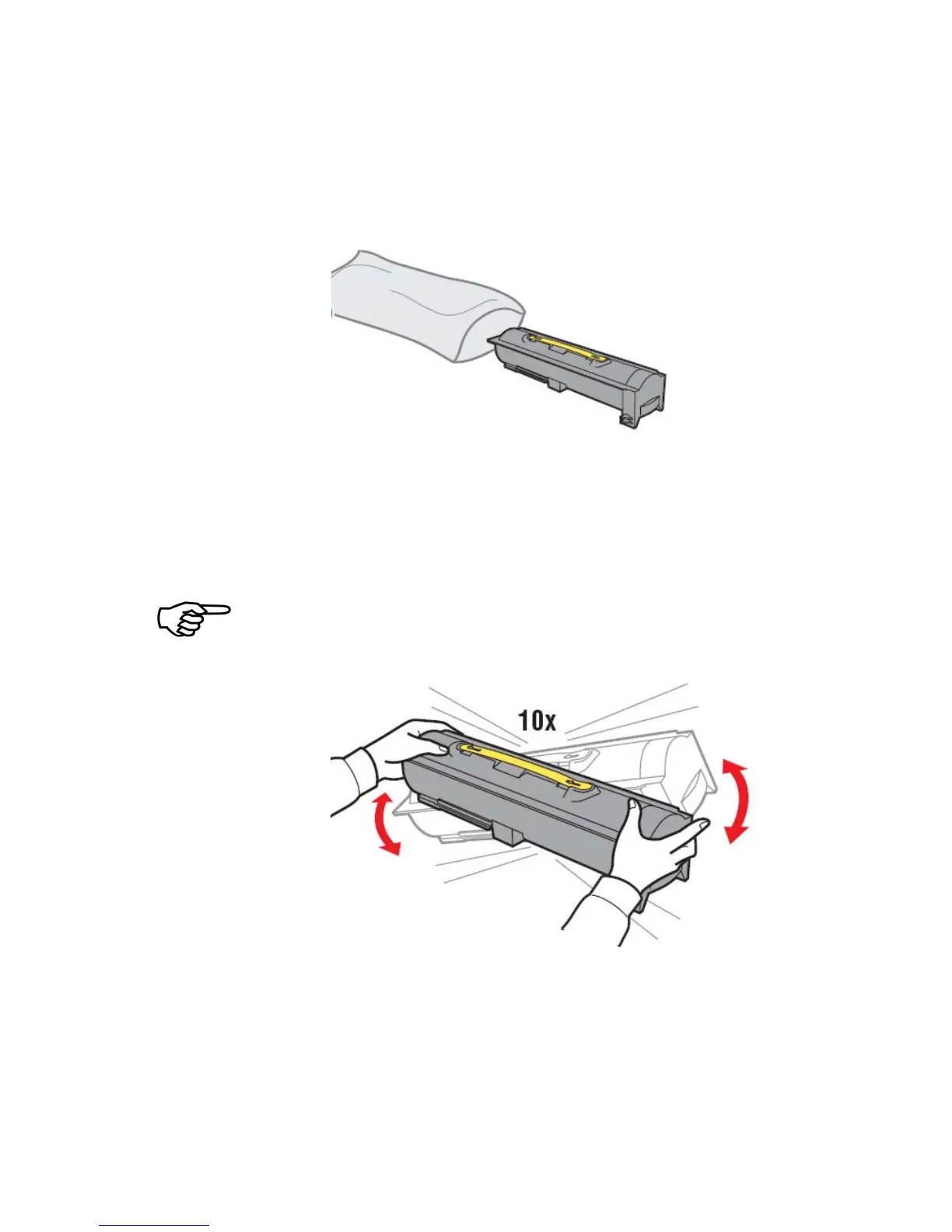
1. Take the new toner cartridge out of its packing.
Fig. 2.3.i Taking the new toner cartridge out of its packing
2. Turn the cartridge so that the handle is on top.
3. Shake the cartridge vigorously in all directions (as shown in
figure 2.3.j) to distribute the toner .
If toner spills on the floor, do not clean it up using a vacuum or a
wet cloth. Wipe up the spill with a dry cloth. If toner gets on
clothing, be sure to wash the clothing in cold water.
Fig. 2.3.j Shaking the toner cartridge
4. Holding the new toner cartridge by the handle and one end,
align the cartridge with the slots inside the printer and slide
the toner cartridge halfway in.



 To Next Page