34 Handling of Consumables
_______________________________________________________________________________________________
_______________________________________________________________________________________________
MICROPLEX Operator’s Manual SOLID 50 A3 - 3 Edition 2.1
the right part of the figure above) and slide this guide to the front
side of the cassette.
Note: You’ll find labels with print media size information in the
cassettes.
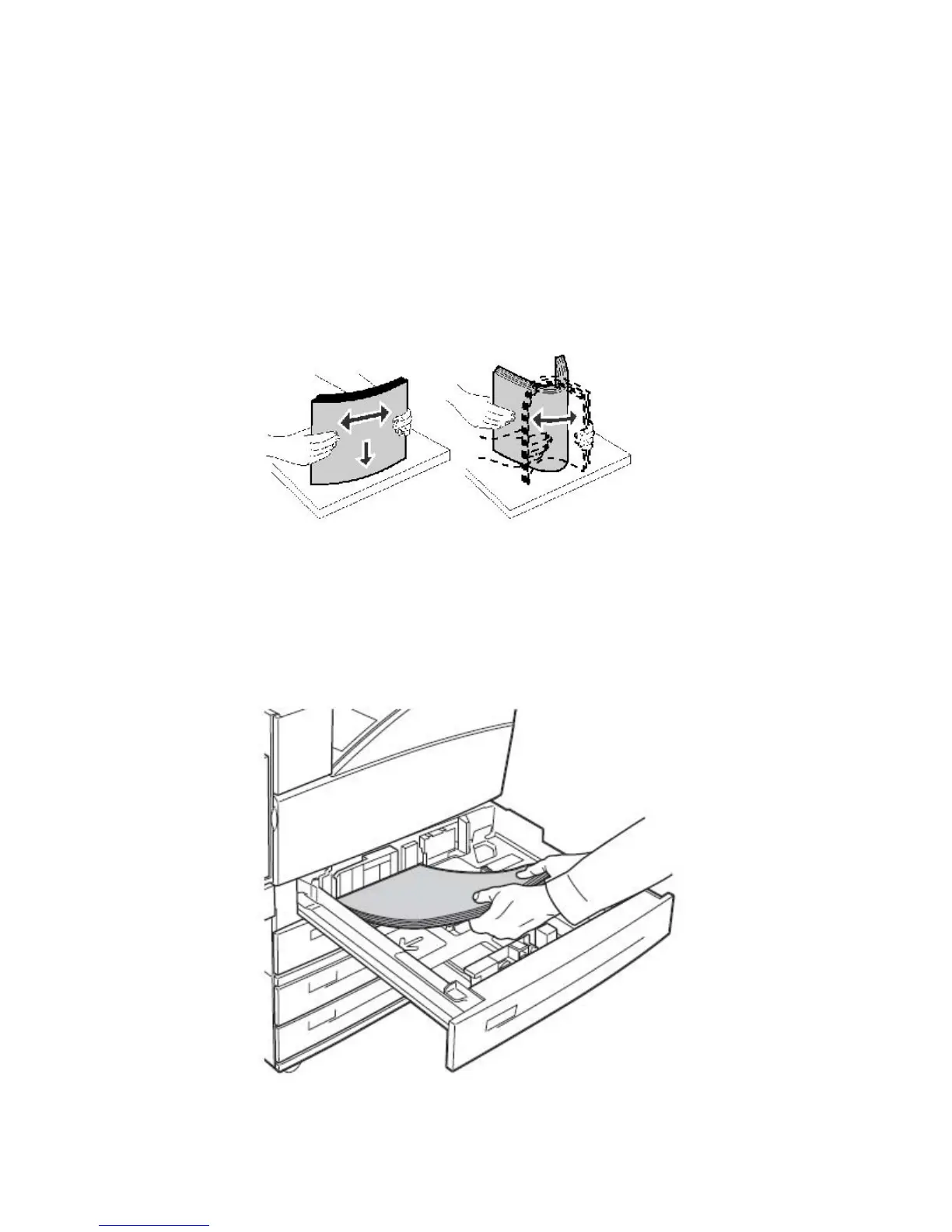
4. Flex the sheets back and forth to loosen them, and then fan them.
Do not fold or crease the print media.
Fig. 3.1.1.c Fanning and aligning the paper pile
5. Straighten the edges of the stack on a level surface.
6. Now put your stack of print media into the cassette as shown in the
following figure.
Fig. 3.1.1.d Inserting print media



 To Next Page