Handling of Consumables 39
_______________________________________________________________________________________________
_______________________________________________________________________________________________
MICROPLEX Operator’s Manual SOLID 50 A3 - 3 Edition 2.1
5. Straighten the edges of the stack on a level surface.
Do not load bent or wrinkled print media.
6. Orient the stack of print media correctly for the size, type, and print
method you are using. Refer to the icons on the feeder.
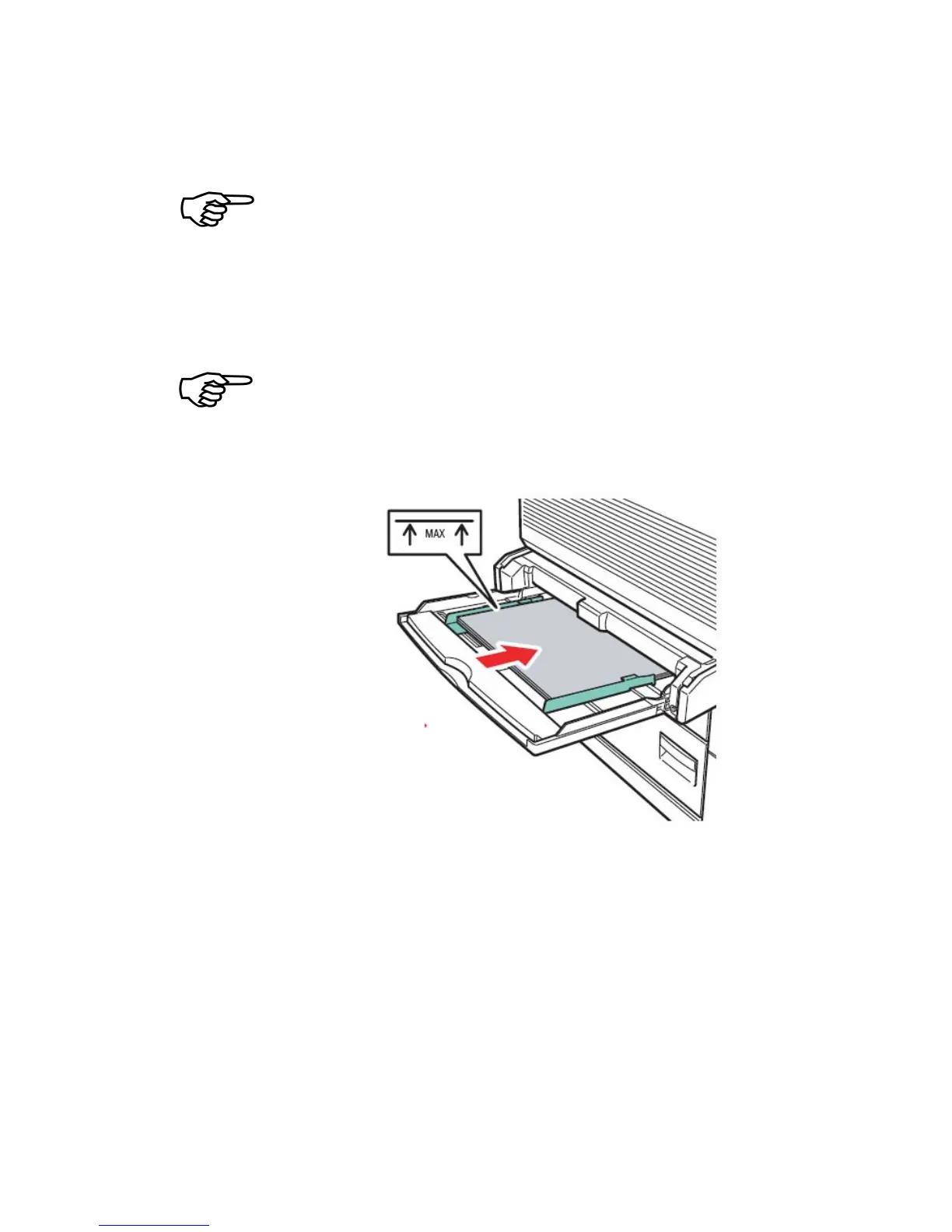
Do not exceed the maximum stack height indicated on the paper guide.
Overfilling the feeder may cause paper jams.
Fig. 3.1.2.c Mark for the maximum stack height
7. Place the print media along the front side of the multipurpose feeder
and push it in as far as it will go.
Do not force the print media.
8. Slide the guides towards the stack (see the following figure) until
they lightly touch the stack of print media.



 To Next Page