Operation and Menu Structure 63
_______________________________________________________________________________________________
_______________________________________________________________________________________________
MICROPLEX Operator’s Manual SOLID 50 A3 - 3 Edition 2.1
Panel keys
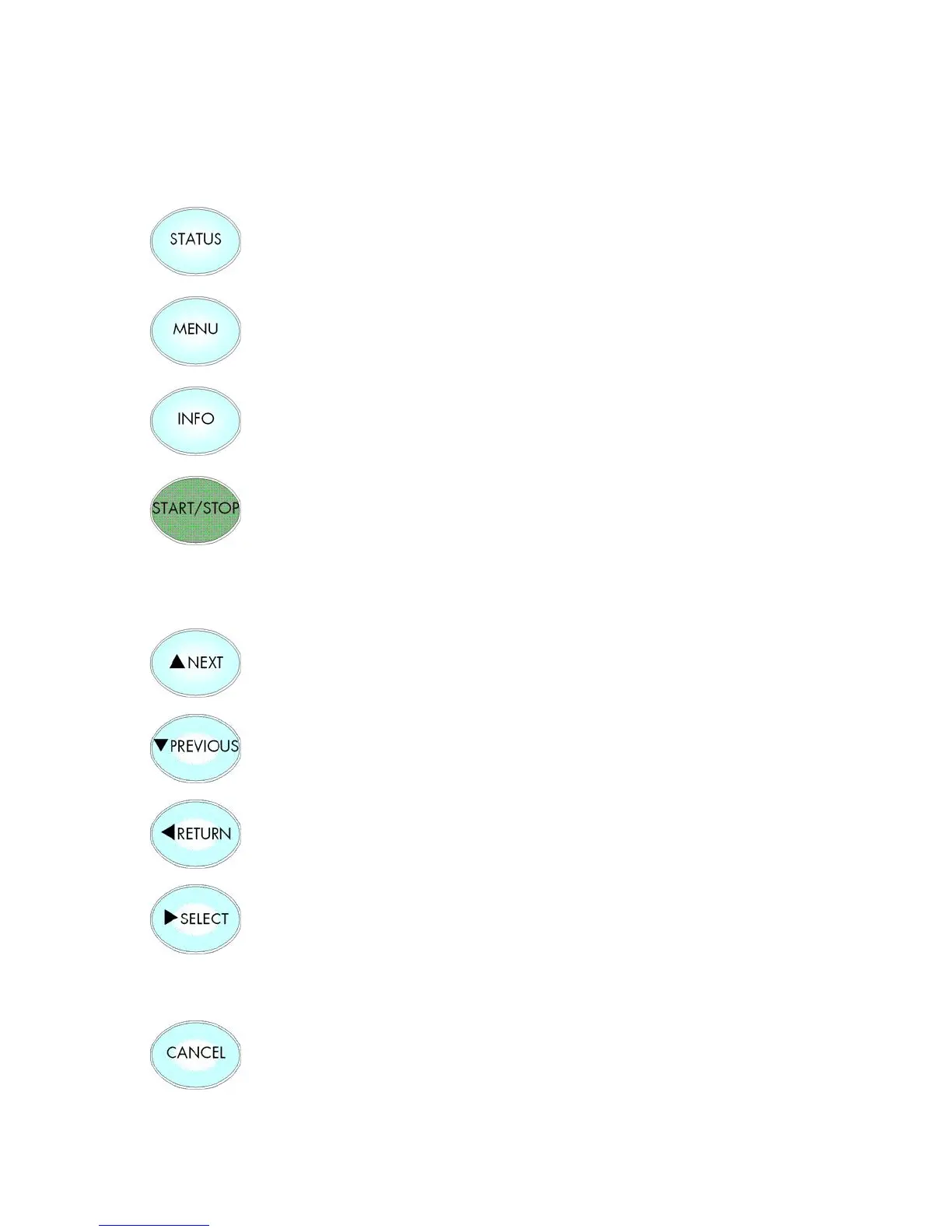
This key is used to start the printing of a status sheet. (As an alternative
the panel function Printing the Status Sheet can be used).
The MENU key is used to get into the next (higher) level of the menu
structure. As an alternative the RETURN key can be used as well.
Using this key confirms inputs and releases functions.
As an alternative the SELECT key can be used as well.
The START/STOP key turns the printer ON- / OFF LINE.
These keys are used for working within the different levels of the menu
structure. This structure and the panel functions are described in the
following.
Using this key a RESET is released in the OFF LINE mode.
You can back out e.g. error messages by a RESET.



 To Next Page