9. Commissioning
MiR100 Hook User Guide (en) 10/2020 - v.3.0 ©Copyright 2016-2020: Mobile Industrial Robots A/S. 110
is enough space (if the posts are far enough apart) below the shelves to pass through. The
robot will then plan a path underneath the shelves, but when it comes closer, the camera
will see the obstacle. This could result in replanning paths several times a day.
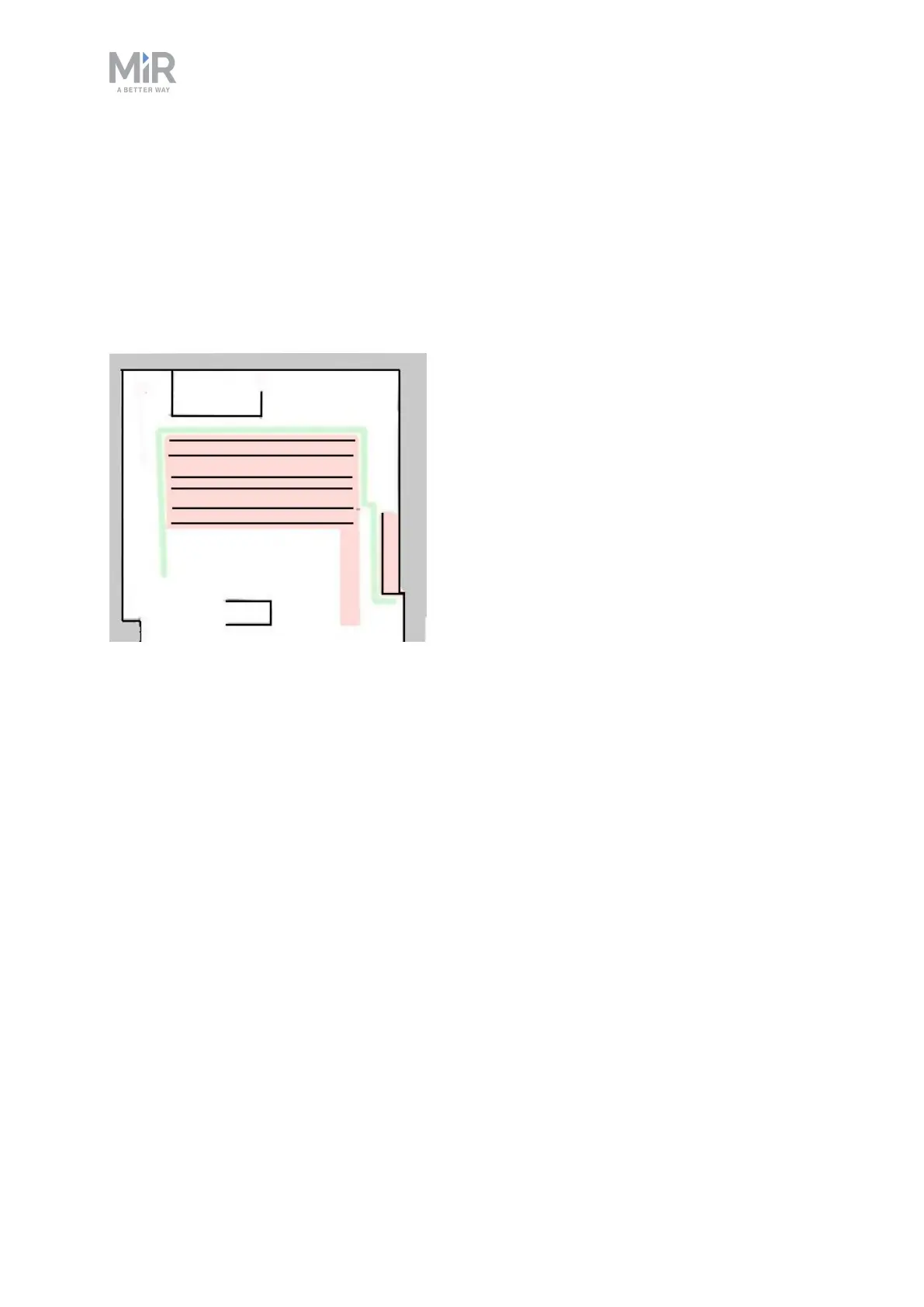
Issue: The robot will only see shelves as dots on the map and believe that it can make a
global plan underneath the shelves.
Solution: Add a Forbidden zone (red) around the shelves.
Figure 9.10. A Forbidden zone covering the shelf area.
Glass
Some types of glass cannot be detected by the safety laser scanners.
Issue: The robot will not stop before driving into a glass window, door, or other glass objects.
Solution: Make the glass visible to the safety laser scanners by gluing window film on the
glass in the scanner height, 150 to 250 mm, or mark the wall as a Forbidden zone. Edit the
map afterwards in the robot interface and mark the glass as walls to help the robot localize.
Directional lanes
Issue: In some areas, such as long corridors, robots driving towards each other may have a
hard time passing each other efficiently.
Solution: If there is not enough space for the two robots to pass each other, you can create
a two-way lane using Directional zones in combination with Forbidden or Unpreferred zones.



 To Next Page