2. Product presentation
MiR100 Hook User Guide (en) 10/2020 - v.3.0 ©Copyright 2016-2020: Mobile Industrial Robots A/S. 15
Pos. Description Pos. Description
the button to rearm the
robot—see Emergency stop
buttons on page86
Over time the pad connectors may become discolored due to corrosion. This is
merely a cosmetic issue and has no effect on the conductivity of the pad
connectors.
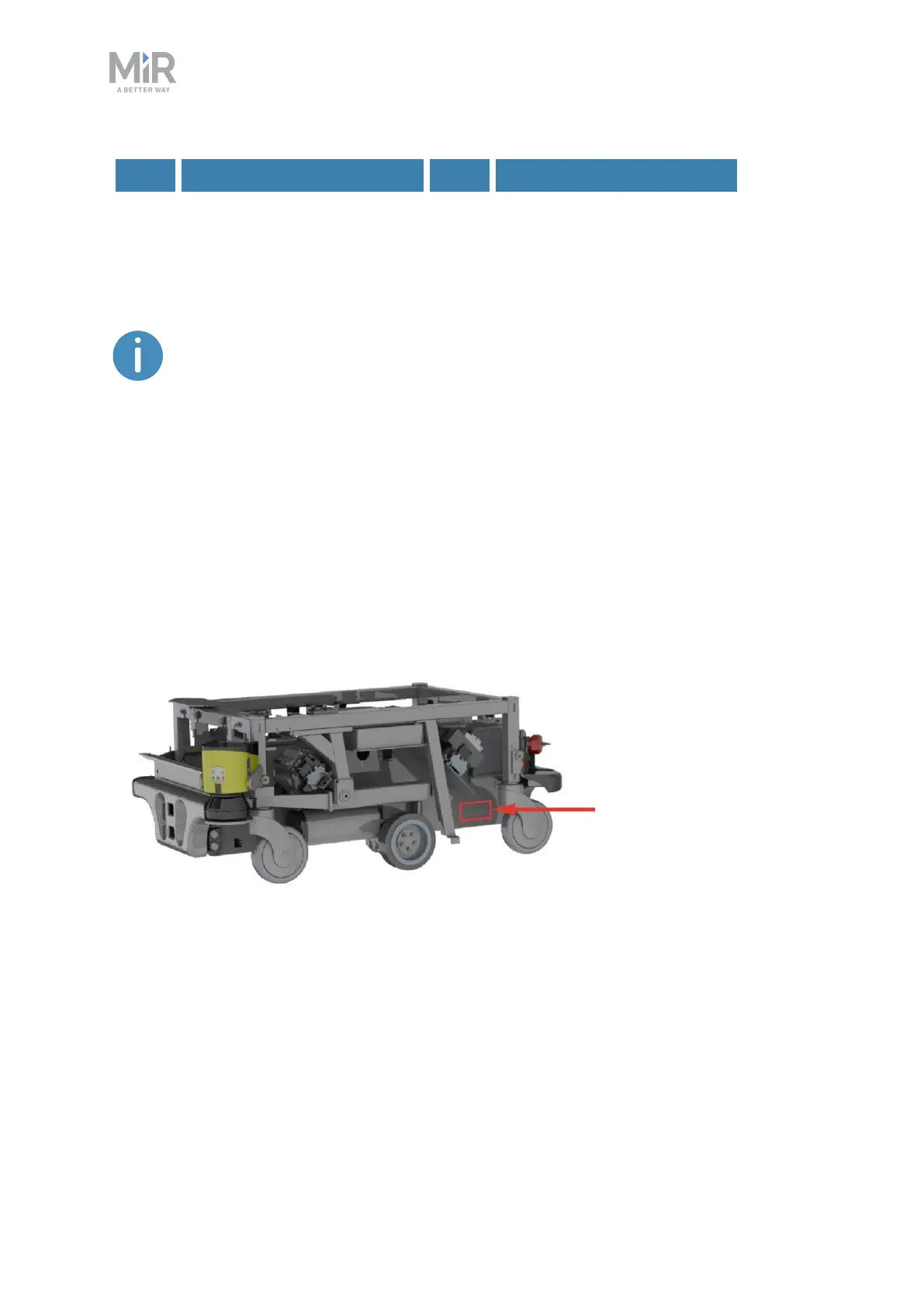
Identification label
MiR100 Hook is delivered with identification labels mounted to each product. The
identification labels identify the product, the product serial number, and the hardware
version of the product.
The identification label of MiR100 is located on the back, left side of the chassis underneath
the router, and the identification label of MiR Hook 100 is located on the technical plate in
the bottom right corner.



 To Next Page