10. Usage
MiR100 Hook User Guide (en) 10/2020 - v.3.0 ©Copyright 2016-2020: Mobile Industrial Robots A/S. 151
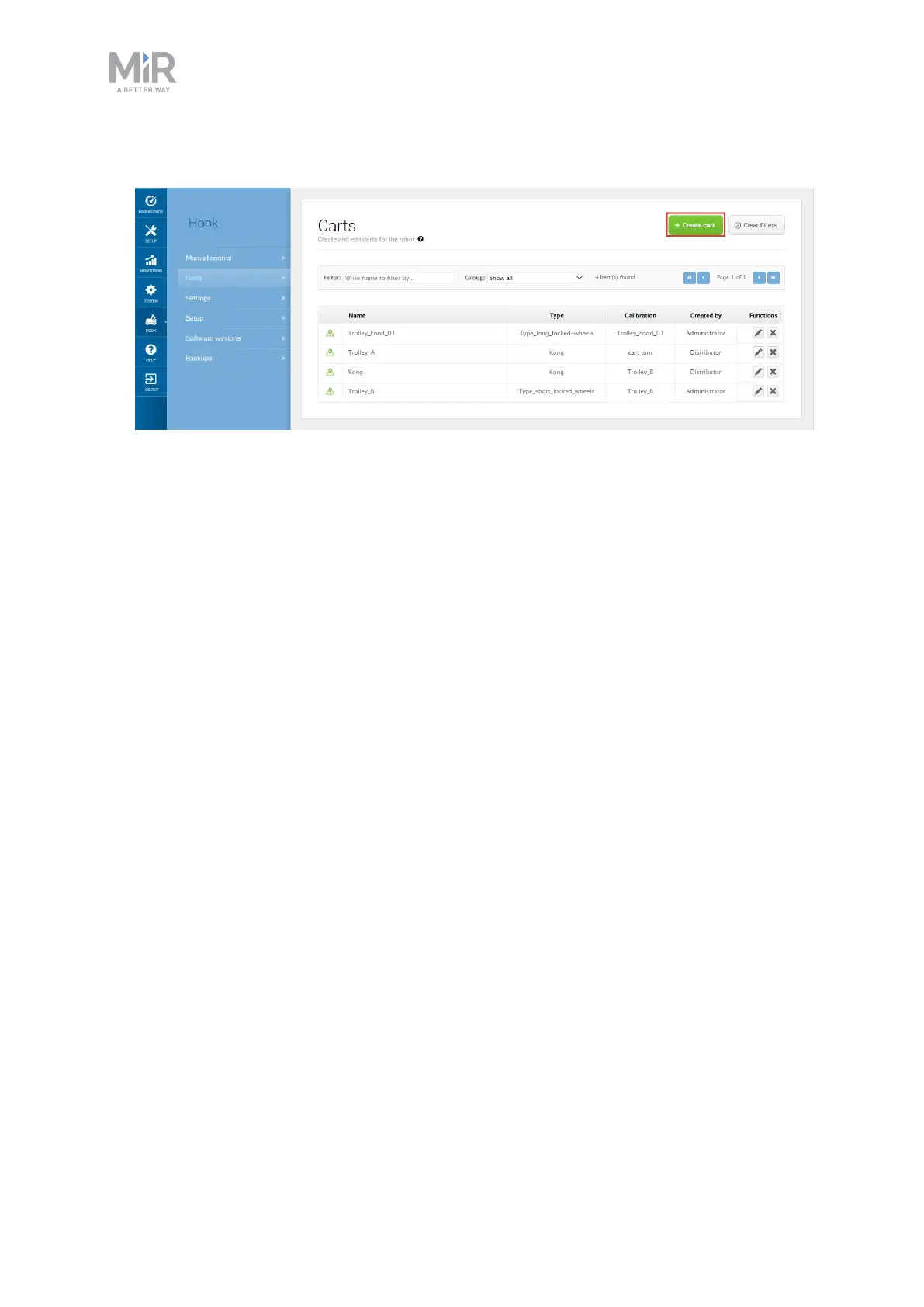
1. To create a new cart, go to Hook >Carts, and select + Create cart
2. Under Name, insert the name corresponding to the ID of the cart. You can either insert
the name manually, or you can place the ID tag in front of the hook camera and select
Detect to automatically fill out the name.



 To Next Page