10. Usage
MiR100 Hook User Guide (en) 10/2020 - v.3.0 ©Copyright 2016-2020: Mobile Industrial Robots A/S. 152
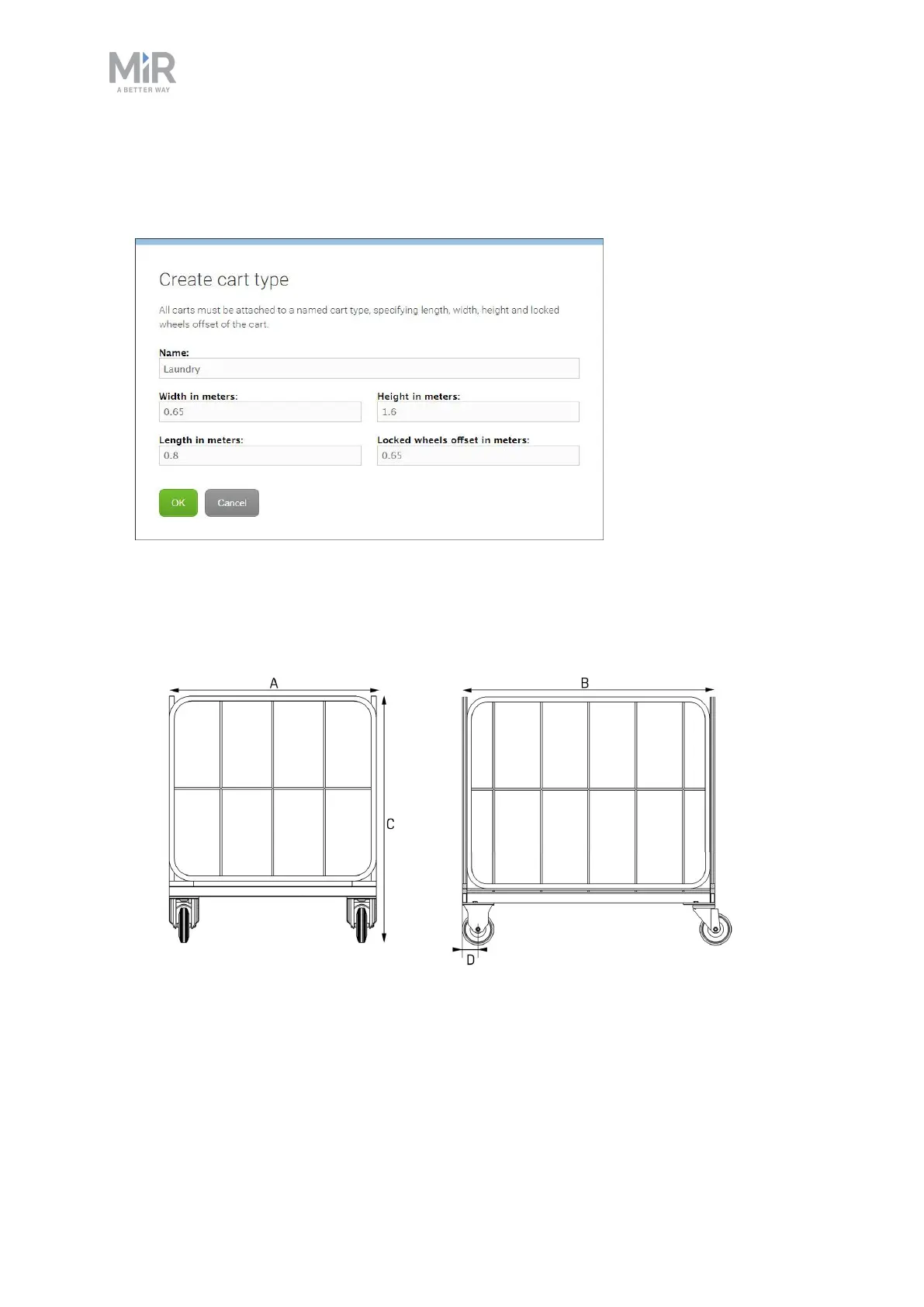
3. Under Type, select Create / Edit.Here, you can either select an existing cart type, or
create a new cart type by selecting Create type. When creating a new cart type you must
defined the following parameters:
• Name: Is used to identify the cart type.
• Width, Height and Length: These are the dimensions of the cart.
• Locked wheels offset: The locked wheels offset is the distance from the gripping point
of the cart to the locked wheels axis.



 To Next Page