10. Usage
MiR100 Hook User Guide (en) 10/2020 - v.3.0 ©Copyright 2016-2020: Mobile Industrial Robots A/S. 161
3. Select the following actions:
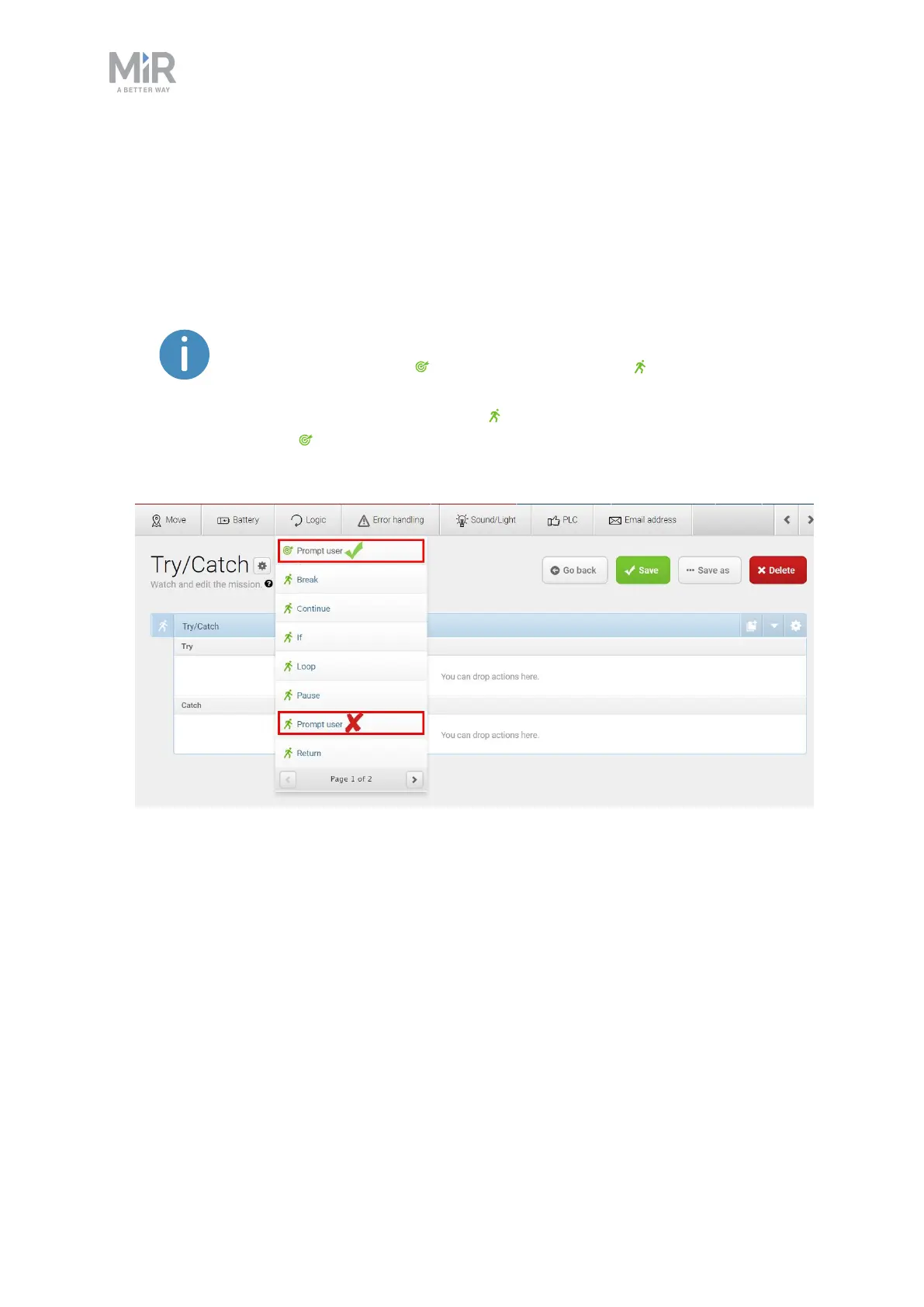
• In the Error handling menu, select Try/Catch.
• Select the Prompt user mission you have made.
The mission menu you have saved the mission under will figure as a
menu in the mission editor. The menus contain both missions and
actions.
Missions have this icon and actions have this icon .
In this example, the mission is saved under the Logic menu that also
includes the Prompt user action . Be sure to select the Prompt user
mission .
• In the Sound/Light menu, select Play sound.



 To Next Page