2. Product presentation
MiR100 Hook User Guide (en) 10/2020 - v.3.0 ©Copyright 2016-2020: Mobile Industrial Robots A/S. 17
Nameplate
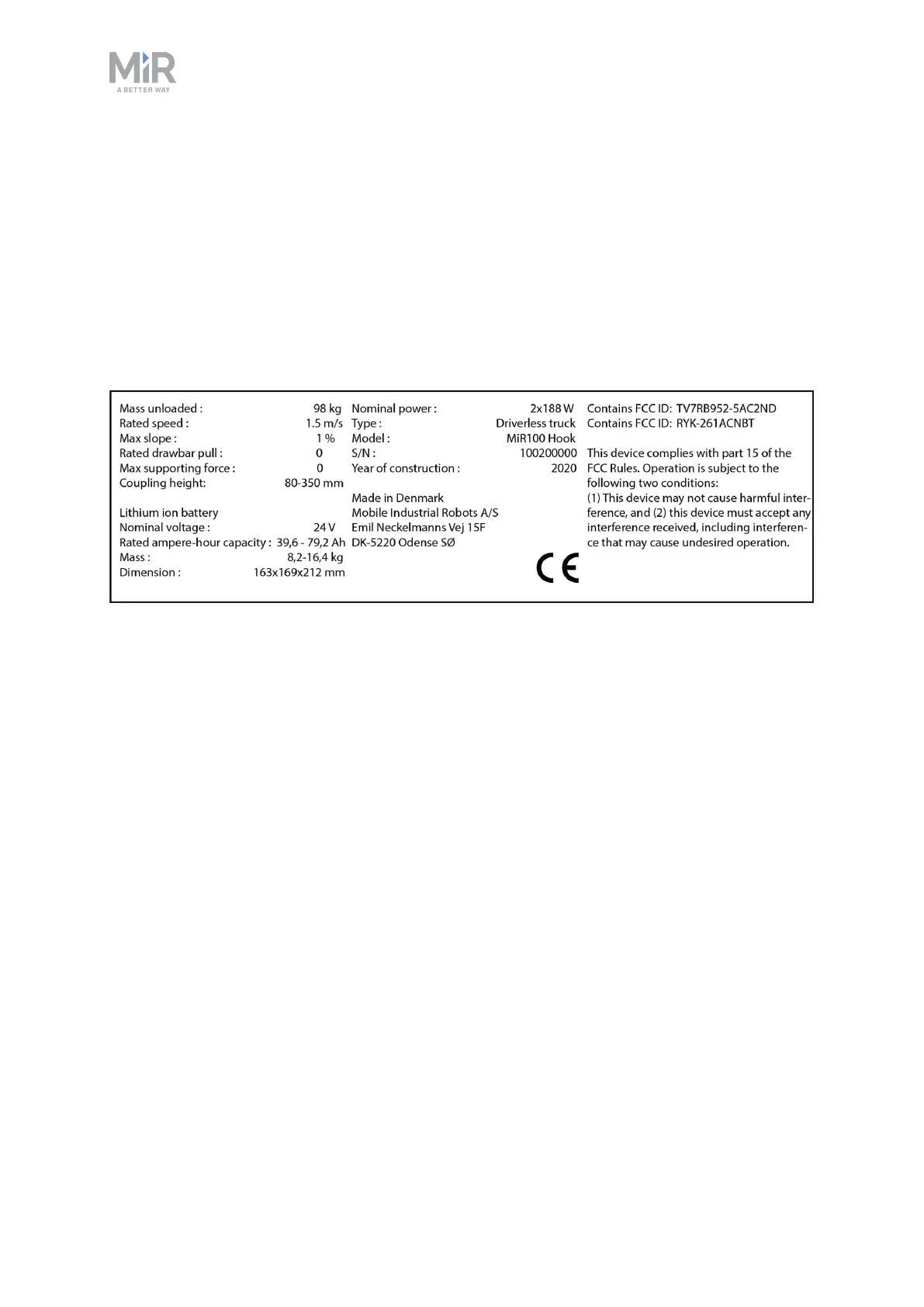
Every MiR application is delivered with a nameplate that must be mounted to the robot. The
nameplate of MiR100 Hook identifies the application model and serial number and includes
the CE mark, the technical specifications, and the address of Mobile Industrial Robots. The
nameplate identifies the complete MiR application, for example, a robot with a top module.
It is the responsibility of the commissioner to mount the nameplate on the application—see
Mounting the nameplate on page48.
Figure 2.4. Example of a MiR100 Hook nameplate.
Control panel
MiR100 Hook has a control panel in the rear-left corner of the robot.



 To Next Page