A user can also invite a group of members to participate in a conference call by calling a PTT
group, see Call a PTT Group on page 83.
ACCEPT AN INVITATION
Accept Invitation Received as Incoming Call (PTT Basic)
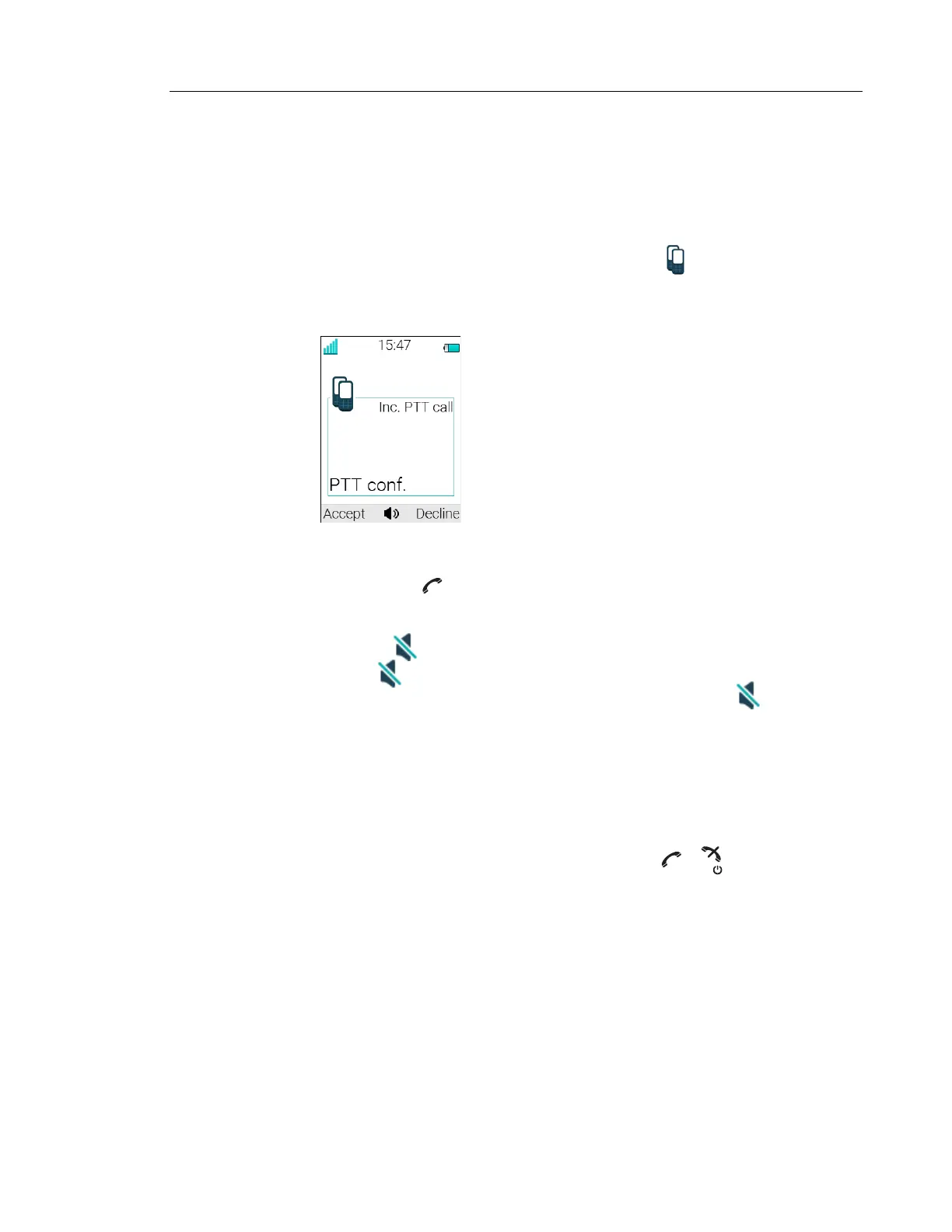
A PTT invitation received as an incoming call is indicated by the icon. In the dialogue
window, a message containing maximum 24 characters can also be shown. See figure 2.
Figure 2. Incoming Invitation Received as a Call
1 Press “Accept”, or .
Default the handset starts in inverted mute and loudspeaking mode, but it can be
configured differently in a PTT group.
2 Press and hold to open the microphone for transmitting. The microphone is muted
again when is released.
3 The Multifunction button may have also been configured to act as the button. NOTE:
The support for Multifunction button is dependent on what model of handset that is used.
For more information, see Functions and Accessories on page 3.
Invitation Received as Incoming Call during an Ongoing Call
If a user receives an invitation during an ongoing call, it is displayed as an ordinary invitation, see
figure 2 on page 81. The user can either accept or decline the invitation by pressing "Accept" or
"Decline", respectively.
Note: The invitation cannot be accepted or declined by pressing or , respectively.
If the user presses “Accept”, the ongoing call is disconnected and the PTT call is connected.
Alternatively, the ongoing call can also be disconnected and the PTT call connected if the
following is fulfiled:
• The handset is configured to answer invitations automatically
• The user does not respond to the invitation within 10 seconds
• The invitation has higher priority than the ongoing call
If the user declines the invitation, the he/she can re-join the PTT later on, see Re-join a Group on
page 83.



 To Next Page