MKS 937B Operation Manual
23
6 Operating the Series 937B Controller
6.1 Power
Turn the Power switch on the front panel to Off when the Series 937B Controller is not in use. After
turning the Controller off, allow it to remain off for at least 5 sec before turning it back on.
6.2 Front Panel Control Lock
All panel functions are inactive and the Controller remains in pressure measurement mode when the
Controller's front panel controls are locked. REMOTE is displayed at bottom right corner of the LCD
display.
Simultaneously press
and to lock or unlock the front panel controls or to display the lock
status. This will toggle the lock and unlock function.
The front panel can also be locked or unlocked with optional serial communications commands. See
RS232/RS485 Communications Commands for more information.
6.3 Front Panel Display
6.3.1 Standard front panel display
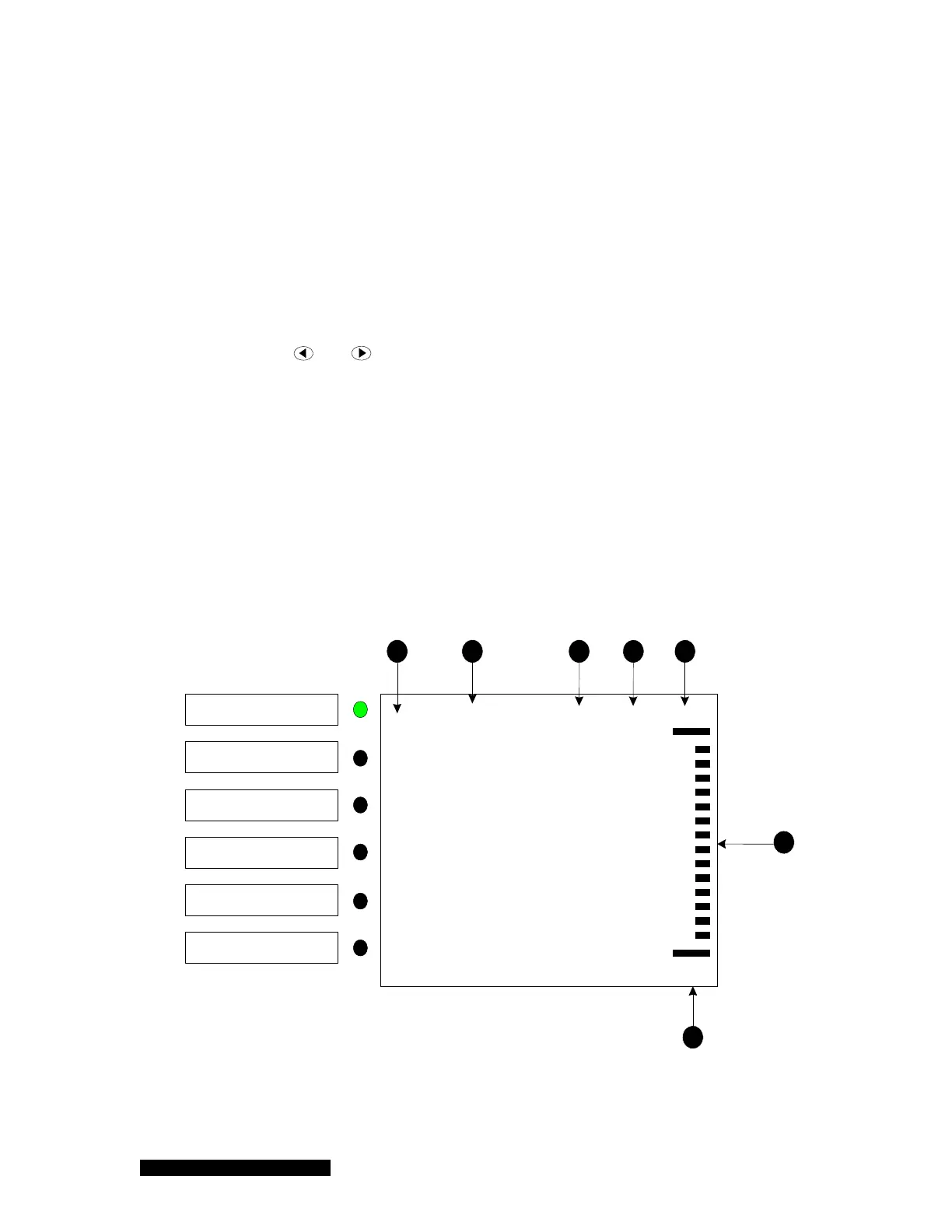
A 3.6 inch 320x240 pixel color LCD displays the pressure, control, relay, gauge type, and other
critical information. A label on the left-hand side of the front displays identifies the name of the
channel (A1, A2, B1, B2, C1, C2). An illuminated green LED is used to show the active channel for
channel setting purpose. The standard front panel display for the 937B is shown in Figure 6-1:
CM
U
1.00E-10
1.00E-10
1.20E-03
3.505E-2
C2
Ctrl
F2
DG
C1
Ctrl
L
e
a
k
T
e
s
t
Torr
SP11
SP12
SP9
SP10
SP5
SP7
SP8
SP1
SP2
SP3
-----
PR
N2U
HC
N2
CC
N2
Remote
A1
AZ
B1
AZ
1 2 3 4 5
7
6
A1
A2
B1
B2
C1
C2
(a)



 To Next Page