MKS 937B Operation Manual
58
MFC Ratio mode parameter setting
B2
C2
C1
NA
5.00E+2
4.00E+2
A1
B1
A2
2.00E+1
1.00E+2
NA
Channel Init SP
NA
1.00E+3
1.00E+3
1.00E+2
2.00E+2
NA
Range
RatioM
43.5
54.3
2.2
0.0
%
Ratio
Ratio
Setpoint
OP Mode
Ratio
Recipe R6 OFFON
OFF
RatioA Edit
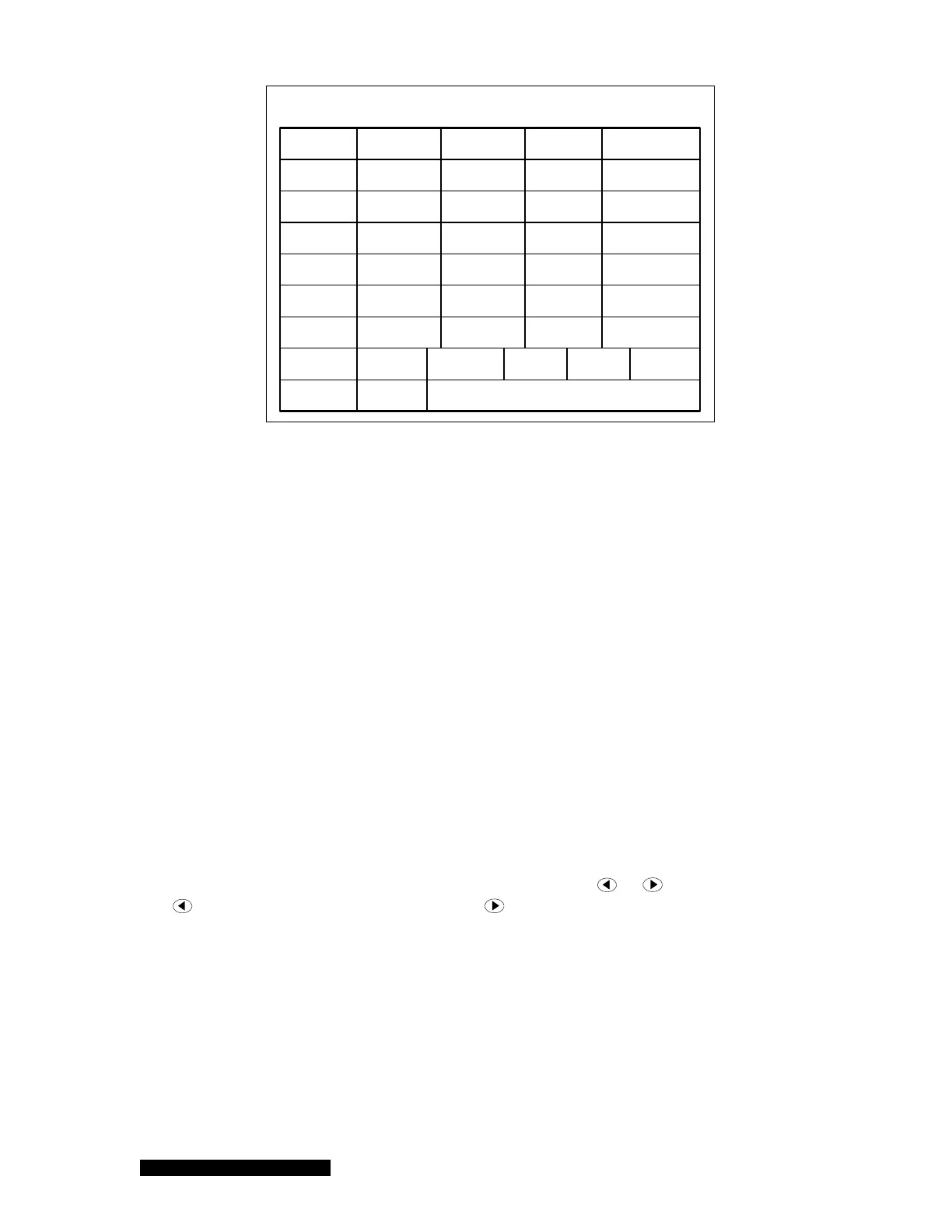
Figure 6-15 MFC ratio control setup screen.
There are 4 OP modes for a MFC that one can choose:
Ratio: The MFC is set to ratio mode control. A value (0 to ½ of the full scale) for the
Initial SP must be entered;
Open: The MFC valve is set to fully open, regardless of the system pressure control
settings. Note that the gas flow rate may be higher than the full scale of the MFC under
this operating condition.
Close: The MFC is closed, regardless of the system pressure control settings.
Setpoint: The MFC is set to operate under fixed mass flow rate control, regardless of
system pressure control settings.
The Initial SP values for Ratio control channels are the starting flow rate for both RatioA and RatioM
control. After ratio control process starts, the real flow rate can be different from the initial SP values,
and the difference is displayed on the main front panel (the 125% as shown in Figure 6-1(b)).
Once the Initial SP for ratio control channels is entered, the gas ratio (concentration) is automatically
calculated and displayed in the Ratio column as shown in Figure 6-15. Note that only Ratio control
channel flow rates are used in calculation, therefore, it may not reflect the true gas flow concentration
in the system.
The ratio control mode can be controlled either manually (RatioM) or automatically (RatioA). When
RatioM control is started, the control can be adjusted by using the
or keys on the front panel.
The
button will reduce the flow rate, while the will increase the flow rate. The starting ratio
control factor is 100%. When RatioM control is stopped, the flow rates for all MFCs will maintain at
the values when the RatioM control is terminated.
To start RatioA control of the system pressure, an appropriate recipe must be defined and set. The
procedure for editing recipe is similar to that is described in 6.8.1.
Switching between RatioA and RationM control can be easily executed by setting the corresponding
control to ON state. For example, to switch the control from RatioM to RatioA, there is no need to turn
the RatioM off first. You can set the RatioA to ON, and RatioM will be switched off automatically.
In addition, the transition between RatioM and RatioA control is smooth. When RatioA is switched to
RatioM, the flow rates for all MFCs will maintain at the values when switch is executed (similar to hold



 To Next Page