MKS 937B Operation Manual
60
Valve Control
Recipe R5 Edit Yes
Manual
Auto
Close
Hold
Open
148
Valve Type
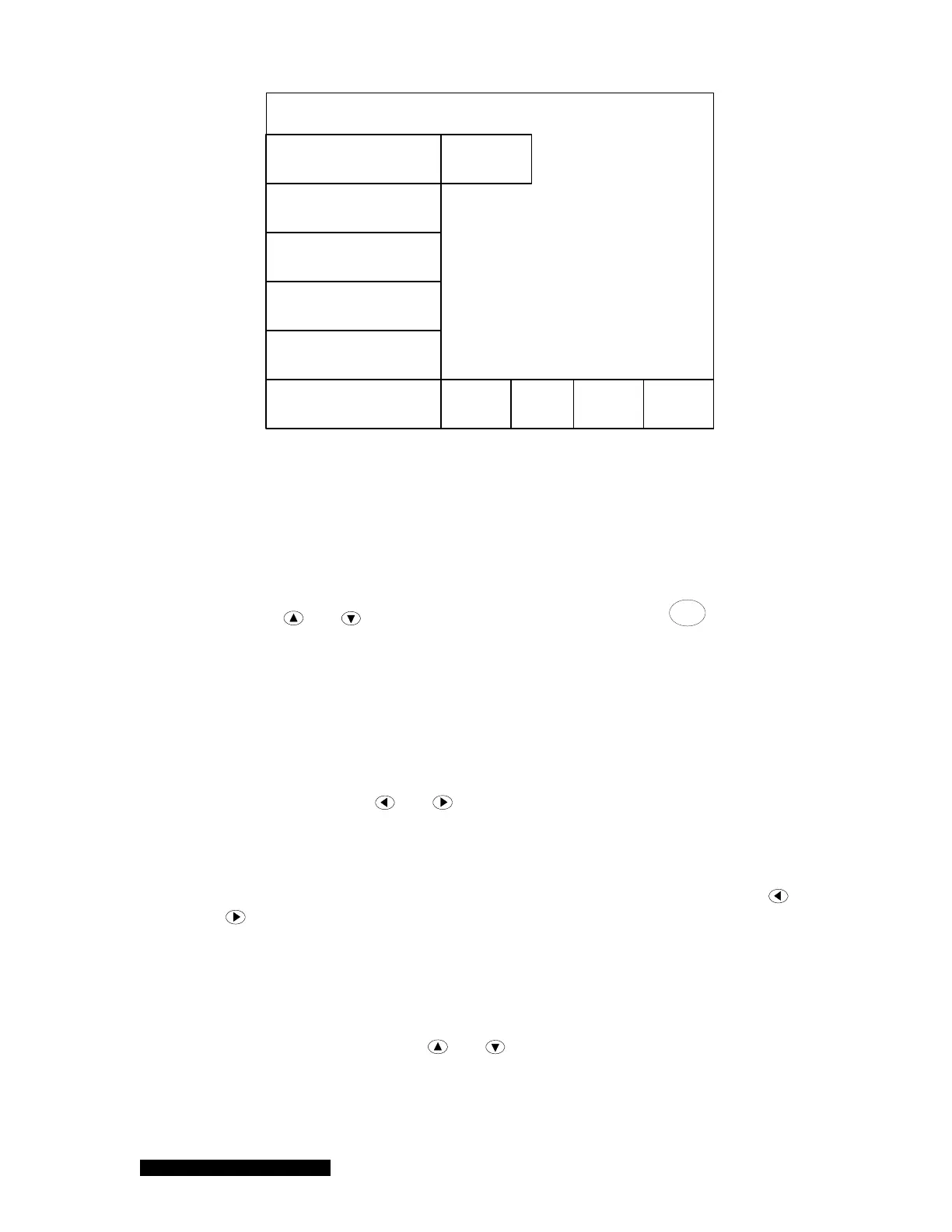
Figure 6-16 Pressure control setup screen.
6.9.2 Valve control mode
There are five valve control modes available for controlling the system pressure.
Open
Use the
and keys to move the cursor to Open and press
Enter
to activate the
control. When the function is activated, the color of text will turn to blue. Selecting Open
will set the valve to the fully open position.
Close
When the Close function is activated, the controller will set the valve to the fully close
position. If Close is activated, its color will turn to blue.
Hold
Hold sets the valve opening to the current position. After exiting the setup screen, but
while still in Hold, the
and keys on the front panel can be used to vary the position
of the valve. If Hold is activated, its color will turn to blue.
Manual
Manual allows the valve position to be moved to the PRESET value, as defined in the
control parameters. After exiting the setup screen, but while still in Manual, the
and
keys on the front panel can be used to vary the position of the valve. If Manual is
activated, its color will turn to blue.
Auto
When the valve control is set to Auto, the valve controls the system presser according to
the parameters defined in the control recipe and displayed on the right hand-side of the
screen. There are 8 recipes that can be defined and shared for both MFC and valve
based pressure control. The
and keys can be used to select an available
control recipe from the text box to the right of the Recipe title. The recipe can then be
manually edited by changing the Edit parameter from No to Yes. The detailed recipe
parameters are identical to those for MFC based pressure control, as describe in Section
6.8.1.



 To Next Page