MKS 937B Operation Manual
36
The SET SP function allows input of the setpoint value. The range is 1% to 95% of the
manometer’s full scale. The speed of the value change can be increased by continuously
pressing the
or key during the setting change.
11. Hyst
When a setpoint value has been changed, the hysteresis value will be changed automatically.
If DIR is set to ABOVE, the hysteresis is automatically set to 0.9xSetpoint; if DIR is set to
BELOW, the hysteresis is automatically set to 1.1xSetpoint.
To modify the hysteresis, move the cursor to the hysteresis value and press
Enter
. Using the
or key, change the value, then press
Enter
again to set the value. When DIR has
been set to ABOVE, the maximum hysteresis value permitted for a capacitance manometer is
0.99xSetpoint; when DIR is set to BELOW, the minimum hysteresis value is 1.01xSetpoint.
6.5.3 Setup for a PR (Pirani)/CP (convection Pirani) sensor
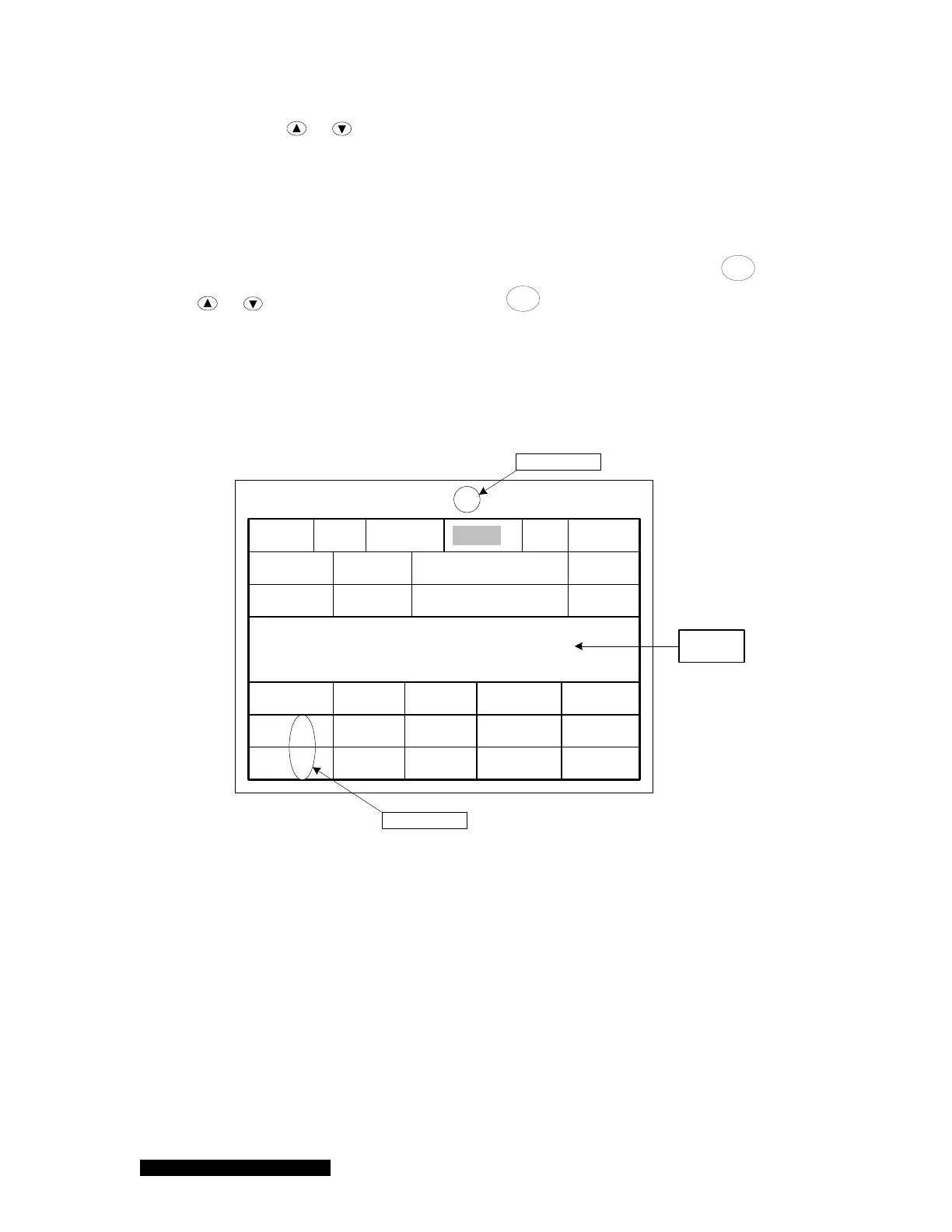
Refer the Figure 6-9 for setting up a Pirani or Convection Pirani sensor.
Setup Convection Pirani Gauge C2
Gas Type
Auto Zero
Relay
Relay 12
Relay 11
N2
Enable DIR SET SP
ABOVE
Hyst
ENABLE 1.0E-02 9.0E-03
BELOWCLEAR 3.0E-01 3.3E-01
NA
FD NO
Manual Zero
CP
Message
Box
Auto-detected
Auto-detected
ATM Value 7.6E+02 ATM Cal NO
Sensor
Figure 6-9 Pirani/Convention Pirani setup information that is displayed on the 937B LCD
screen.
1. Sensor Type
The Senor Type is often auto-detected during the initial power up the Pirani or Convection
Pirani sensor. If the sensor type is auto-detected, a user cannot change the sensor type from
the front panel. However, when a dummy sensor is connected to the controller, it cannot
detect the sensor automatically. Under this condition, the sensor type can be selected
manually, and stored in the memory. This information will be used as the default sensor type
if sensor power is cycled.
2. Gas Type



 To Next Page