MKS 937B Operation Manual
26
The system setup allows the user to set parameters such as pressure unit, communication protocol,
communication address, baud rate, communication command mode (either matching old 937A, or
new 937B), disable/enable set parameter, disable/enable user calibration, and FW versions for the
controller and boards in the controller box.
In addition, the logarithmic/linear analog output for individual channel and combined logarithmic/linear
analog output can be adjusted by setting the DAC parameters.
SYSTEM
SETUP
P UNIT Com Type
Address Baud Rate
Torr RS232
253 9600
Torr
mBar
Pascal
Cmd Mode 937B
Set Param
Set MFC Ratio Ctrl
System FV Information
Enable
OFF
OFF
Micron
RS232
RS485
1 to 254
9600
19200
38400
57600
115200
937A
937B
Disable
Enable
ON
OFF
Panel
Button
Function
Default
value
Parameter
range
Set DAC Parameter OFF
EnableUser cal
Set Combination Ch
OFF
Parity None
None
Even
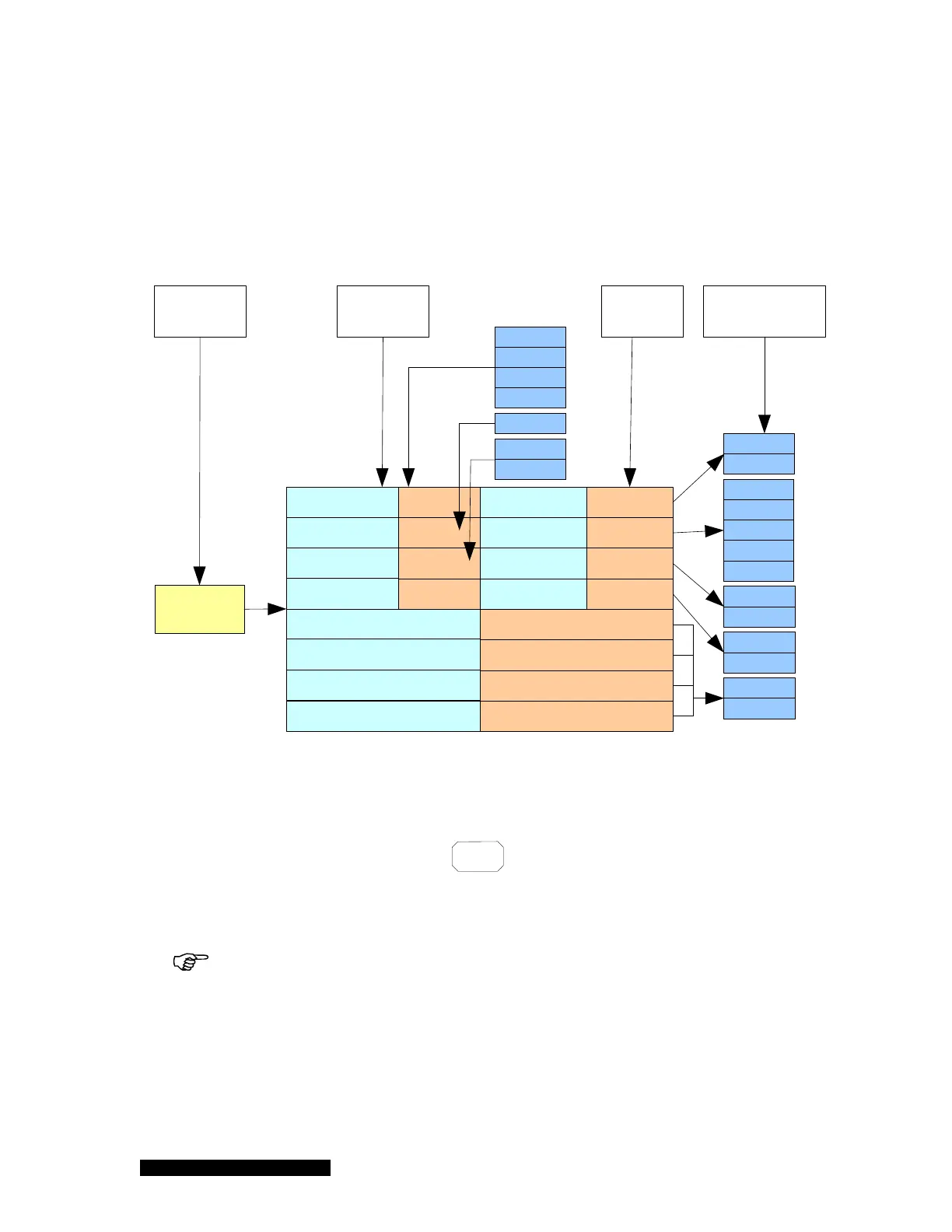
Figure 6-3 937B system setup parameters, their default values and ranges.
6.4.2 Display system setup parameters
To display the 937B system setup, press the
System
Setup
key; the LCD screen display will switch to the
system setup mode, as shown in Figure 6-4. The shaded area in the figure shows the cursor position.
The cursor position is controlled by the arrow keys on the front panel. A parameter indicated in red
indicates that the value has been modified, but not yet saved.
When a parameter value is indicated in red, it means that this value has been
changed, but not yet saved. Exiting the setup mode without performing a save will cause
the previous, unchanged parameter value to be used.



 To Next Page