MKS 937B Operation Manual
98
10.2 Communication protocols
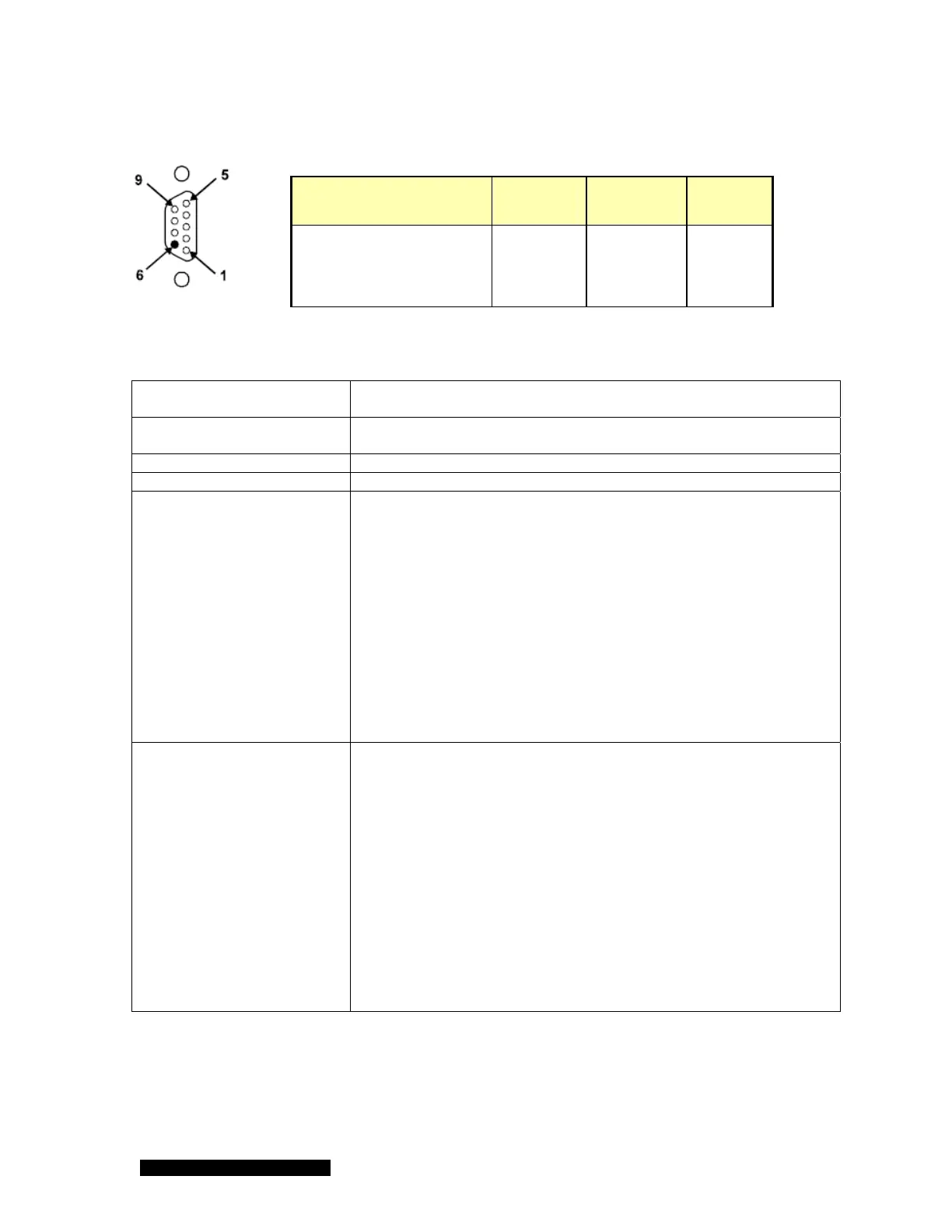
Table 10-4 937B serial communication wire diagram.
.
Cable length with RS232
signals
50 ft (15 m)
Cable length with RS485
signals
4000 ft (1200 m)
Baud rate 9600, 19200, 38400, 57600, 115200
Character format 8 data bits, 1 stop bit, Even or No parity, No hardware handshaking
RS232 format
<Command><cr>
The corresponding response is
<Response><cr>
Here:
<Command>: Commands as described in 11.2 to 11.6
<Response>: Responses as described in 11.2 to 11.6
<cr>: carriage return)
For example, to query pressure on channel A1, use P1<cr>
and the corresponding response is 7.6E+02
Here, <Command>=P1<cr>; <Response>=7.6E+02<cr>
To set a relay setpoint for channel 2, use
RLY2=3.2E-05<cr>
and the corresponding response is OK<cr>
Here, <Command>=RLY2<cr>; <Response>=OK<cr>
RS485 format To communicate with controller using RS485, just add address
attention $<A> in front of RS232 command format as described
above.
$<A><Command><cr>
Here, $ is the attention character, and A is the single address
character [0-7FH, except 24H ($), see the ASCII table in 11.7].
For example, if address is set to 31H, the character “1” should be
used in the command for 485 address.
For example, to turn on a cold cathode on channel 4, use
$1ECC4<cr>
and the corresponding response is OK<cr>
Here: attention character=$, <A>=1 (31H);
<Command>=ECC4<cr>; <Response>=OK<cr>
Please avoid to use 0H to 20H as address because they are non-
printable characters.
Table 10-5 The 937A serial communication command protocol.
Description New 937B
(232&485)
Old 937A
RS232
Old 937A
RS485
RS485(-)/RS232TxD/(B) 2 3 1
RS485(+)/RS232RxD/(A) 3 2 9
Ground 5 5 5



 To Next Page