MKS 937B Operation Manual
45
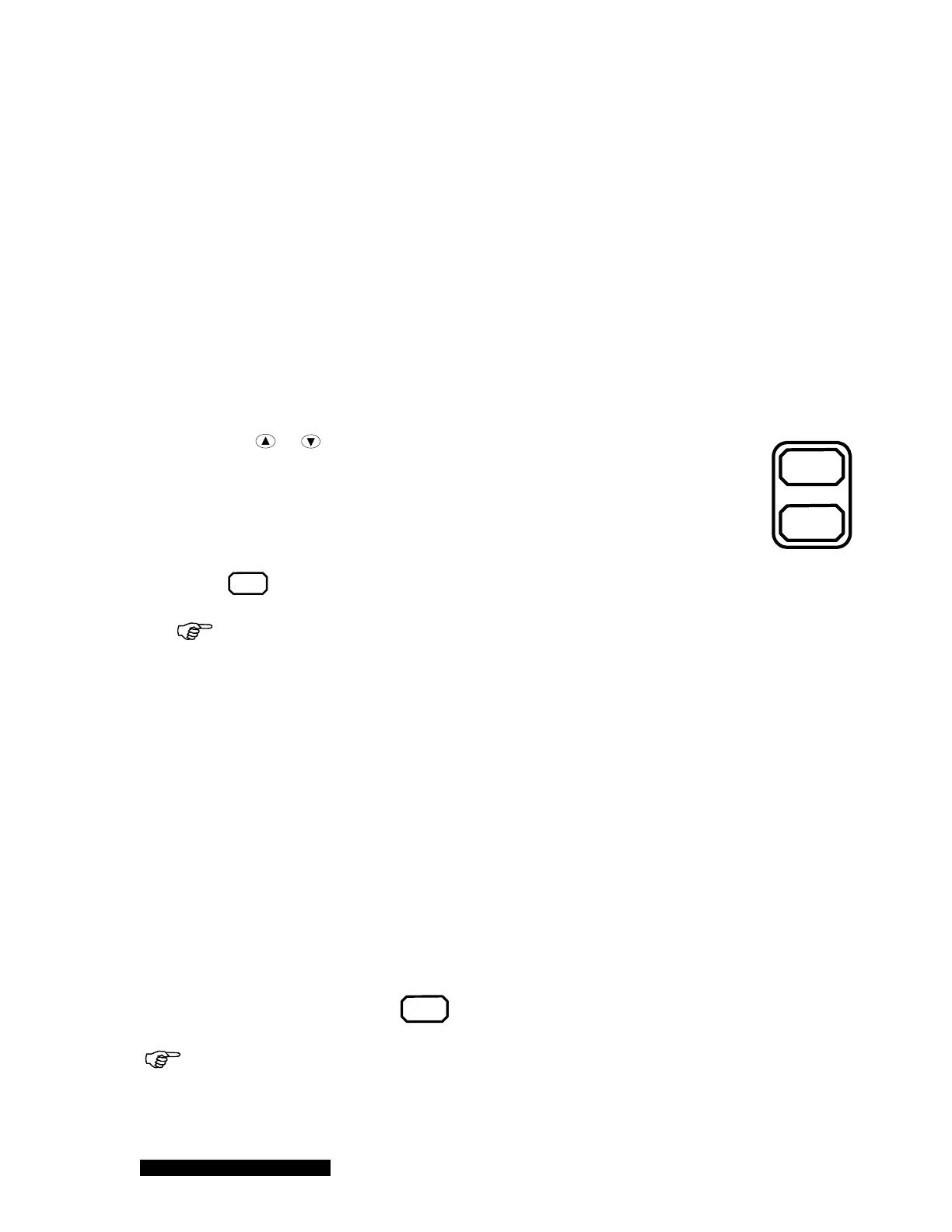
Degas
On/off
Sensor
On/off
6.6 Power Control of a Pressure Sensor
When a pressure sensor is attached on a 937B controller, the power to the pressure sensor may
have to be controlled. For example, turning on a HC sensor at ambient pressure may result in a
filament burnout, and lead to permanent damage of the sensor.
If flammable gas is used (such as during a regeneration of a LN
2
cooled cold trap), the PP/CP sensor
must be turned off to avoid potential explosion.
Only the Pirani (PR), the Convectional Pirani (CP), the Cold cathode (CC) and the Hot Cathode (HC)
sensors require power control.
6.6.1 Power (including degas) control of a sensor using front panel
control button
To turn on/off the power for a sensor (PR/CP/CC/HC) using the front panel button, use the following
procedure:
1. Use the
or key to select the desired sensor (PR/CP/CC/HC) to be turned
on/off. The active channel (sensor) is indicted by the illuminated green LED on
the front panel.
2. For an ion gauge (CC/HC), make sure the gauge is not controlled automatically
by another gauge (PR/CP). If it is in the AUTO control mode, disable the control
setpoint before using the front panel keypad to operate the ion gauge.
3. The
Sensor
On/off
key switches the corresponding sensor on and off.
When the ion gauge is turned on, the filament power may turn off automatically if
the pressure is higher than the protection setpoint. (Default is 5x10
-3
torr, and maximum is
1x10
-2
torr.)
A cold cathode sensor turns on/off the high voltage to the sensor anode. When cold cathode
sensors are turned on at very low pressures, the sensor may take a long time to start as the
discharge current does not build up immediately.
Prolonged operation at higher pressures will degrade the performance of a cold cathode sensor,
due to contamination of the sensor caused by rapid sputtering inside the cell at high pressure,
which reduces the operating service time before the sensor requires cleaning. Operation at
pressures above 5x10
-1
Torr will result in the sensor falsely indicating a much lower pressure,
even though this is very unlikely as the maximum protect setpoint is set to 1x10
-2
torr. This
phenomenon is called rollback, and is due to high concentrations of charge particles that make
gas conductive at high pressure. Avoid operating conditions that could cause rollbacks.
For the hot cathode sensor, operation at high pressure may lead to filament burnout. This is why
the Protection Setpoint is always enabled for ion gauges within 937B so the gauges can
automatically turn off once pressure is higher than the protection setpoint.
To turn on/off the degas power for a hot cathode gauge, the procedure is almost identical to the
sensor power control, except that the
Degas
On/off
button is used.
When MKS low power nude or Mini BA gauges are used, these sensors (up to 3) can be
degassed simultaneously. However, if glass BA is used, only one glass BA sensor can be
degassed at a time because of its extremely high degas power consumption (close to 50 W at
grid).



 To Next Page