Dansensor® Lippke® 5000 EN User Guide 41
P/N 380419-C
05/2022
Old Can for example be used for discontinued
test definitions or test definitions that
should not be used for a period.
Ventilation * This parameter defines how the pressure should be
released from a package after a test:
Off The package will not be ventilated through
the device. Instead you should use the
optional package pressure release valve -
see
"Package pressure release valve" on page
30 for details.
Auto The package is always ventilated through
the device. This setting should only be used
for small packages as it will be very time
consuming to ventilate larger packages this
way.
CAUTION! Never use this setting
for “Bubble” tests or when there is
a product in the package.
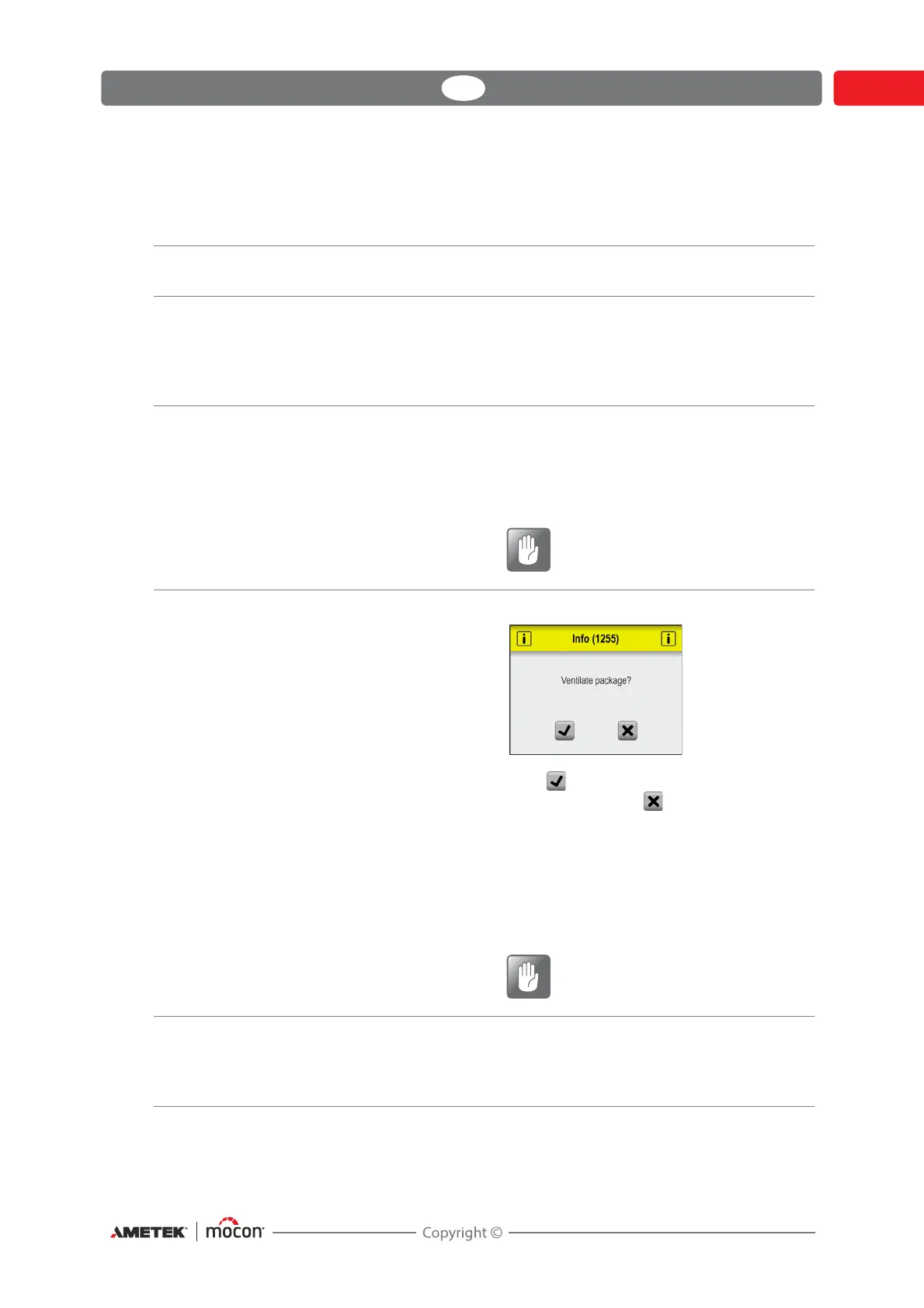
Manual After a test the following message appears:
Press to ventilate the package through
the device or press to ventilate the
package manually e.g. by pulling the
needle out of the package.
You can also ventilate the package by using
the optional package pressure release valve
- see
"Package pressure release valve" on
page 30 for details.
CAUTION! “Bubble” test packages
and large volume packages should
always be ventilated manually.
Package Type Select the type of package to be tested:
Normal, Porous (e.g. Tyvek) or VTU.
The current setting is indicated with an icon on the test
screen - see
"The Test screen" on page 61 for details.



 To Next Page