Dansensor® Lippke® 5000 EN User Guide 91
P/N 380419-C
05/2022
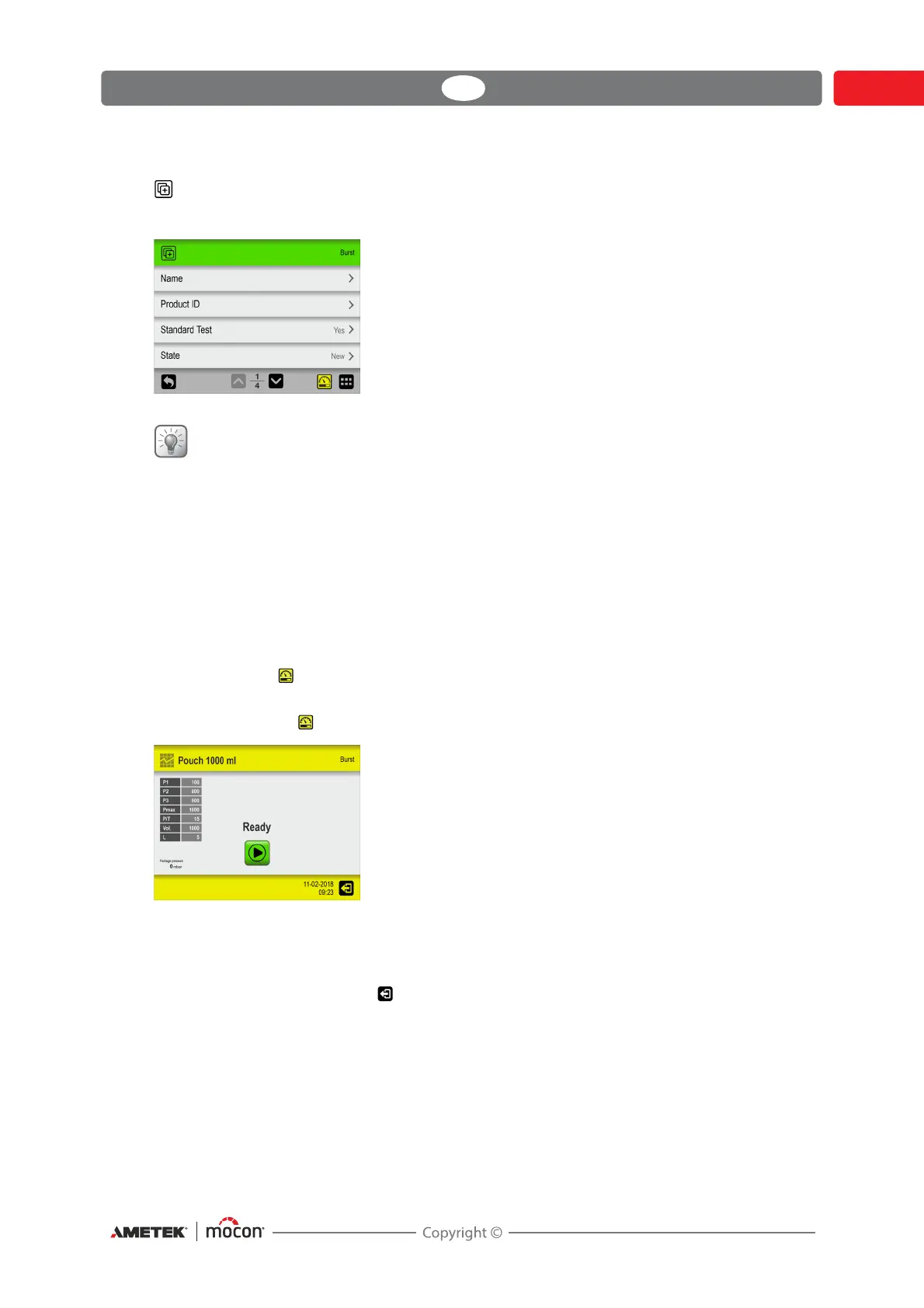
New
Creates a new test definition with default settings.
TIP! If a new test definition will be very similar to an existing test definition, you might
want to use the “Copy” function.
An explanation of the parameters for the various test definition types can be found here:
Burst - see "Burst test settings" on page 40.
Leak - see "Leak test settings" on page 44
Creep - see "Creep test settings" on page 46
Creep2Fail - see "Creep2Fail test settings" on page 49
Bubble - see "Bubble test settings" on page 52
The test function can be used during test definition setup to find the optimal parameter
settings for a specific test definition.
When you press the icon, a special test screen opens.
This test screen works in exactly the same way as the normal test screen, where tests are made
on a package with the set values. The difference is that no measurements performed from
here are stored in the data log.
Perform the test then press the icon to exit and return to the test definition to edit one or
more test parameters if required then perform another test. Repeat until appropriate test
definitions settings have been determined.



 To Next Page