90 User Guide EN Dansensor® Lippke® 5000
P/N 380419-C
05/2022
Select (as active)
This function allows you to select the test definition, you wish to use to perform a test.
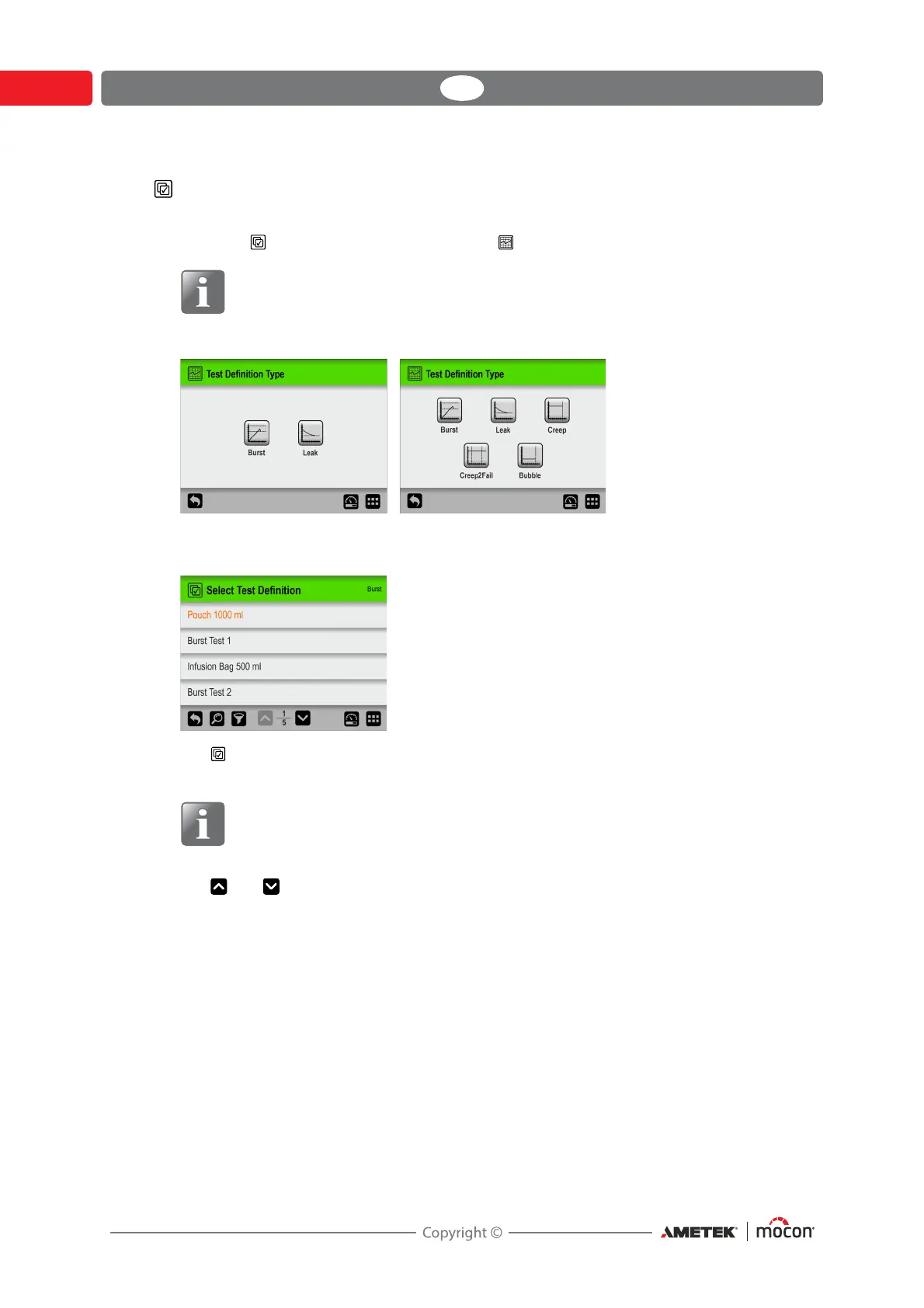
1. Selecting Select (as active) brings up the Test Definition Type screen.
NOTE! Only Burst and Leak tests are available by default. The other test types
can be purchased as an option - see "Consumables, accessories and options" on
page 127.
2. Select the appropriate type of test ex. Burst.
3. The Select Test Definition screen lists all the Burst test definitions in last used order.
Orange text indicates that the currently selected test definition is from this group.
NOTE! If you have a large number of test definitions, scrolling through the list
may be quite time consuming. In this case you can use the “Find” and “Filter”
functions - see
"Find and Filter" on page 93 for details.
4. Use and keys to scroll through the list to find the appropriate test definition, then
tap it to select it and return to the test screen.



 To Next Page