Profile Configuration
7-21
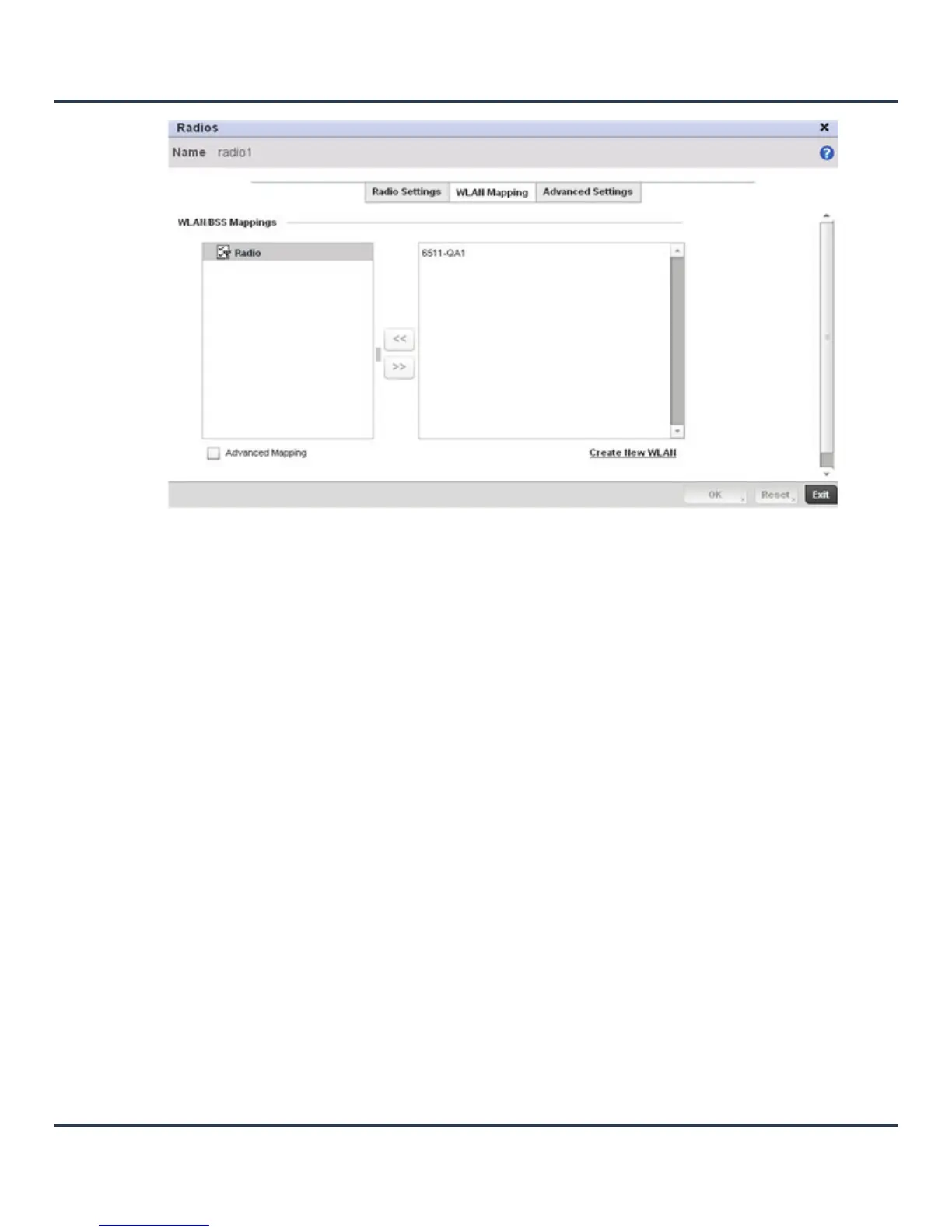
Figure 7-11 Access Point Radio - WLAN Mapping screen
10.Refer to the WLAN/BSS Mappings field to set WLAN BSSID assignments for an existing Access Point
deployment.
Administrators can assign each WLAN its own BSSID. If using a single-radio access point, there are 8
BSSIDs available. If using a dual-radio access point there are 8 BSSIDs for the 802.11b/g/n radio and 8
BSSIDs for the 802.11a/n radio.
11.Select the OK button located at the bottom right of the screen to save the changes to the WLAN
Mapping. Select Reset to revert to the last saved configuration.
12.Select the Advanced Settings tab.


 To Next Page
 Loading...











