Device Configuration
5-27
5.4 Profile Overrides
Profiles enable administrators to assign a common set of configuration parameters and policies. Profiles can
be used to assign shared or unique network, wireless and security parameters to Access Points across a
large, multi segment, site. The configuration parameters within a profile are based on the hardware model
the profile was created to support. The central benefit of a profile is its ability to update devices collectively
without having to modify individual device configurations.
However, device profile configurations may need periodic refinement from their original administered
design. Consequently, a device profile could require modification from a profile configuration shared
amongst numerous devices deployed within a particular site.
Use Profile Overrides to define configurations overriding the parameters set by the target device’s original
profile assignment.
To review a profile’s original configuration requirements and the options available for a target device, refer
to Profile Configuration on page 7-1.
To define a general profile override configuration:
1. Select the Configuration tab from the Web UI.
2. Select Devices from the Configuration tab.
3. Select a target device (by double-clinking it) from amongst those displayed within the Device
Configuration screen.
Devices can also be selected directly from the Device Browser in the lower, left-hand, side of the UI.
4. Select Profile Overrides from the Device menu to expand it into sub menu options.
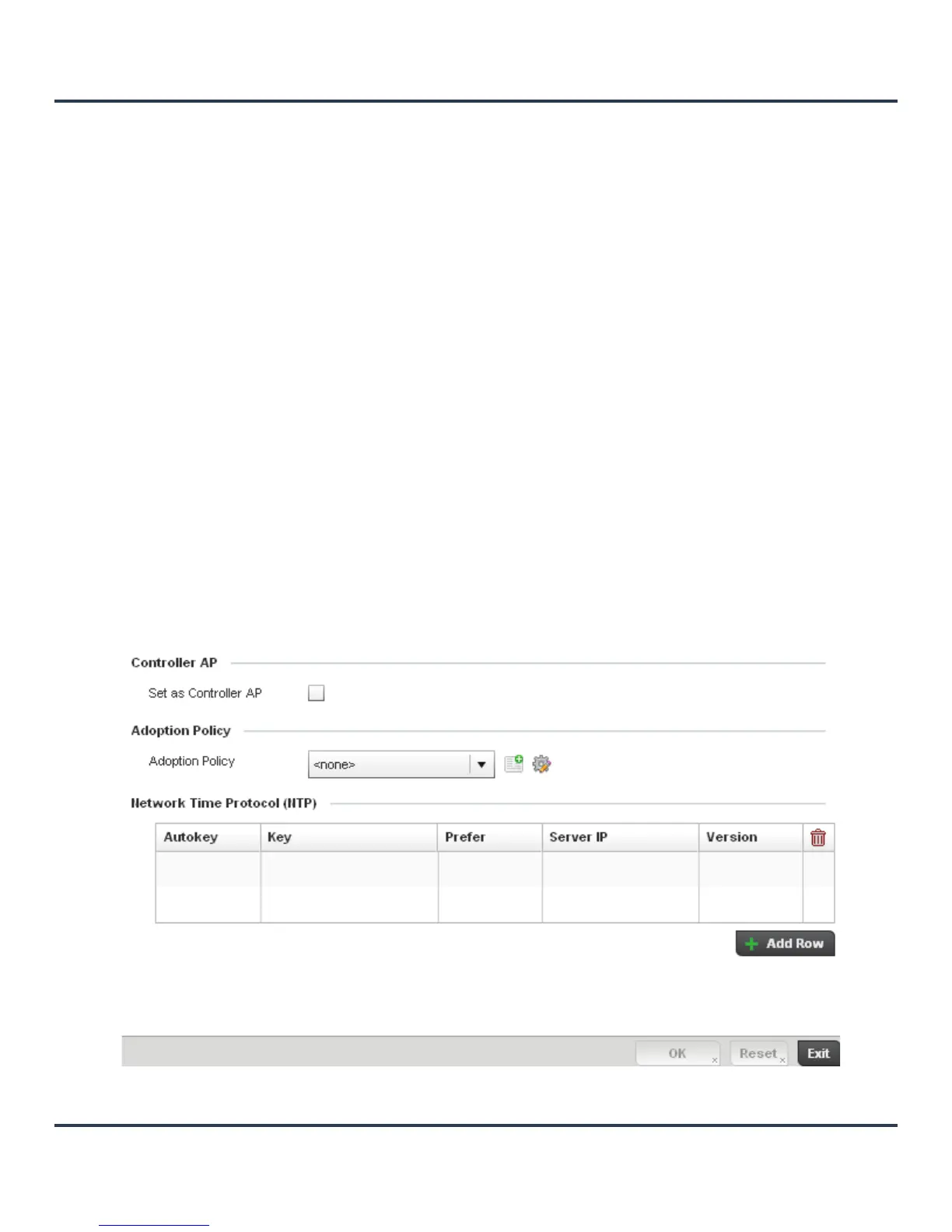
5. Select General if it doesn’t display by default.
Figure 5-16 Profile Overrides - General screen



 To Next Page
 Loading...











