Before using VJ-1624X/1624WX/1924WX OPERATION MANUAL
148 3.6 Print quality adjustment
<For VJ-1624WX/1924WX>
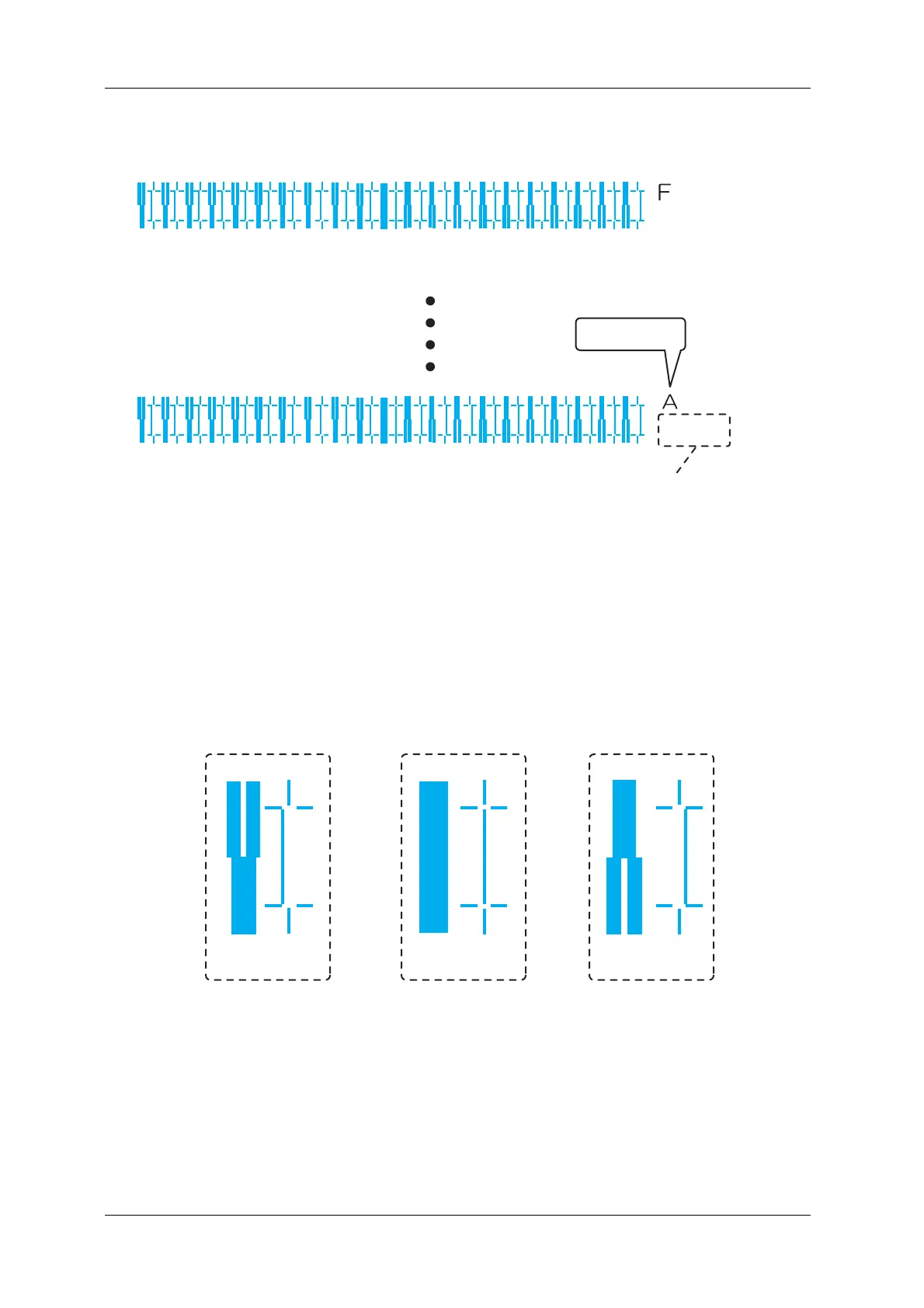
• For the rough adjustment pattern, the same patterns will be printed on both sides and center of
the media.
• 6 rough adjustment patterns (A to F) are printed. Enter the adjusted values for each of them.
4. Check the print results on both sides and center of the media and select the number that looks most
aligned between 1 and 11 (1 and 21 for VJ-1624WX/1924WX).
• “9” is selected in the next printing sample.
Bi dir
Low H.Height
normal speed
large drop family
Bi dir
Low H.Height
normal speed
small drop family
Pattern name
Print information
123456789101112131415161718192021
123456789101112131415161718192021
8910
Not adequate Adequate
Not adequate


 To Next Page
 Loading...











